Archived from the Bravo community forum (2021–2026). Some answers may refer to older versions of Bravo.
Hello everyone!
I'm having an issue with the checkbox element in my bravo app. I configured the checkbox structure following the documentation (here), however, the "checkbox" on my filter screen is not showing on Bravo Vision.
The checkbox is configured as follows:
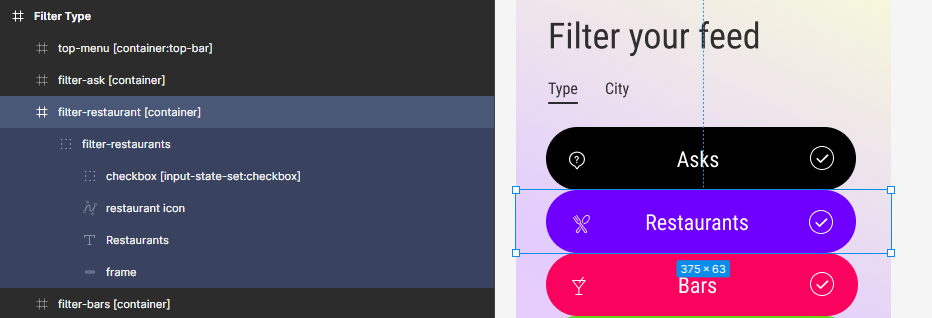
But when I open the app in Bravo Vision, I don't see the checkbox:
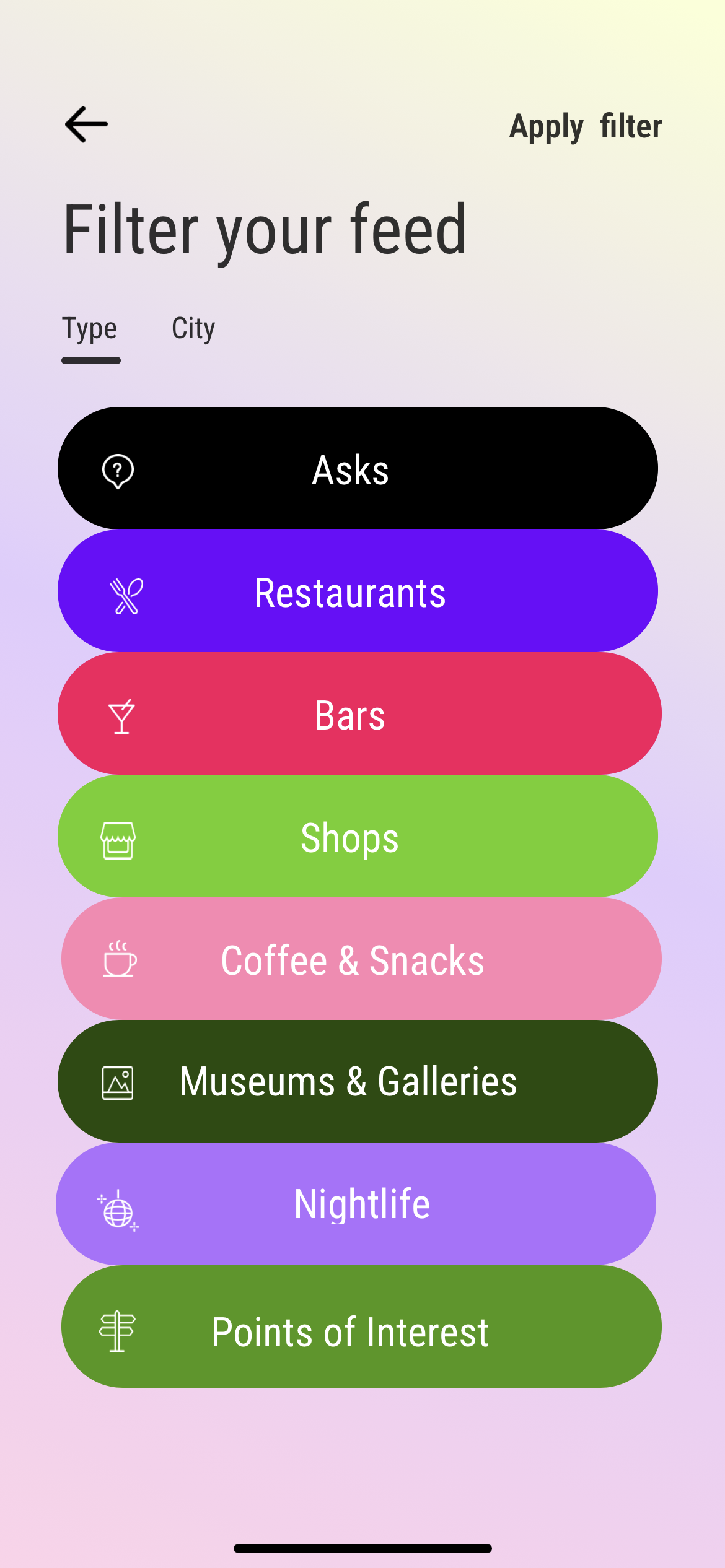
Thank you for your attention and help!
2 replies
Wrote something in this thread and want it removed? Request removal
Still stuck?
Ask the community on Discord
This archive is read-only. New questions, office hours and product updates now happen in the Bravo Discord.
Join the Discord