← Design & Bravo Tags
Design & Bravo Tags May 24, 2022 · 6 replies

[container:slider:horizontal] doesn't work

Archived from the Bravo community forum (2021–2026). Some answers may refer to older versions of Bravo.

I'm trying to make something with Bravo app again, but the slider horizontal does not work anymore, I can't find what has changed.
It's second level, it's not autolayout. any ideas?
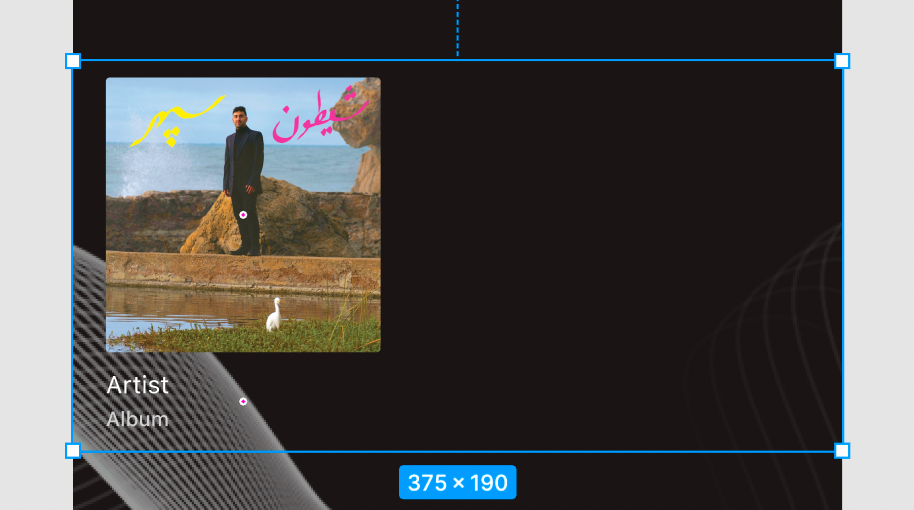
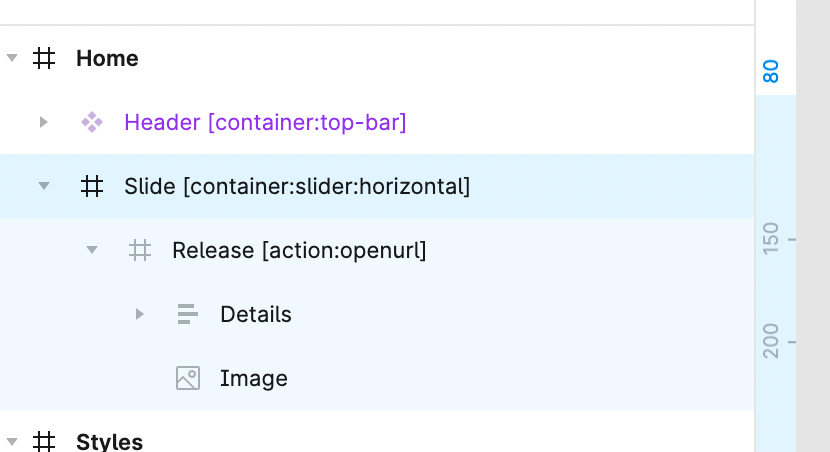
Screenshot 2022-05-24 at 10.10.03.png

Screenshot 2022-05-24 at 10.08.42.png

6 replies

Bastos May 24, 2022

Maybe try to remove the action tag of the frame and put it on an element.

Alexandre May 24, 2022

Thank you for your answer,
But no, does not work either, I've tried to remove the action, move it etc. same, I've tried to modify the size of the slider, nothing works

Bastos May 24, 2022

does your “release” frame fits the “slide” frame ? What is the size ?

Maybe try also not making a group of the details.

Alexandre May 24, 2022

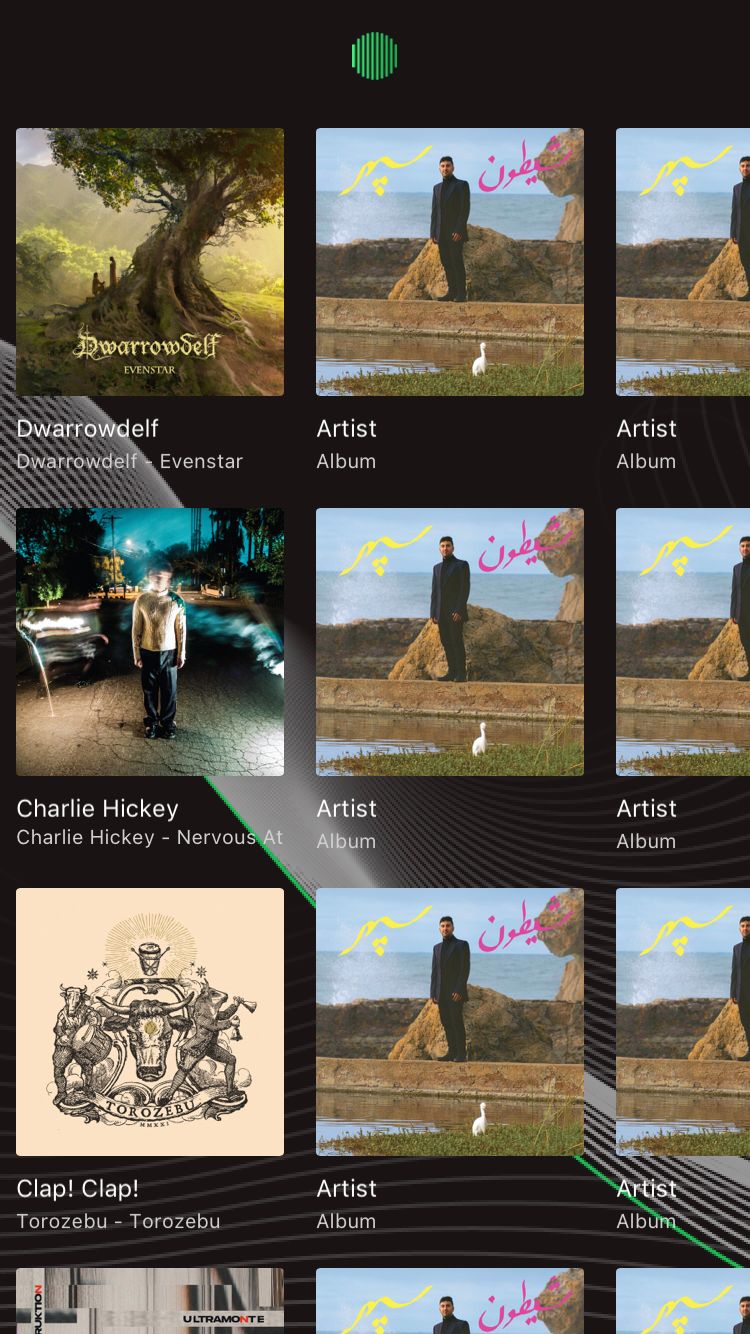
"Release" and "slide" have 190px height, If I had fake content, it slides, but the problem is that "release" is generated vertically instead of horizontally

IMG_65884CC56986-1.jpeg

Alexandre May 24, 2022

Found it, data was bind on the container not the element needed to be replicated in the container my bad

Bastos May 26, 2022

it’s always like that. In the beginning or when I use some new features that I didn’t know about, I always think that the problem comes from Bravo‘s side 😅 but nine times out of 10, it’s my fault 😂

Wrote something in this thread and want it removed? Request removal

Still stuck?

Ask the community on Discord

This archive is read-only. New questions, office hours and product updates now happen in the Bravo Discord.

Join the Discord