← Design & Bravo Tags
Design & Bravo Tags August 2, 2021 · 1 reply

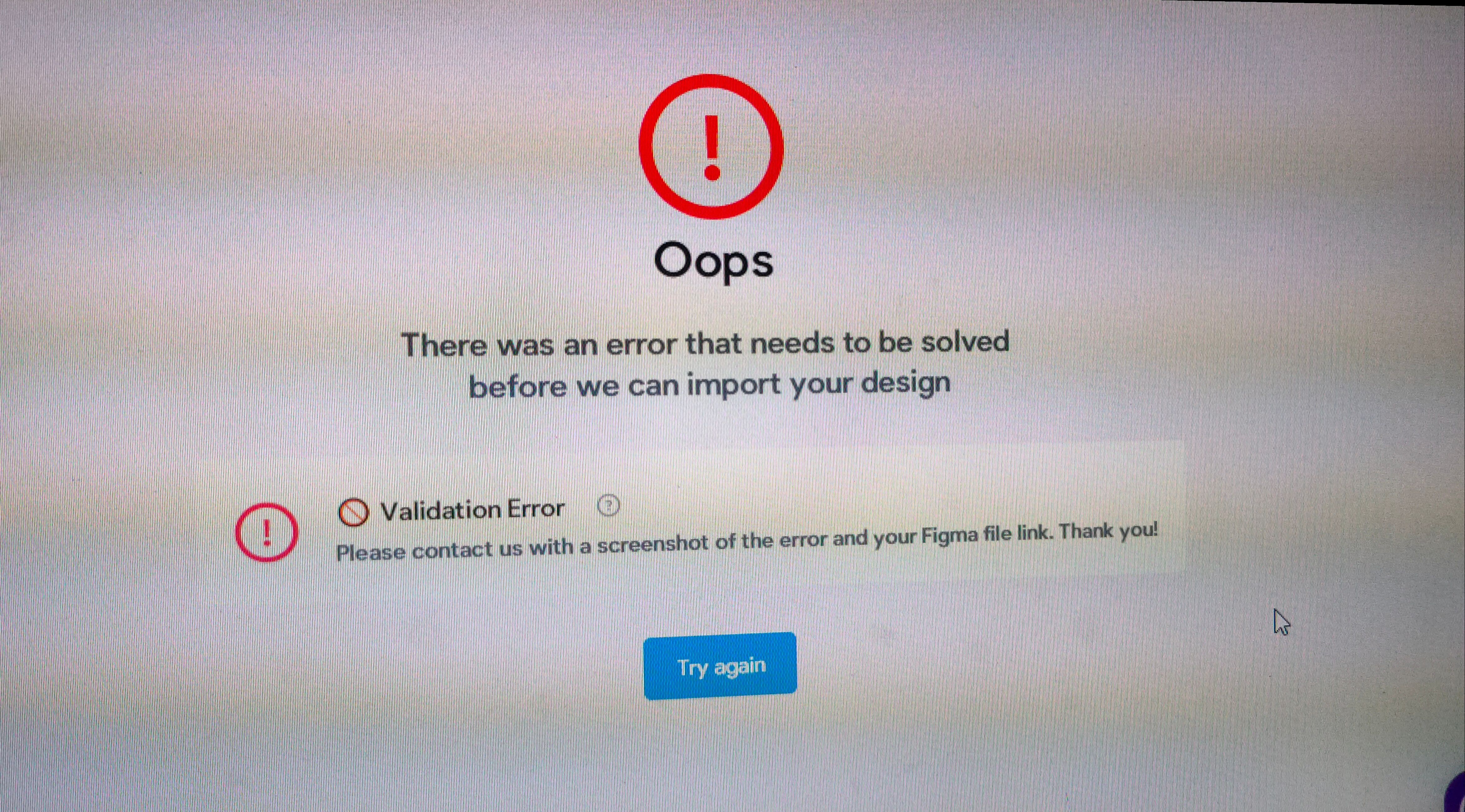
Error while Importing file from Figma

Archived from the Bravo community forum (2021–2026). Some answers may refer to older versions of Bravo.
1 reply

Karla August 3, 2021

Hey  I see you are student, and you are on the right track. Your file isn't accepted because there are a lot of problems on it. I will list some of them:

1 - [container] to import on bravo your file needs a superior frame and them one inside with this tag. You could export your design into images and do that easily.
2 - You can't have more than one flow on prototype. Do a single one instead.
3 - Simplify your Figma file. There are a bunch of things that are repeated colors, font styles, background, buttons, inputs, menus, lines, message lines, try to not just use autolayout for everything but create components that are reusable throughout your app. This way you start creating a small Design System.
4 - I have done some of the points before until the app was possible to be imported, there are many other things that could still be improved, but you can now learn and improve them yourself :) https://www.figma.com/file/Ks76WeORQ3mOxxpMUooNey/Paw-Shop-Copy?node-id=0%3A1

Wrote something in this thread and want it removed? Request removal

Still stuck?

Ask the community on Discord

This archive is read-only. New questions, office hours and product updates now happen in the Bravo Discord.

Join the Discord