Archived from the Bravo community forum (2021–2026). Some answers may refer to older versions of Bravo.
Hi! I'm new to Bravo and just started testing it yesterday. At first I had no problems syncing my Figma designs to Bravo studio. Today, however, I've spent half my day (almost going crazy) trying to make some menus work - only to notice that my Figma designs aren't being updated at all. The date/time stamp below the screens are from early this morning.
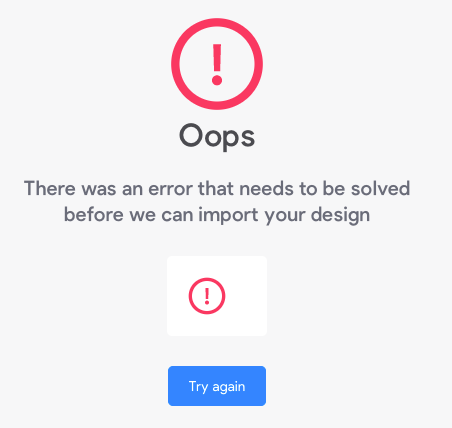
After trying a bunch of different changes in Figma to try "forcing" an update, I gave up and decided to start fresh. I created a new Figma project and a new Bravo project, but ended up getting the attached "oops, there was an error" message.
Can someone please assist? Am I the only one having this problem? Any advise on how to solve it?
5 replies
Wrote something in this thread and want it removed? Request removal
Ask the community on Discord
This archive is read-only. New questions, office hours and product updates now happen in the Bravo Discord.
Join the Discord