Archived from the Bravo community forum (2021–2026). Some answers may refer to older versions of Bravo.
Hi
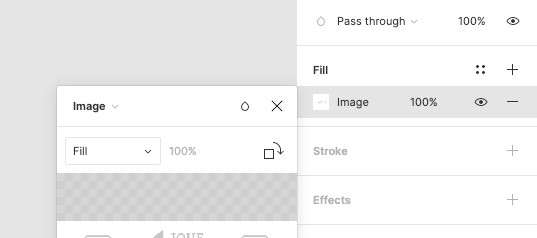
Does anyone know how to make an image fit width of a frame?
My app displays a list of cards (sourced from Airtable) and the frame for photo is in landscape orientation. The problem comes when a photo has portrait orientation, in this case there are blanc spaces at left and right sides.
What I want is the image to stretch to the full width of the target frame.
Any advice?
3 replies
Wrote something in this thread and want it removed? Request removal
Still stuck?
Ask the community on Discord
This archive is read-only. New questions, office hours and product updates now happen in the Bravo Discord.
Join the Discord