Archived from the Bravo community forum (2021–2026). Some answers may refer to older versions of Bravo.
When testing my app on Bravo, I am able to see all UI details with no issues. However, whenever my team members try to use the app on their phones through Bravo, they get question marks in some of the UI.
I've uploaded all of the fonts we use on Bravo, and it doesn't alert me that a font is missing.
This is how it looks on other team members phones:
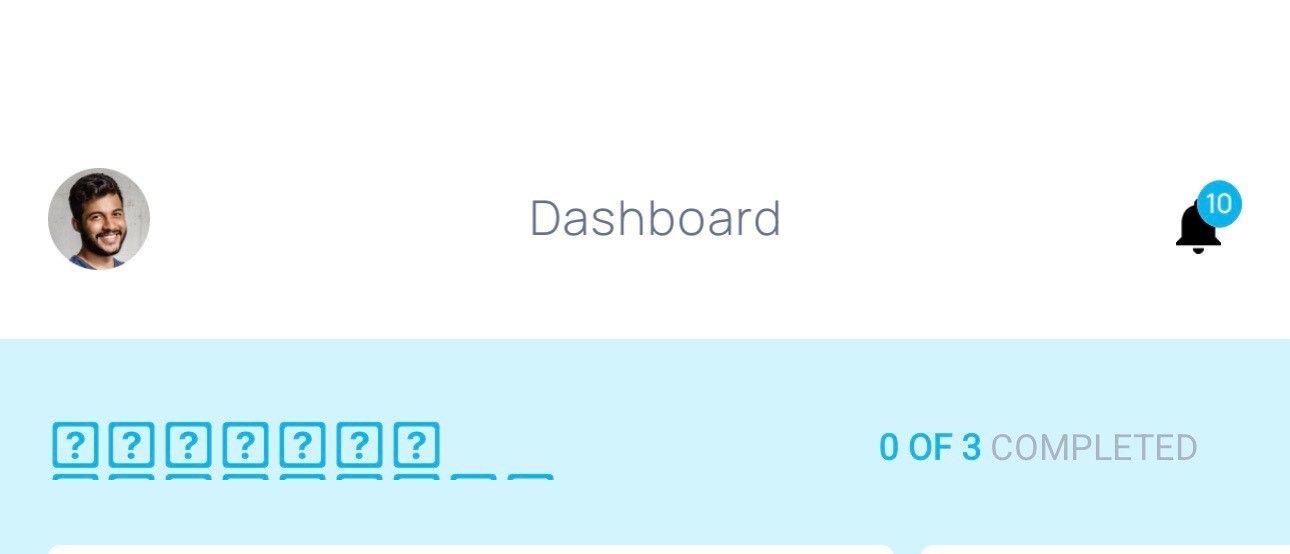
For reference, I am using an iPhone11 Pro (iOS 16.1.2), but they are on iPhone 14 (iOS 16.3). However, even when we were on the same iOS we still had this issue.
I am the one primarily building the app + testing, but I don't see how that would be an issue for my team members when they are viewing and testing the app.
2 replies
Wrote something in this thread and want it removed? Request removal
Ask the community on Discord
This archive is read-only. New questions, office hours and product updates now happen in the Bravo Discord.
Join the Discord