← Design & Bravo Tags
Design & Bravo Tags June 22, 2021 Ā· 10 replies

Formatting content without Rich Text Tags

Archived from the Bravo community forum (2021–2026). Some answers may refer to older versions of Bravo.

Hello Bravo Community! šŸ‘‹

I'm creating my first Bravo app and I'm wondering if there's any other way to format content without using Rich Text Tags?

I'd like to create a detail page with different steps, but using the Rich Text Tags hasen't been working since I'm writing the content directly in Airtable, I can't make the font larger or smaller.

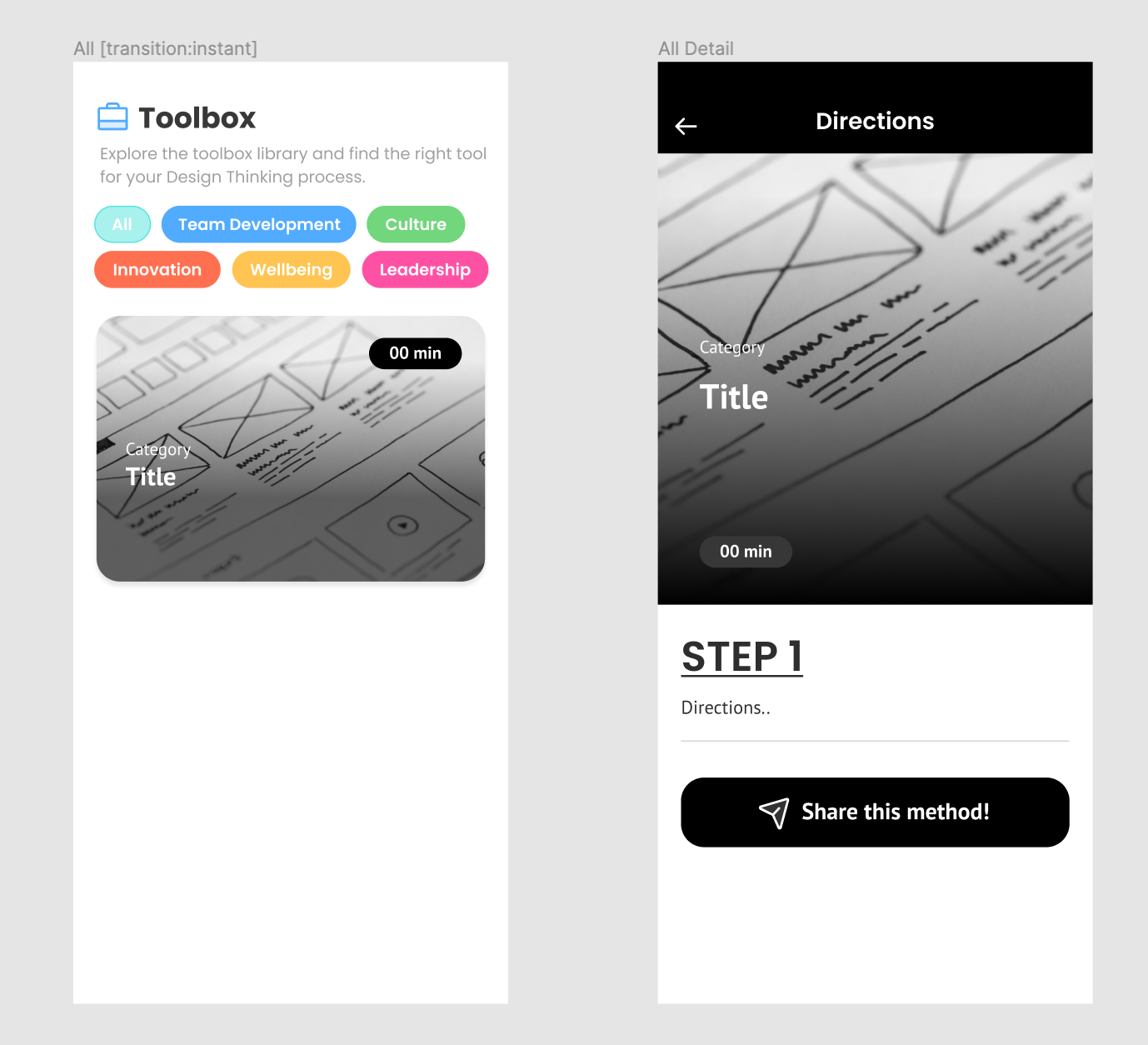
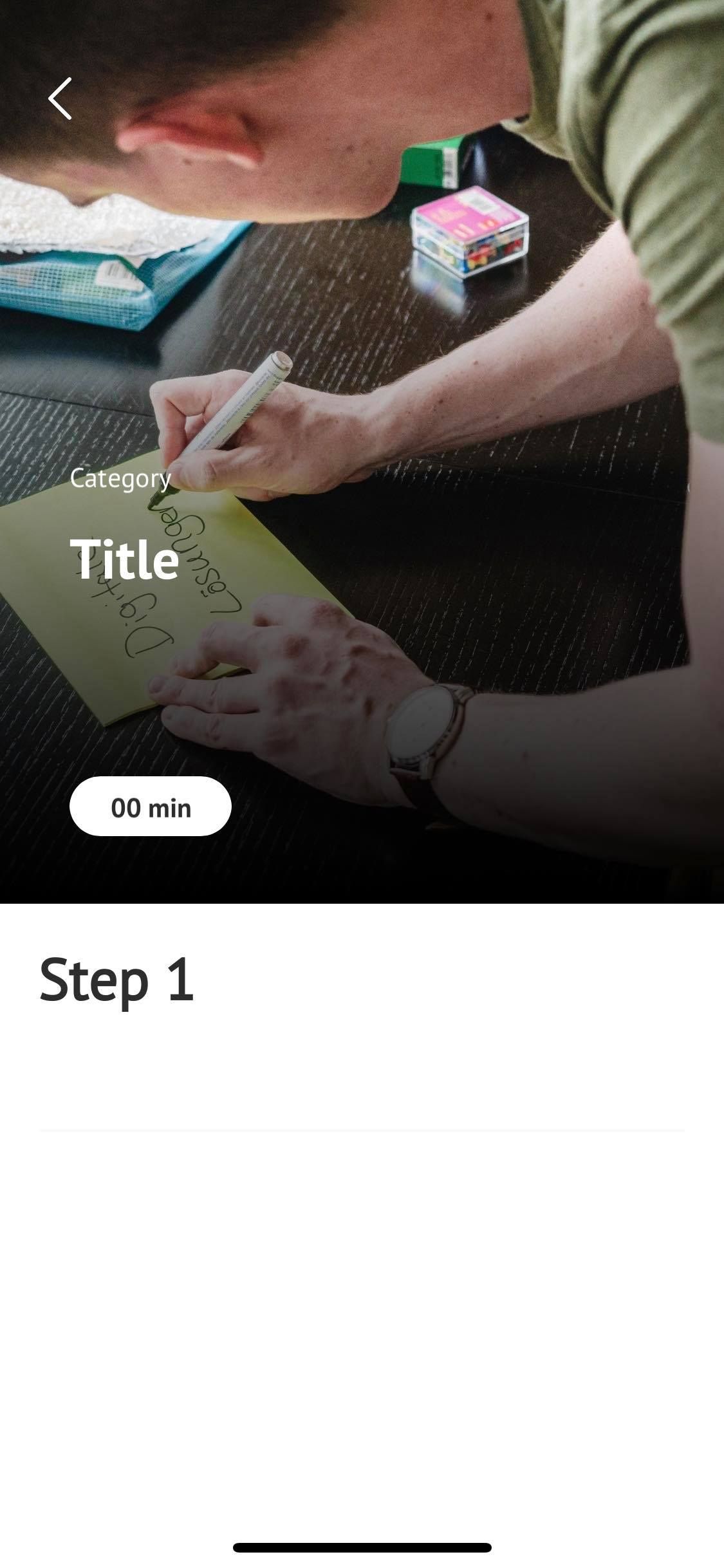
What I want to do is to have different steps in the detail page, like so:

STEP 1 (Big and bold font)
Directions (Smaller and lighter)

How can I make this happen? Could I set up my database in a certain way?Ā 

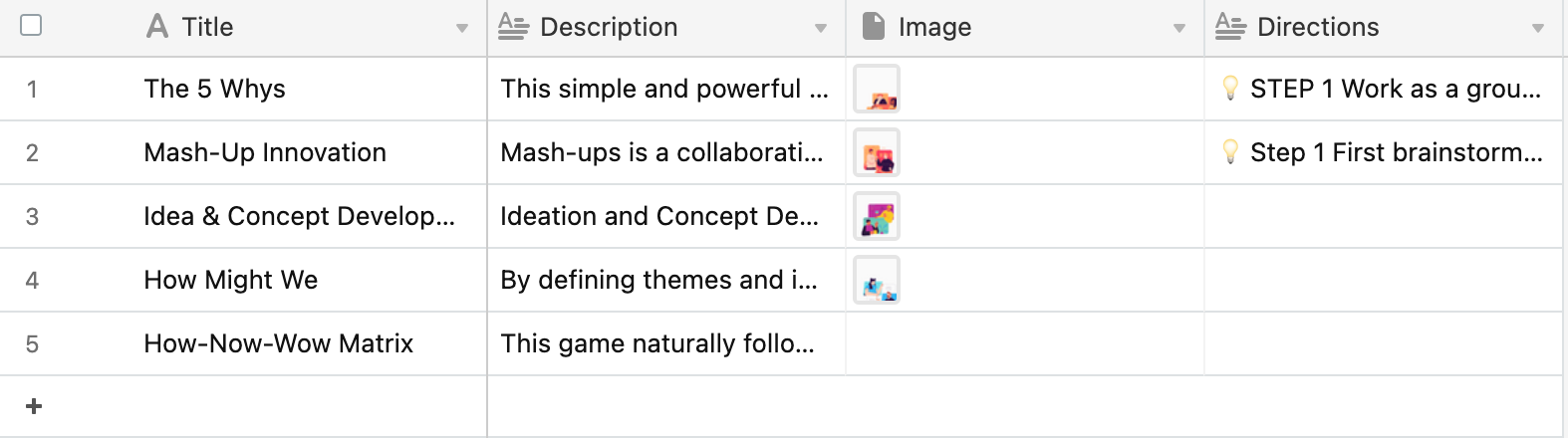
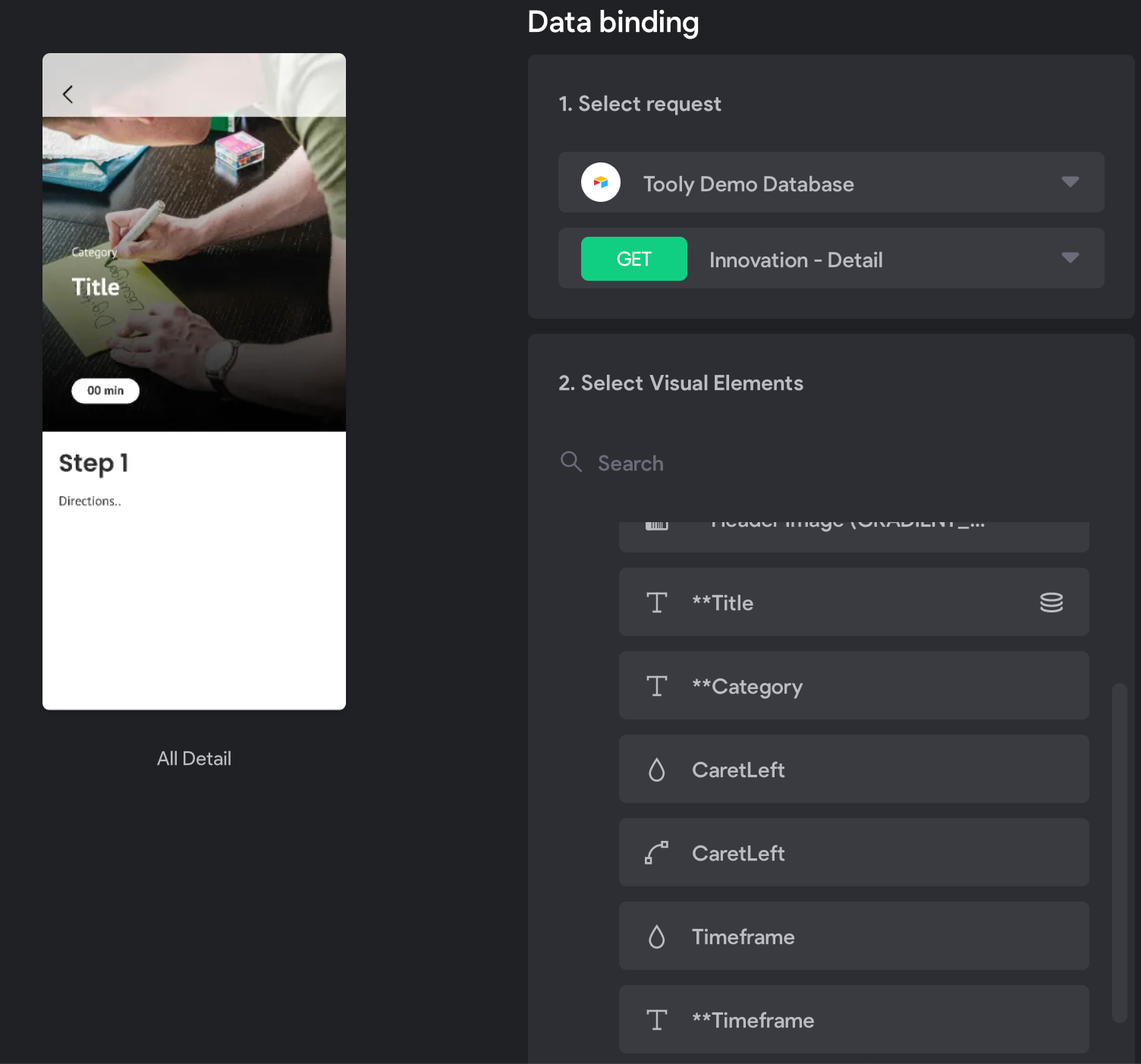
Here are some images of the database and page structure! Any tips are highly appreciated! (Even if it's a solution regarding the rich text tags). šŸ·Ā 

Skärmavbild 2021-06-22 kl. 20.05.35.png

Skärmavbild 2021-06-22 kl. 20.05.16.png

10 replies

Karla June 22, 2021

There is a HTML tag take a look on master tag list :) don’t know it by heart but I know it’s there.

Karla June 22, 2021

You can use the html on Airtable to make that work as well :)

Diego Iglesias Bravo team June 23, 2021

Hi Ā !

You can use the html text component for that purpose:

Components > HTML text

Note that you need the html to contain inline css styles in order to show formatted text. Also it might be useful to add the [flexo] tag so that the text container expand down 😃

As Karla pointed out, you can use the html on Airtable.

Let me know if you have any questions!

Noah June 23, 2021

Hey! Thanks for helping me out!šŸŽ‰

Flexo tag is there, but regarding html and css, I'm a bit lost there since I have no coding experience at all, do you guys know any resources where you could just copy and paste style codes? I saw some code in the HTML Styles CSS link:

<h1 style="color:blue;">A Blue Heading</h1>
<p style="color:red;">A red paragraph.</p>

But what if I want to chose the size of the heading? And a specific colour? Can I just replace "blue" with a HEX code?

Thanks in advancešŸ™šŸ¼

Noah June 23, 2021

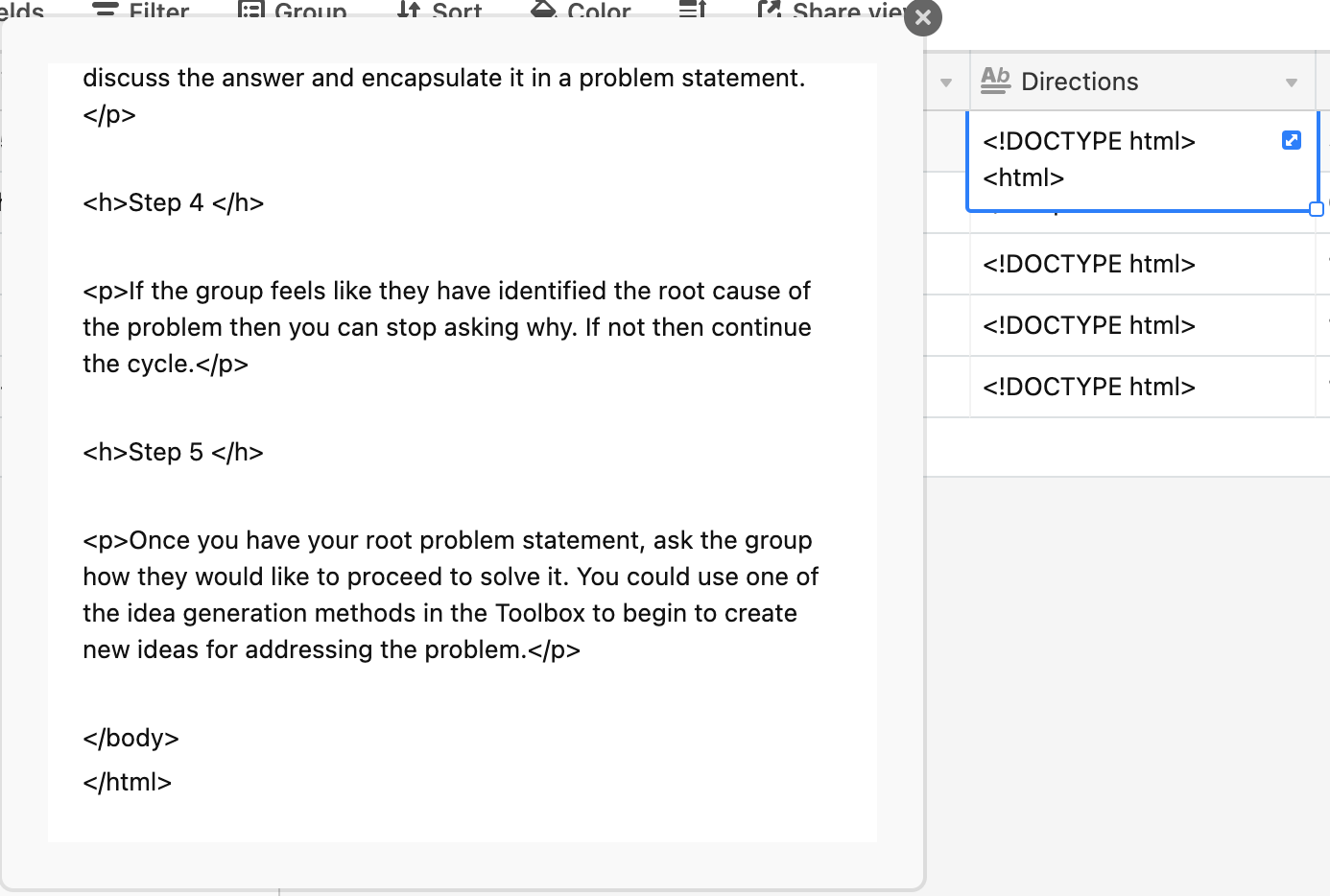
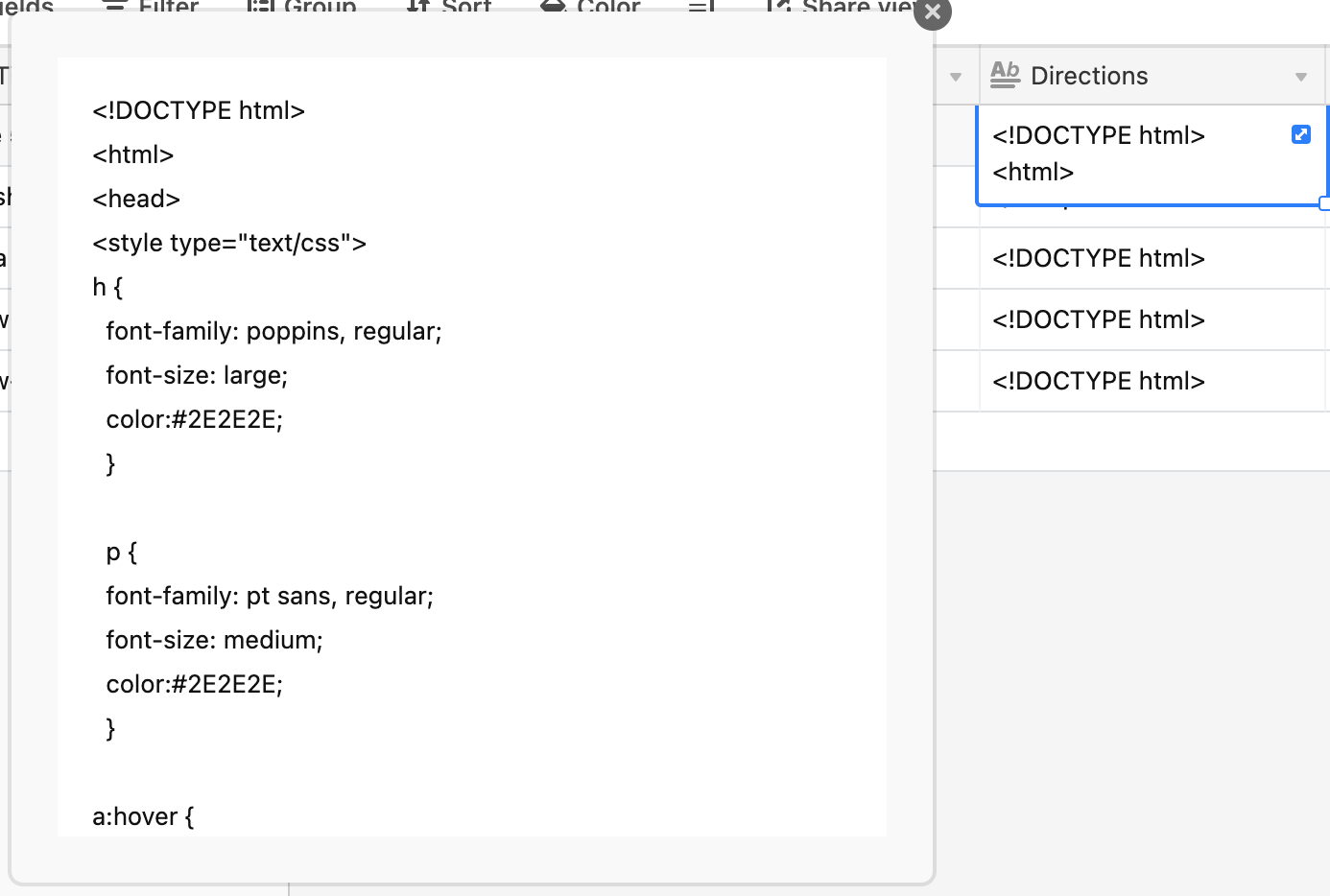
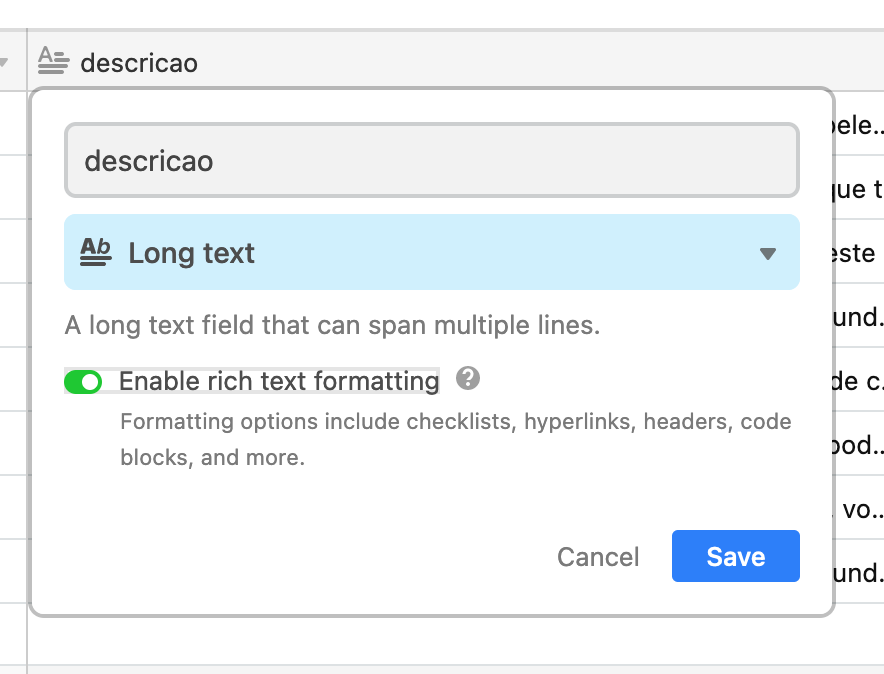
Used a html code in Airtable, enabled rich text formatting for the field as well. But it still doesn't work.

Another issue I stumble upon is that I can't bind all the data fields the detail page. Only thing I can access there is the Title, but I want to bind Timeframe and Category too - can't do that without binding Records to the frame. When I bind Records to the frame, I can bind Timeframe and Category - but then my header repeats itself in the app UI.

Any ideas on what might be the issues for these problems?😣

Skärmavbild 2021-06-23 kl. 12.46.34.png

Skärmavbild 2021-06-23 kl. 12.46.17.png

Skärmavbild 2021-06-23 kl. 12.42.11.png

201938752_497504644824438_1895522131222502143_n.jpg

Karla June 23, 2021

It is mostly a Rich text on Airtable, you shouldn’t add the html as html, they give you some options to change things, but I believe colors aren’t possible, and CSS I am almost sure won’t be.

Karla June 24, 2021

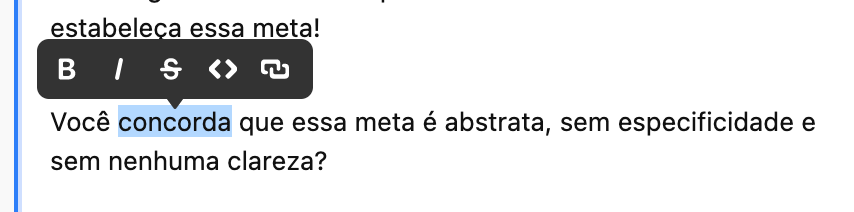
Here you see what you can do on airtable, bold, italic, strikethrough, code, and links.

Screen Shot 2021-06-24 at 09.39.54.png

Screen Shot 2021-06-24 at 09.39.11.png

Noah June 24, 2021

Yes I’ve tried that earlier but what I’m looking for is to make the Steps text bigger and description text smaller. Is that possible in any other way?šŸ˜”Ā Ā do you know if this is possible?

Karla June 24, 2021

then, you have to create pieces of text that goes to different containers, but there is no way to be a single text.

Noah June 24, 2021

Makes sense, I’ll use some fun emojis to make the heading stand out, thanks for helping me out!šŸ’ŖšŸ»

Wrote something in this thread and want it removed? Request removal

Still stuck?

Ask the community on Discord

This archive is read-only. New questions, office hours and product updates now happen in the Bravo Discord.

Join the Discord