Archived from the Bravo community forum (2021–2026). Some answers may refer to older versions of Bravo.
Hello all,
I encountered a situation here.
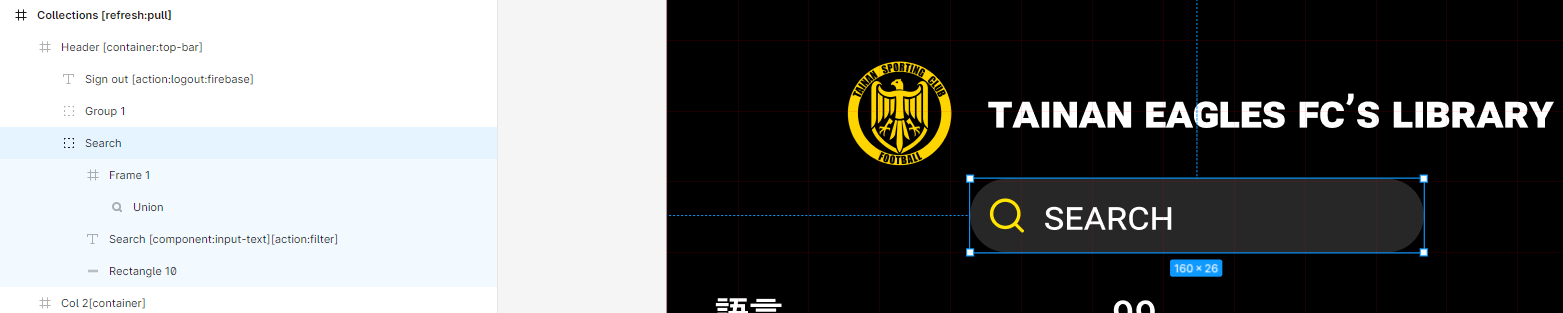
I have a search and filter bar with bravo tags (Search [component:input-text][action:filter])
Let's say that I want to search for something and type "A" for example, and then I decide not to search and filter anymore. I would erase the "A" and the page would show as unfiltered.
The problem is that when the search bar is empty (after being erased), the page becomes blank. And there is no way, on bravo vision for me, to tap out of the search bar.
Any way to cancel a search?
Thank you
6 replies
Wrote something in this thread and want it removed? Request removal
Ask the community on Discord
This archive is read-only. New questions, office hours and product updates now happen in the Bravo Discord.
Join the Discord