Archived from the Bravo community forum (2021–2026). Some answers may refer to older versions of Bravo.
Hi all
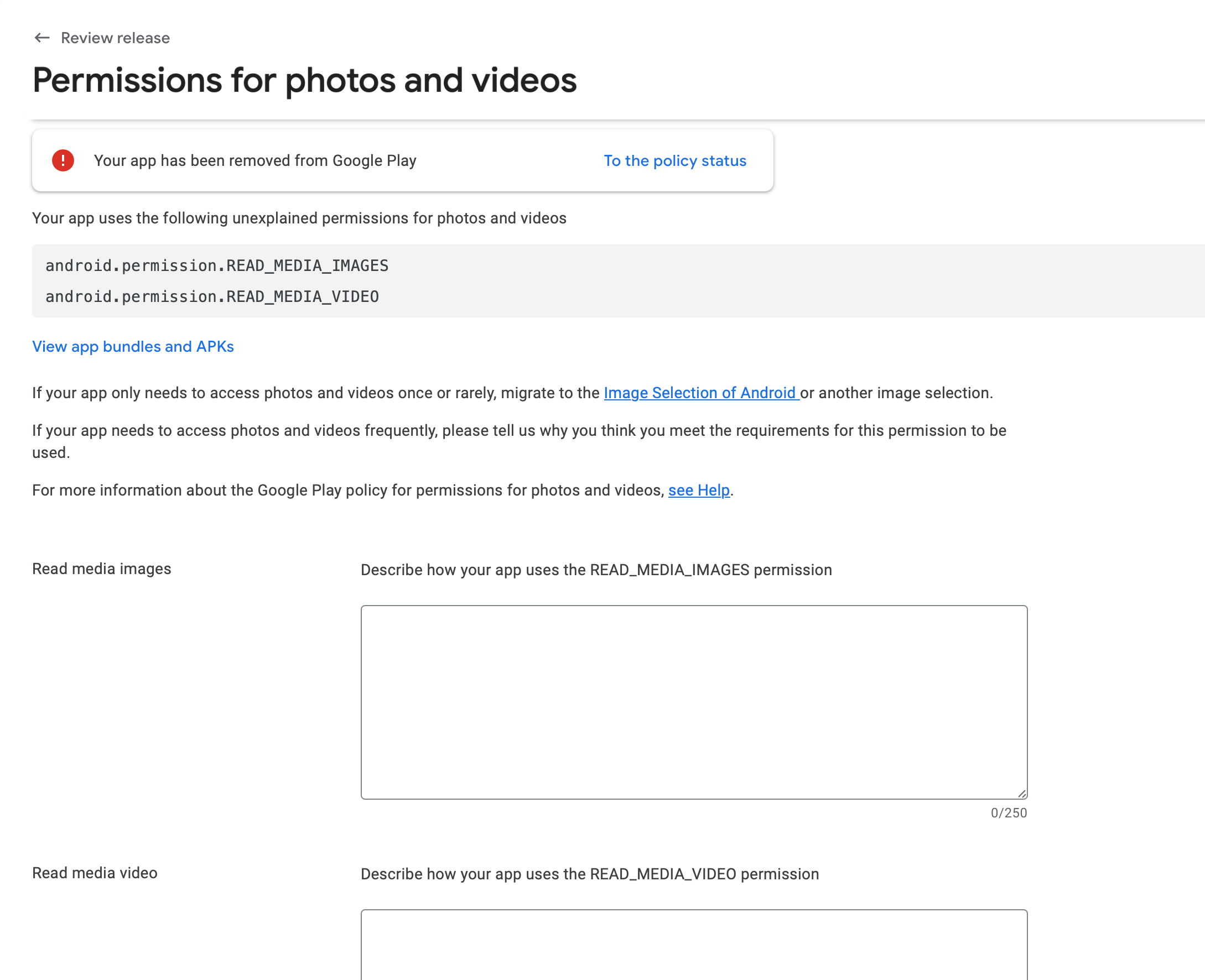
My app has been removed from Google Play with the following policy message:
“Your app uploads user Image data without adequate in-app disclosure and consent.”
What I’ve verified so far
No image-related tags in Figma – I searched the entire file for
[component:input-image], [action:camera], [action:upload], :image, :camera, etc. Nothing found.Latest Android build (VersionCode 6) still contains
android.permission.READ_MEDIA_IMAGES
android.permission.READ_MEDIA_VIDEO
Can you please help me how to proceed and how to re-upload my App to the Play-Store?
2 replies
Wrote something in this thread and want it removed? Request removal
Ask the community on Discord
This archive is read-only. New questions, office hours and product updates now happen in the Bravo Discord.
Join the Discord