← Design & Bravo Tags
Design & Bravo Tags June 14, 2022 · 14 replies

Help me find the mistake please🙏

Archived from the Bravo community forum (2021–2026). Some answers may refer to older versions of Bravo.

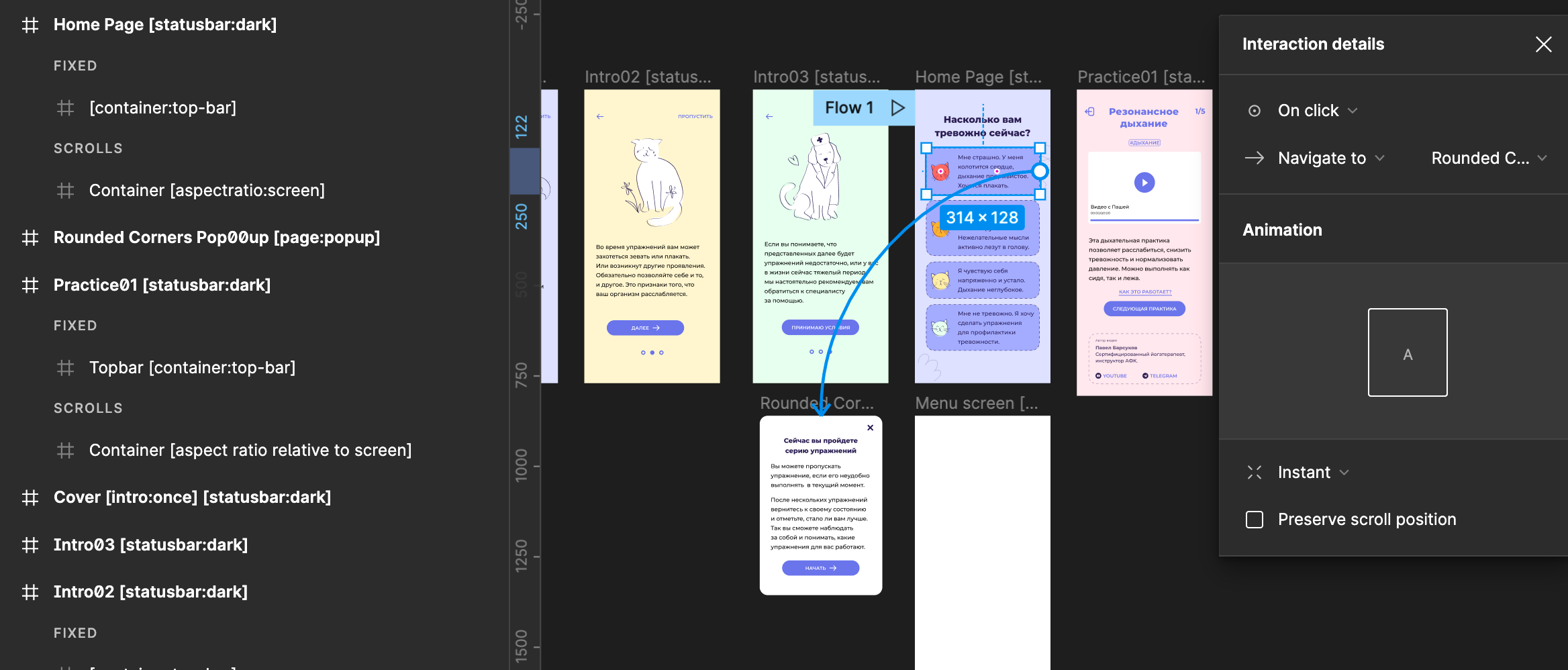
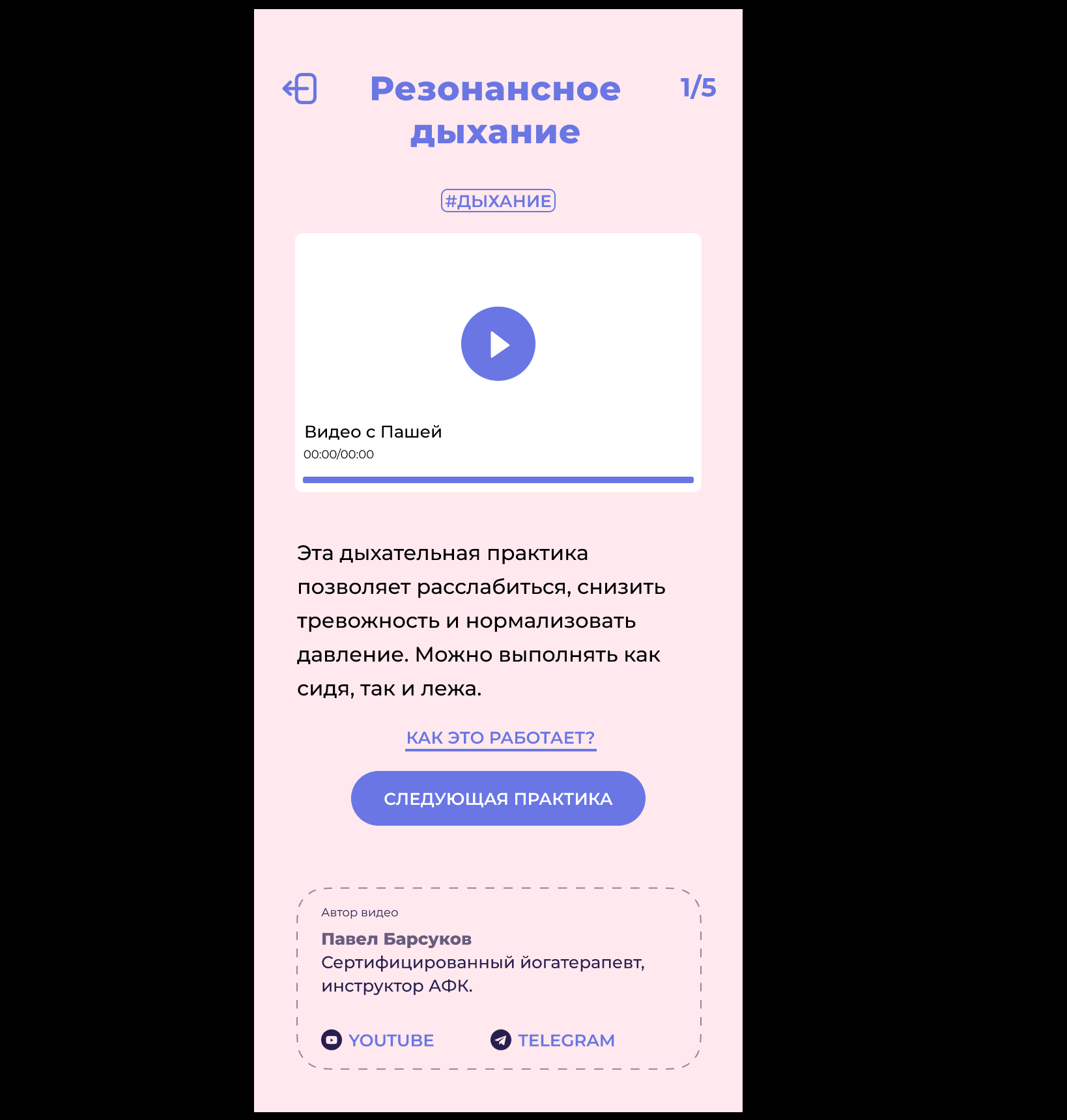
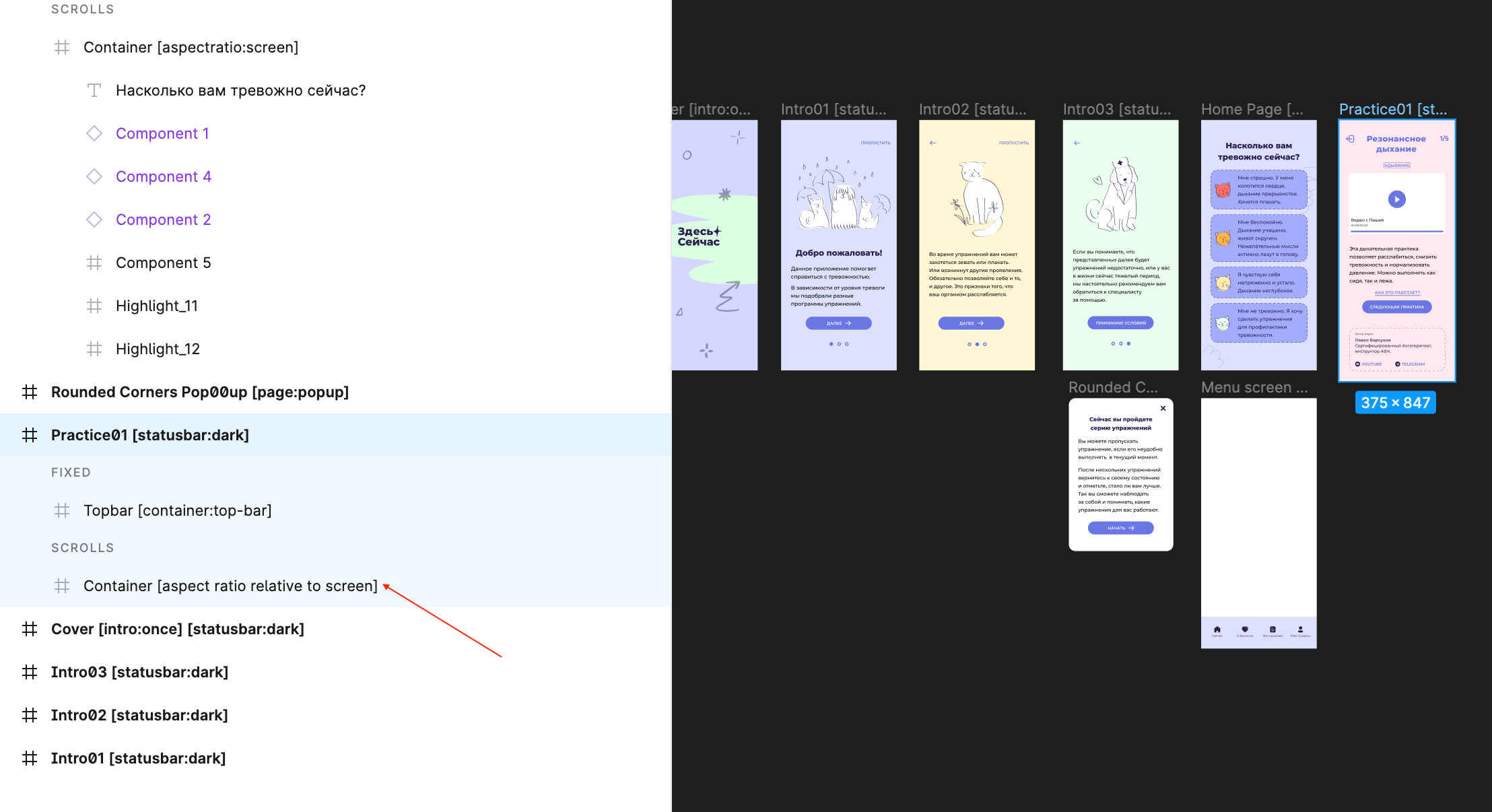
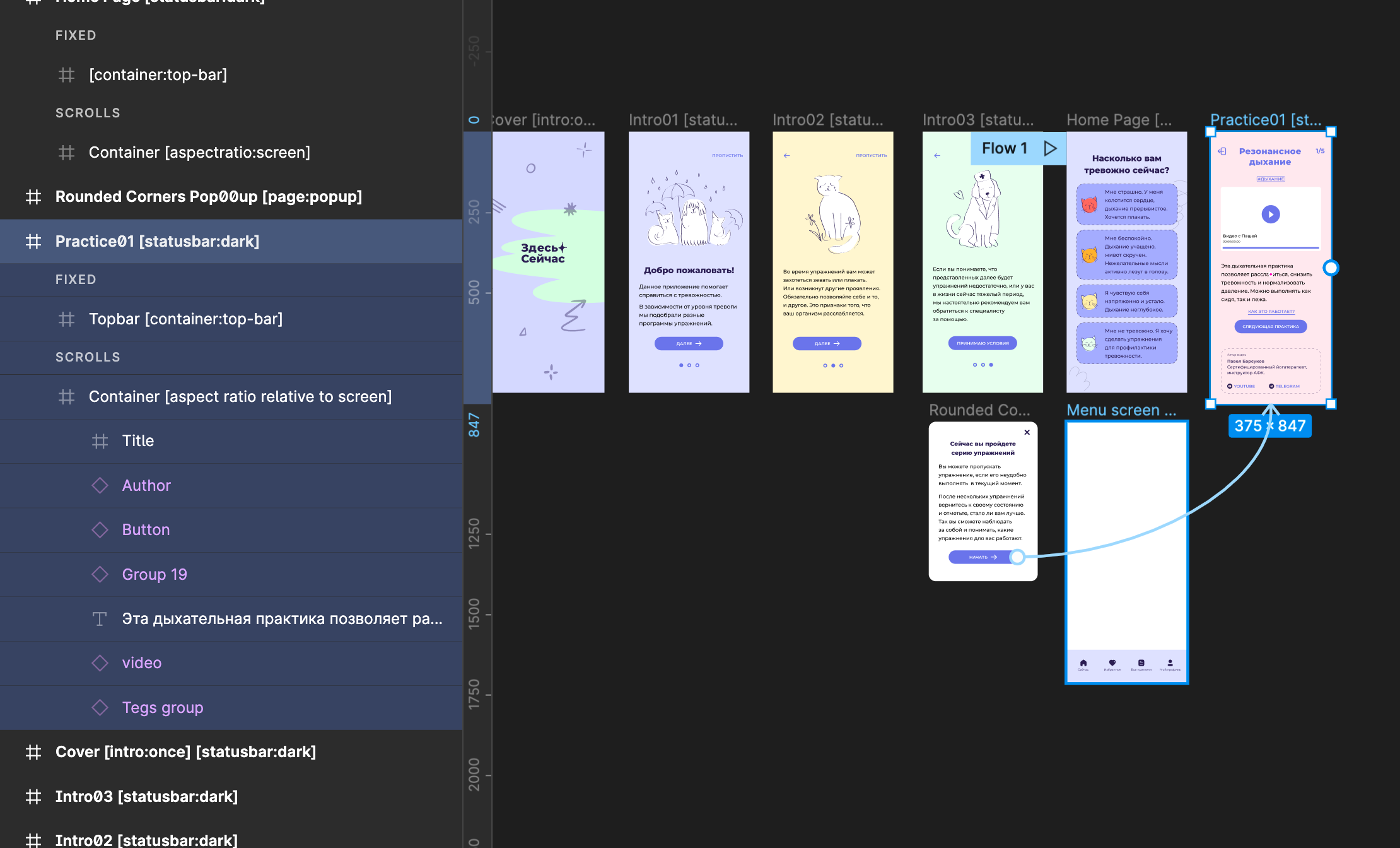
Hi everyone! I try to make bravorizing. I have already create intro, home page and pop-up. But I can't to continue flow to the next screen (Practice01) I don't see what is wrong, though I done the same containers on Home Page. I've checked tags and containers. Maybe somebody could help me. Thanks!
123dswd.png

14 replies

Nour June 14, 2022

what triggers the pop-up screen? something in the homepage I guess?

Nour June 14, 2022

it works here. As soon as I clicked on the blue icon in the pop screen, it took me to (Practice01)

Faina June 14, 2022

Really? But I can't add screen Practice01 on Bravo projects. I get notification like:

There was an error that needs to be solved before we can import your design

Nour June 14, 2022

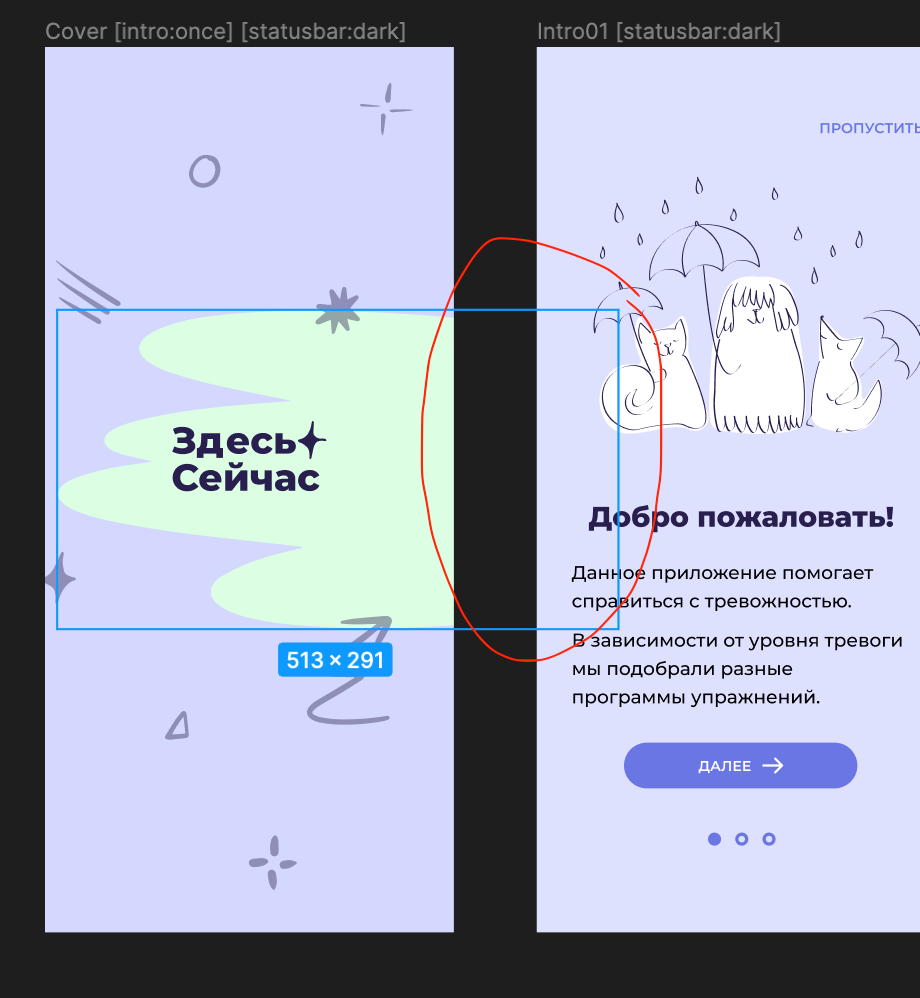
▪️ Avoid having containers expanding outside the parent frame, or overlapping with each other

▪️ Review the Bravo tags spelling or unsupported elements in your design file.

Nour June 14, 2022

adjust these....everything element should be within the main container

Screenshot 2022-06-14 at 15.00.32.png

Faina June 14, 2022

No it's ok! 
Thank you Nour! I have found bag👏 It was hidden item inside component. I was trying to exclude each items and explore this. Thank you for time and your answers

Wrote something in this thread and want it removed? Request removal

Still stuck?

Ask the community on Discord

This archive is read-only. New questions, office hours and product updates now happen in the Bravo Discord.

Join the Discord