← Design & Bravo Tags
Design & Bravo Tags April 4, 2023 · 11 replies

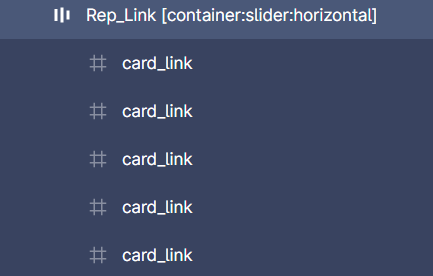
Horizontal Slide break my layout

Archived from the Bravo community forum (2021–2026). Some answers may refer to older versions of Bravo.

Hi, I don’t know why, but when using the [container:slide:horizontal], my layout appear completely compacted on Bravo Vision (the slide is functional and I have only a font missing error). Thank you in advance for your help
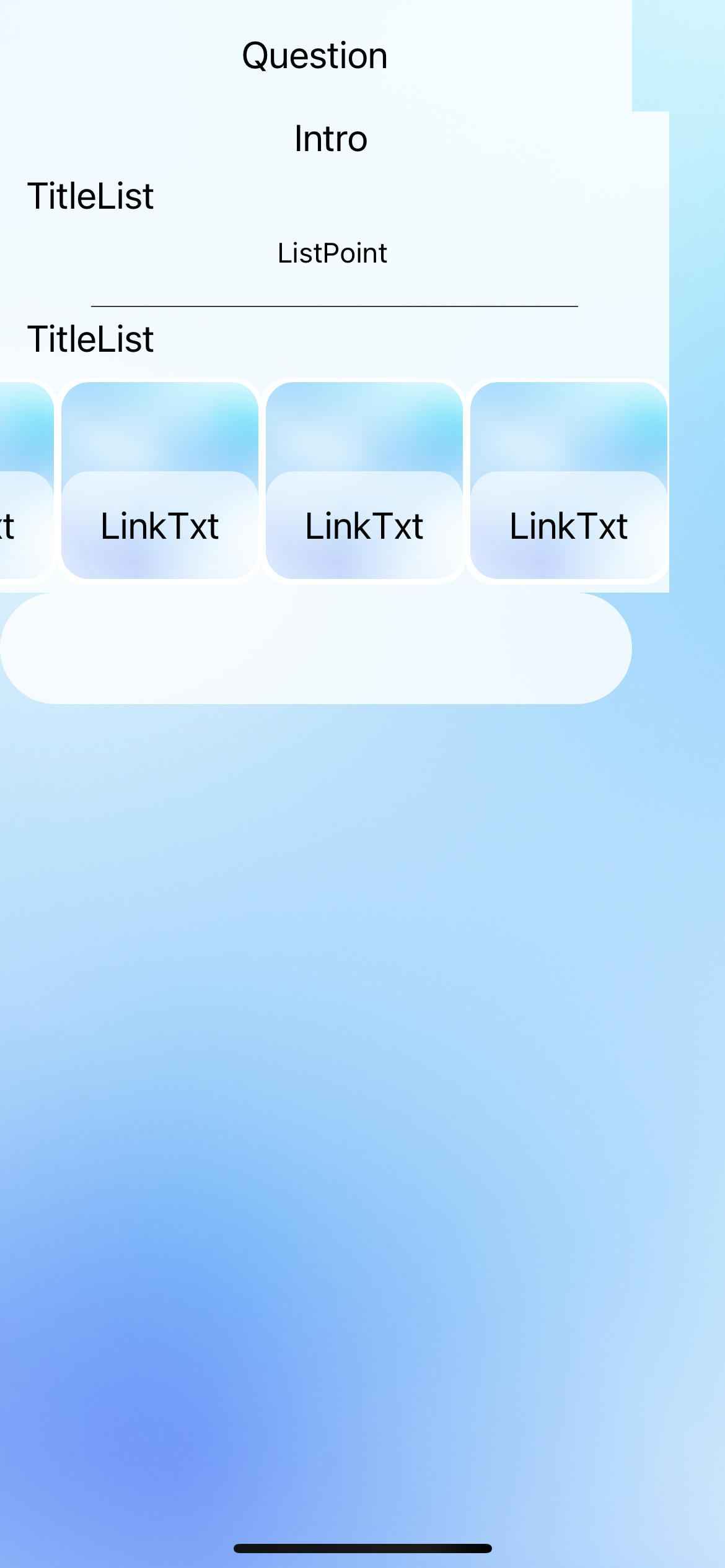
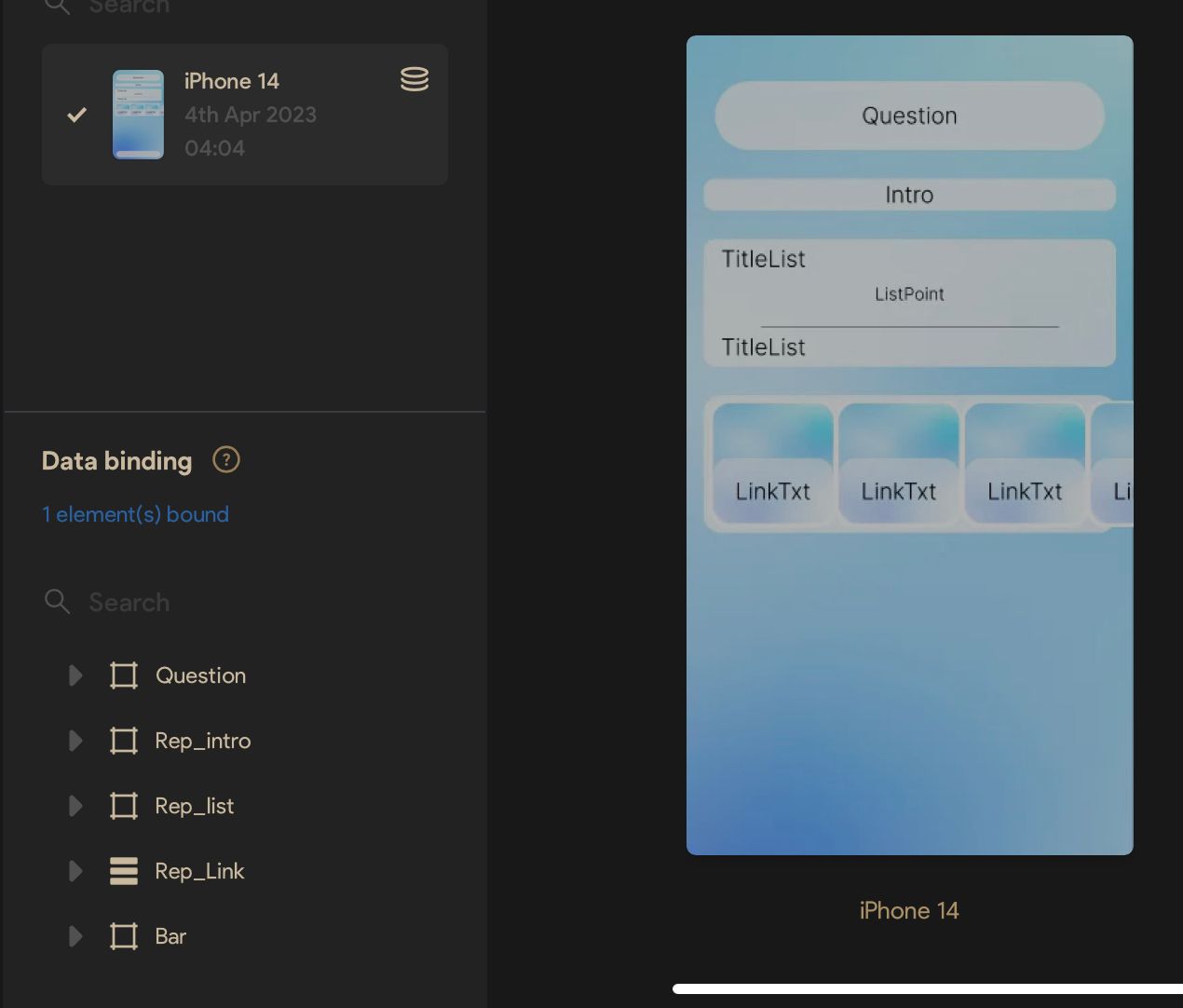
IMG_2379.png

IMG_0207.jpeg

11 replies

Kenneth April 4, 2023

Did you declare the "area" for your container horizontal slider?

Swann April 4, 2023

I think yes, this is where the tag is. I need to had something else ?

image.png

Kenneth April 4, 2023

You need to create an invisible rectangle (turn off border and fill) and name it "area" place the "area" layer underneath your card_link layers. Your current slider isn't working correctly because Bravo doesn't know what size the actual slider container needs to be. Declaring an "area" will let Bravo know the dimensions of the area. If I sound confusing, watch this tutorial, start it at the 6:53 mark

Swann April 4, 2023

Thanks for your help ! I will add the area rectangle, but I'm having a little trouble doing this because of the auto layout, is there any way to keep the auto layout while adding the area? 

UPDATE: Adding the area rectangle make 2 errors :
"Unexpected element or position" and "RECTANGLE cannot be imported belongs to a "container:slider"."

Swann April 4, 2023

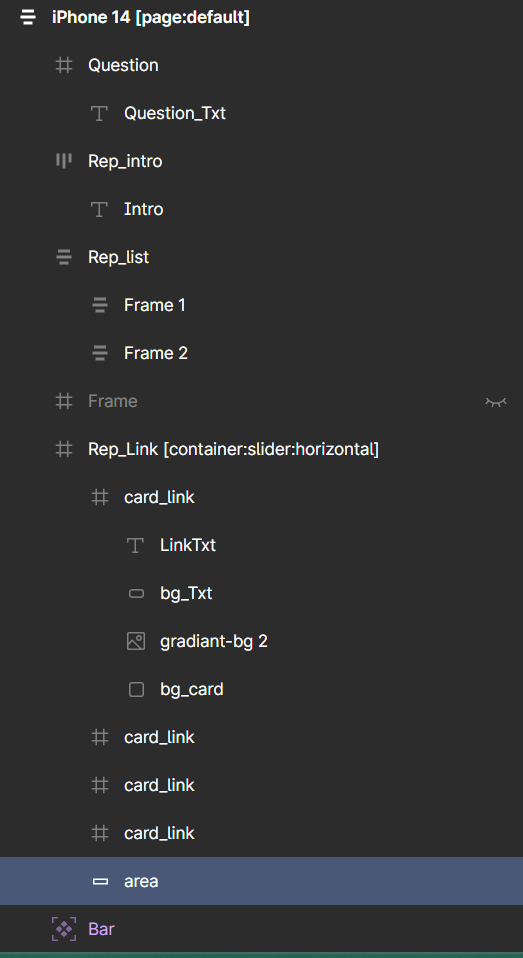
image.png

image.png

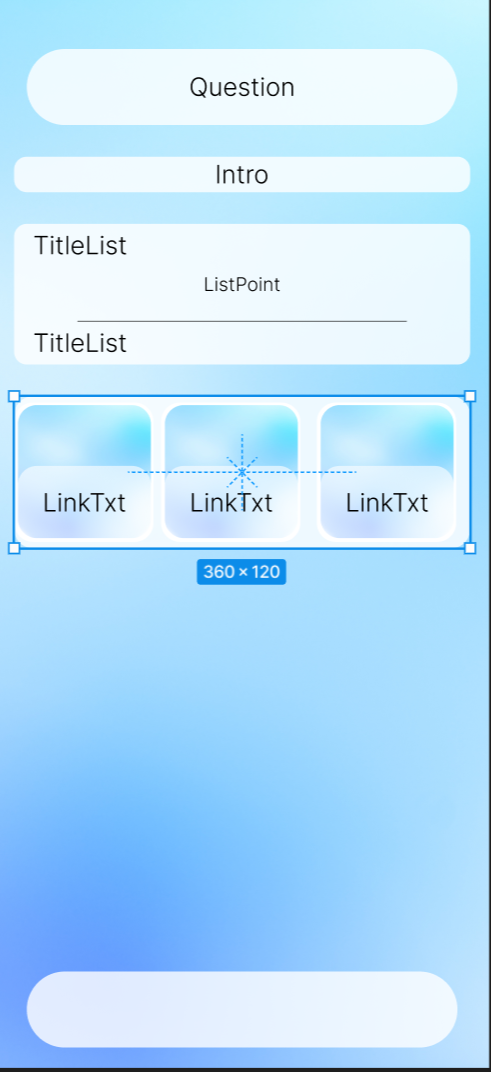
Here's all my layer, the selected rectangle is the area rectangle

Kenneth April 5, 2023

How are you populating the sliders? Are you binding them to your database? 

Also, On your screenshot, I see three sliders but in your layers, I'm seeing 4 sliders. Where did you place the 4th slider?

Swann April 5, 2023

the clip is activate so it show only 3 slide, and for now I don’t populate it cause I wanted to see how it would look like

Kenneth April 5, 2023

OK, to get a real indication of how your horizontal slider will work/look, you need to only have one slider in your design and use your database to populate the rest. As you populate your database, the other sliders will fall directly into place.

Swann April 5, 2023

Ok I will try, the problem is I tried to show text from data and it didn’t work

Swann April 5, 2023

So I don't know why, but even after removing the slider tag, my layout is still break on Bravo Vision, I tried to remove all the auto layout, but it's the same, please, how can I fix this

Wrote something in this thread and want it removed? Request removal

Still stuck?

Ask the community on Discord

This archive is read-only. New questions, office hours and product updates now happen in the Bravo Discord.

Join the Discord