Archived from the Bravo community forum (2021–2026). Some answers may refer to older versions of Bravo.
Hello Everyone , I have an issue with my {layer} tag in adobe XD, in the left picture, it's my prototype XD, and I add tag with an action fixed in the bottom of my phone, [layer][action:phone:+33475059172], but when I check out my Bravo vision to see the result, it turns out a deformed button like the right picutre. Can you guys help me to check out this issue? Many thanks !😀

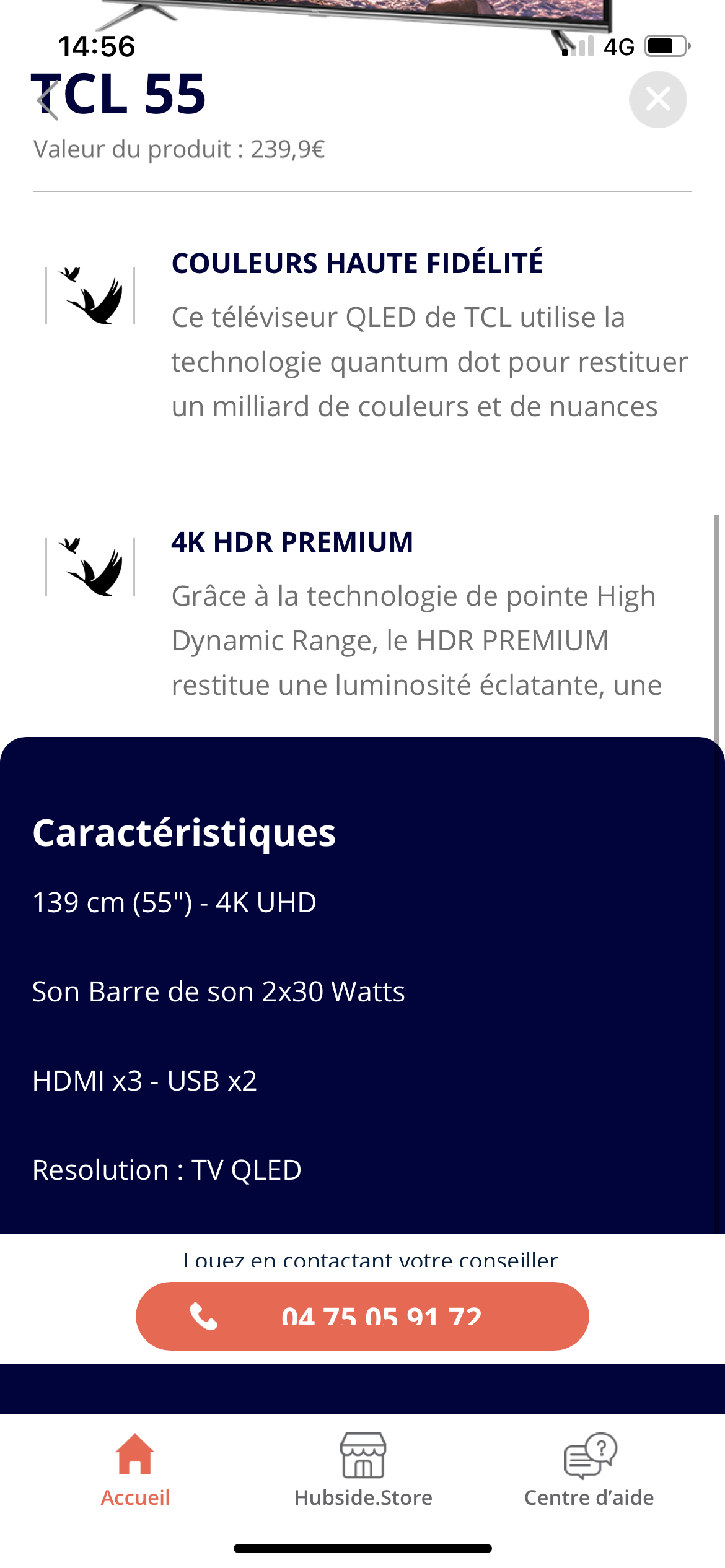
6 replies
Wrote something in this thread and want it removed? Request removal
Still stuck?
Ask the community on Discord
This archive is read-only. New questions, office hours and product updates now happen in the Bravo Discord.
Join the Discord