Archived from the Bravo community forum (2021–2026). Some answers may refer to older versions of Bravo.
I use QR-code Sanner to scan a barcode number... the result as it expected I got to see the barcode number of the product.
This is the pop-up after I've got after scanning the barcode and the only action I can do is clicking "OK".
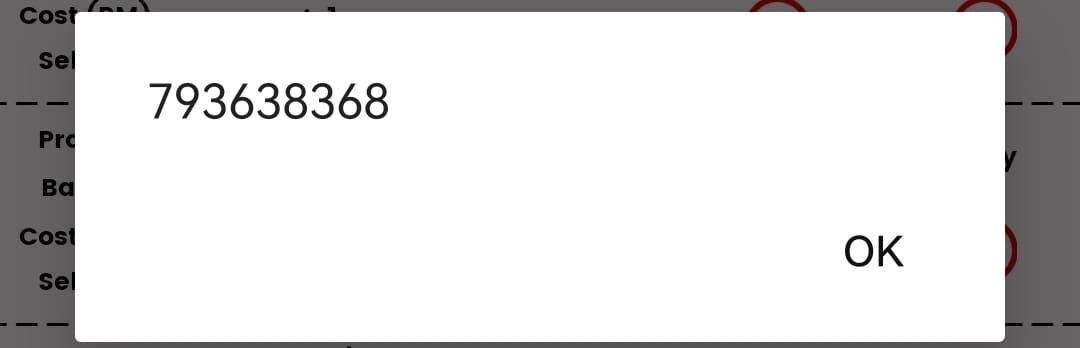
How can I retrieve this barcode number? Is it possible?
(I'm trying to put this number in the search box and as an input field in the form )
3 replies
Wrote something in this thread and want it removed? Request removal
Still stuck?
Ask the community on Discord
This archive is read-only. New questions, office hours and product updates now happen in the Bravo Discord.
Join the Discord