← Design & Bravo Tags
Design & Bravo Tags May 1, 2022 · 4 replies

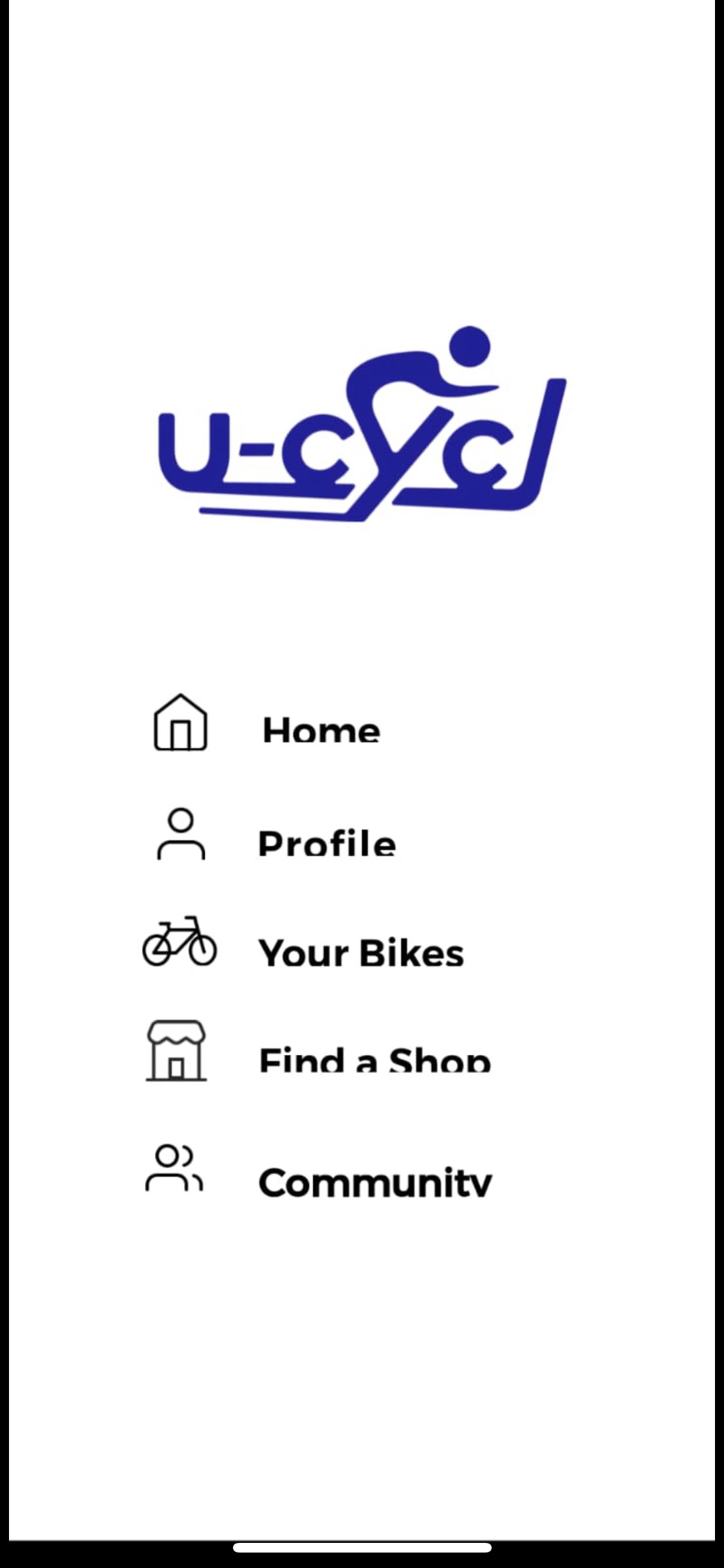
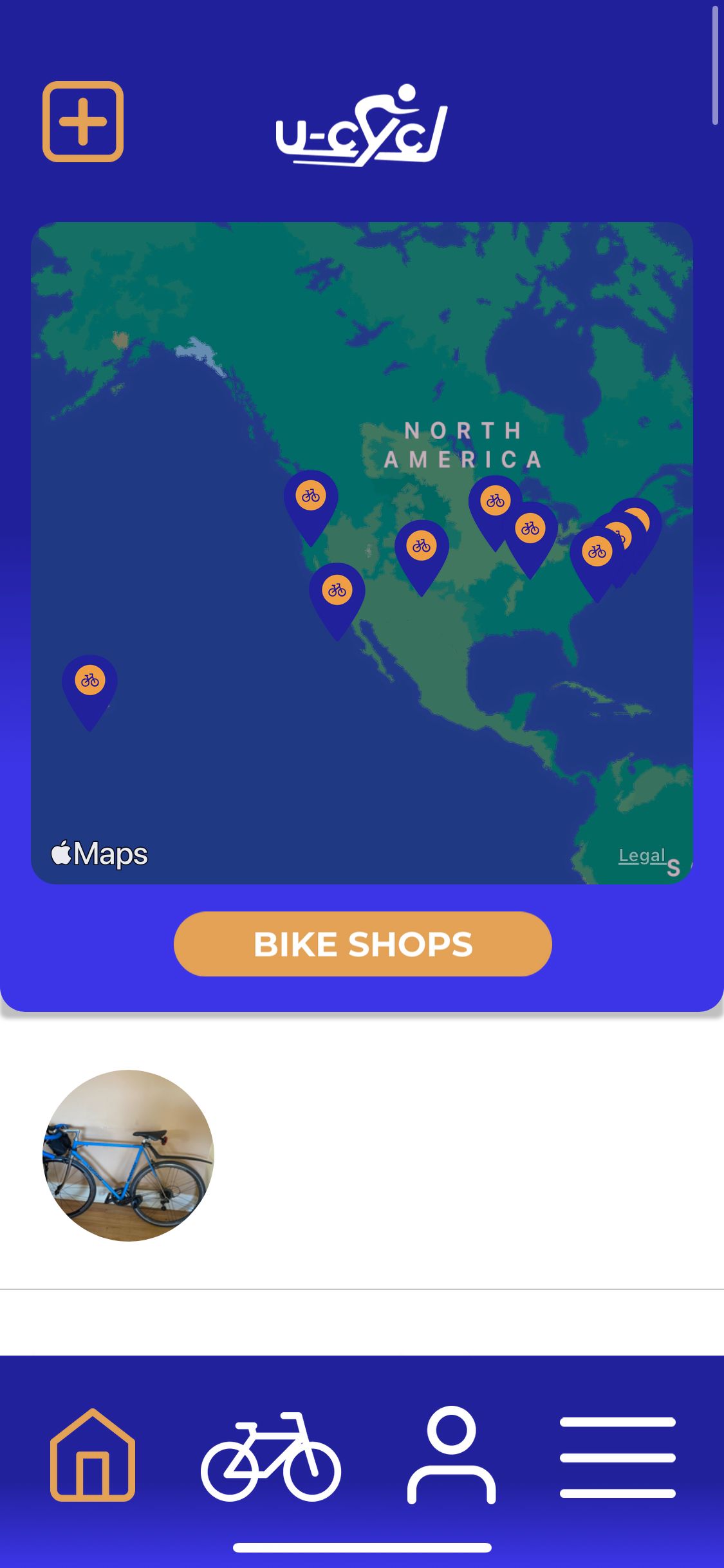
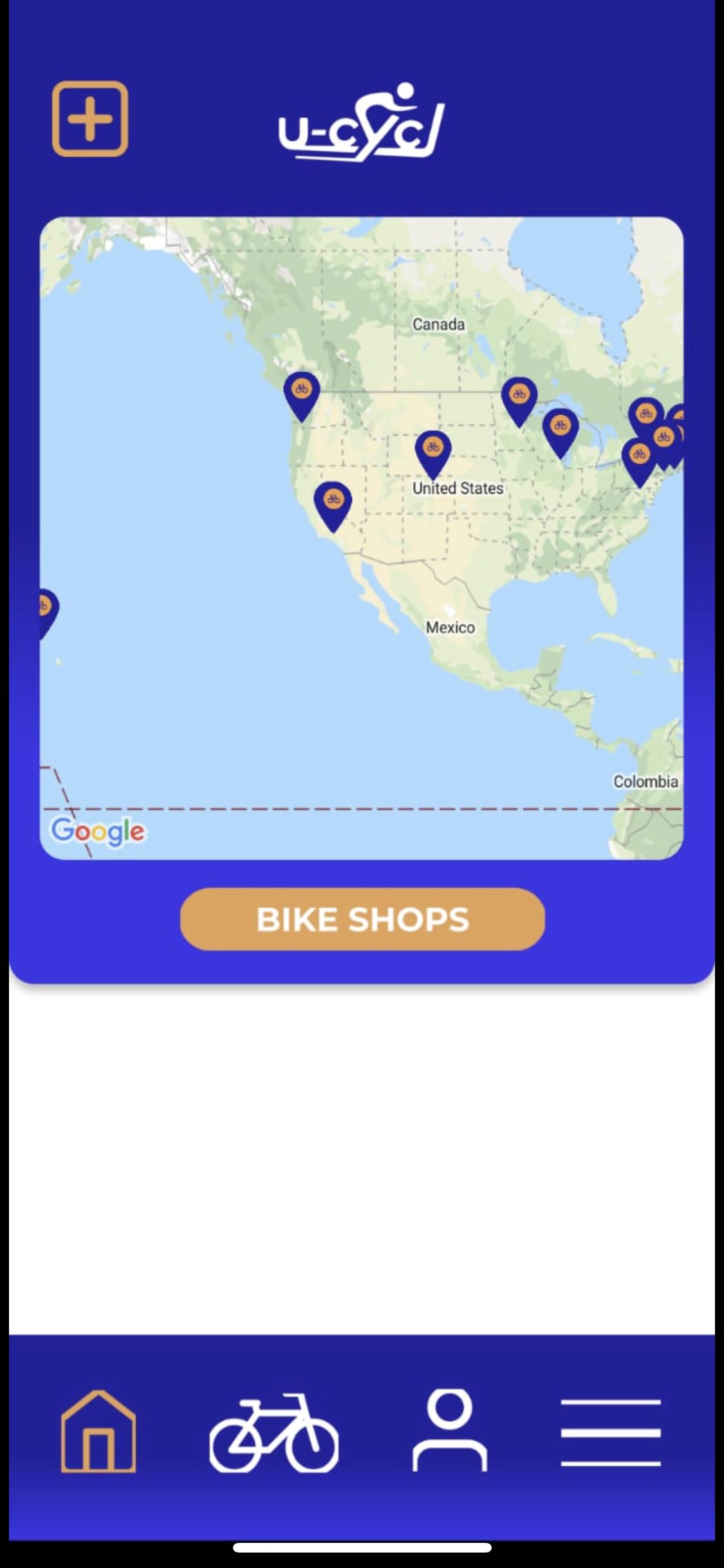
Icons + some text cut off on Android, not Iphone

Archived from the Bravo community forum (2021–2026). Some answers may refer to older versions of Bravo.

Hello Bravo Community, 

I am having a bit of trouble with my android 1.0, it looks perfect on ios, but some text and icons are cut off on the android native app. I am thinking this might be something easy that I just missed/am not aware of—appreciate the help. 

Best,
Kai 

Iphone Menu
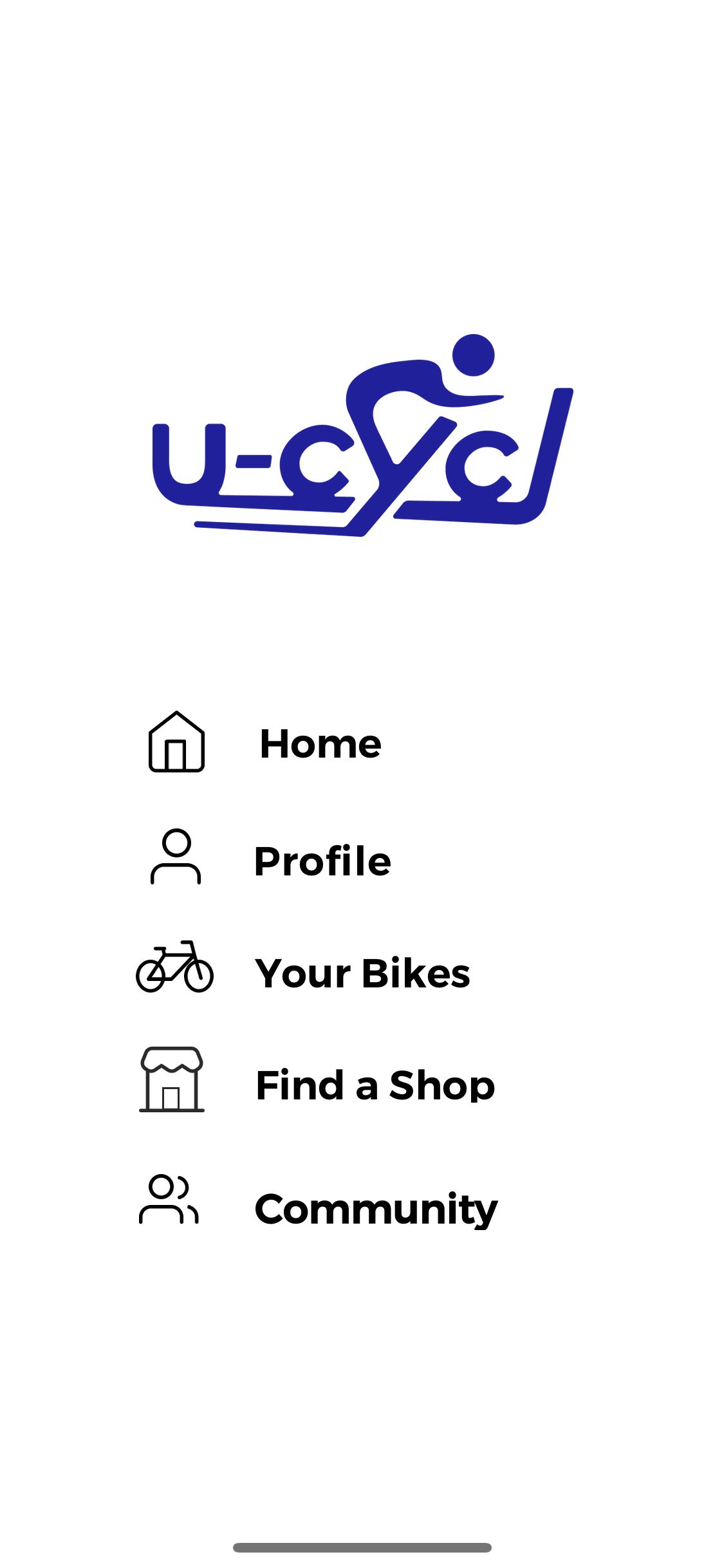
IMG_4C161F78E3AB-1.jpeg

Android Menu

IMG_94E6289397E4-1.jpeg

Iphone Home screen

IMG_4096C4166A22-1.jpeg

Android Home Screen

IMG_13C7B56D8441-1.jpeg

4 replies

Alexandre May 2, 2022

I have the same problem. I was planning to test playing around different fonts and font-size, padding, etc. But would be nice it’s fixed by Bravo

Alex May 2, 2022

[see video above] 😇

 Has two separate videos on Visual debugging with the answers you're looking for.

Kai May 4, 2022

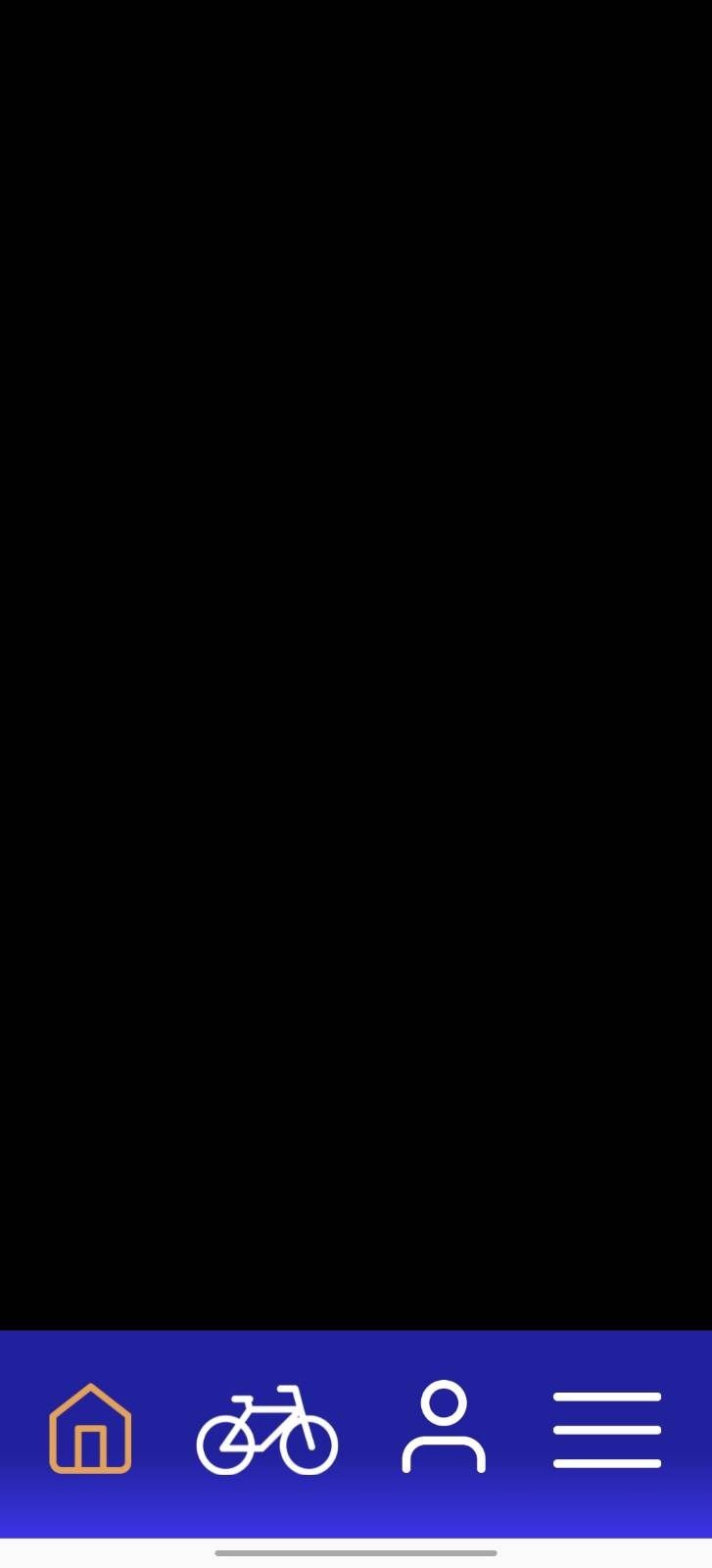
Hey Alex, yes this fixed it! However, my Android app actually seemed to have crashed today. Anyone have any ideas about this? I am guessing that its an update issue but would love to hear if other people are experiencing this issue. It worked perfectly with the correct icons yesterday but is now just fully black on Android—working fine on ios.

Thanks everyone,
Kai 

signal-2022-05-03-170157_002.jpeg

Wrote something in this thread and want it removed? Request removal

Still stuck?

Ask the community on Discord

This archive is read-only. New questions, office hours and product updates now happen in the Bravo Discord.

Join the Discord