← Design & Bravo Tags
Design & Bravo Tags Solved November 14, 2022 · 9 replies

Images

Archived from the Bravo community forum (2021–2026). Some answers may refer to older versions of Bravo.

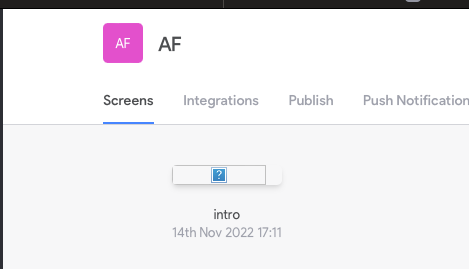
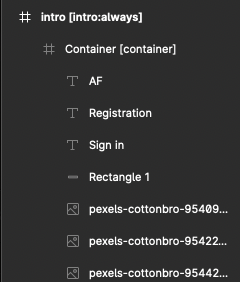
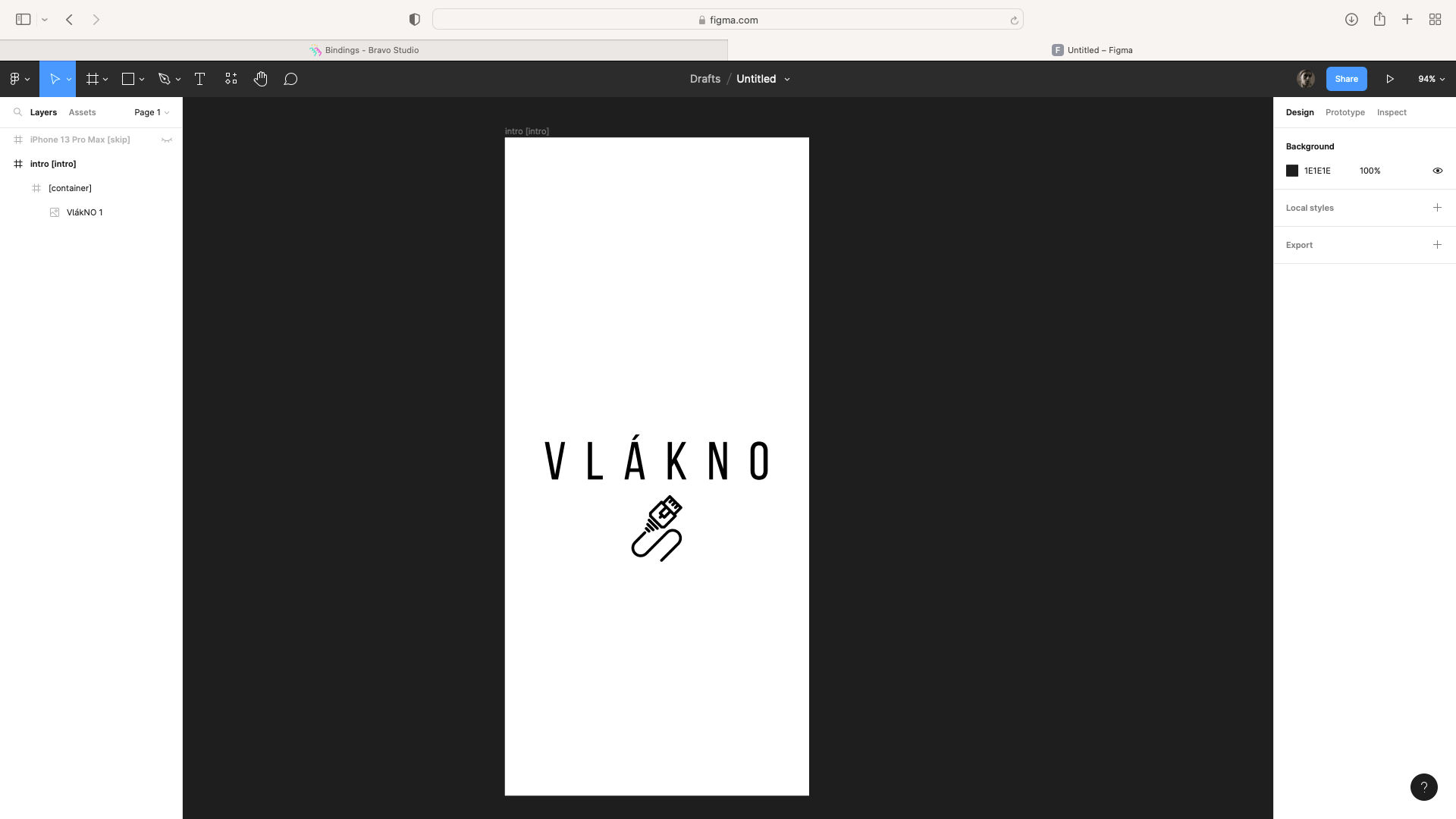
I don't have time to deal with these errors. :(
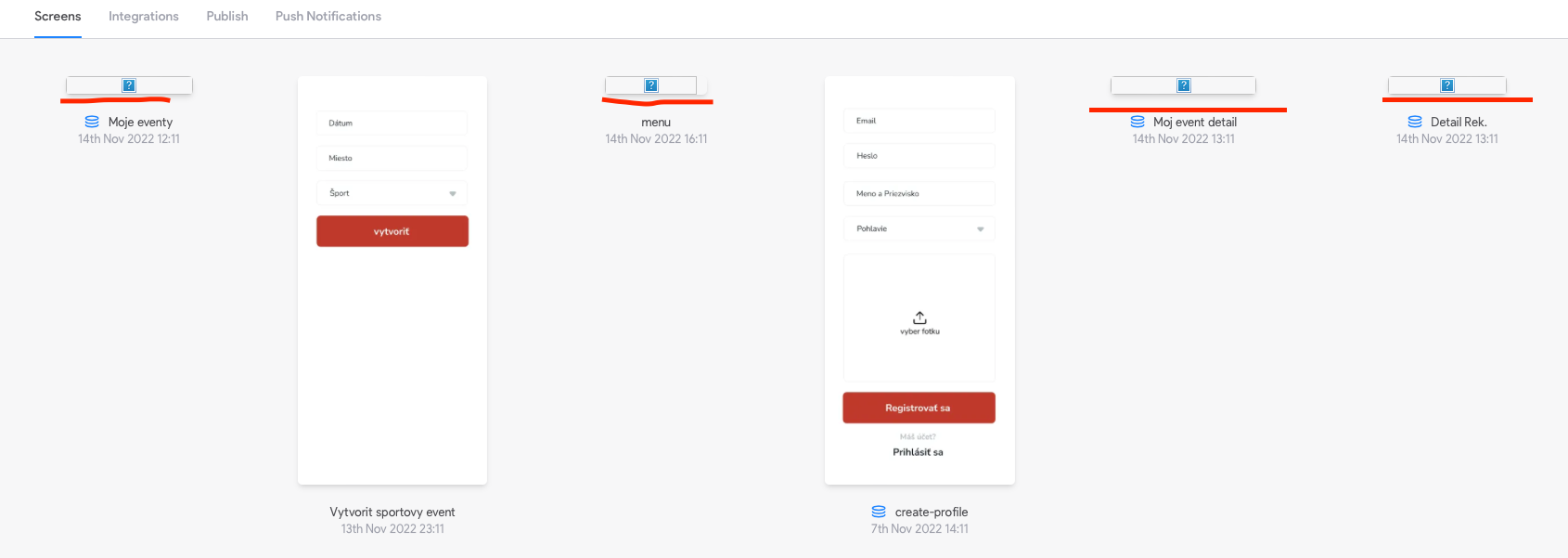
Snímka obrazovky 2022-11-14 o 16.18.53.png

9 replies

Dan November 14, 2022

Experiencing the same issue very frustrating- the images were displaying this morning, so I don't believe I changed anything on my figma file to cause this

Tyler November 14, 2022

Same with me.  Editing the screen elements in Figma results in the preview disappearing like OP’s post and the elements appear to become invisible in bravo vision.

Petr November 14, 2022

Same problem, started to make my first app I bravorized my files following the tutorial and the only thing I get is this, I've checked everything, trying to fix this for 6 hours. Nothing. I tried this on multiple projects, same thing.

Update: It happens even when I copy official templates, then put them as a new app into Bravo. So the problem cannot be on my side, right?

Snímek obrazovky 2022-11-14 v 17.58.25.png

Snímek obrazovky 2022-11-14 v 17.57.55.png

Kris November 14, 2022

Same issue for us:

  • edit a screen in Figma
  • sync with Bravo Studio
  • Bravo loses the data binding and preview image for the screen that was edited
Jen November 15, 2022

I have the same issue, I updated images on Figma and re-synced on Bravo Studio, good thing I have not loose any data binding, and checking on Bravo Vision on phone, the screens are there but it does not display the new images I added/replaced.

Petr November 15, 2022

I think it's time, that somebody from Bravo team get some response about this, as shown, lot of users experience the same thing and for me personally, it makes the app unusable.

At least say you're working on fixing the issue.

Javier Felipe Bravo team November 15, 2022

Hi everyone, we're investigating this issue. It seems to be related to some issues we've been experiencing over the last couple of days, regarding Figma image imports. You should be able to access the Data Binding page when clicking on the page previews (the element where the screen image should be displayed).

Sorry for the inconveniences 🙏

Petr November 15, 2022

Hi, I still can't work with my project, in Figma it looks like this, but when I open Bravo Vision, its just a blank page. Vision doesn't load pictures at all.

Same with my other projects, it loads objects, but not pictures.

Snímek obrazovky 2022-11-15 v 10.38.03.png

Wrote something in this thread and want it removed? Request removal

Still stuck?

Ask the community on Discord

This archive is read-only. New questions, office hours and product updates now happen in the Bravo Discord.

Join the Discord