Archived from the Bravo community forum (2021–2026). Some answers may refer to older versions of Bravo.
Hi together,
I've created an app and it works great.
So now I've uploaded the app to Apple and tested it in Testflight.
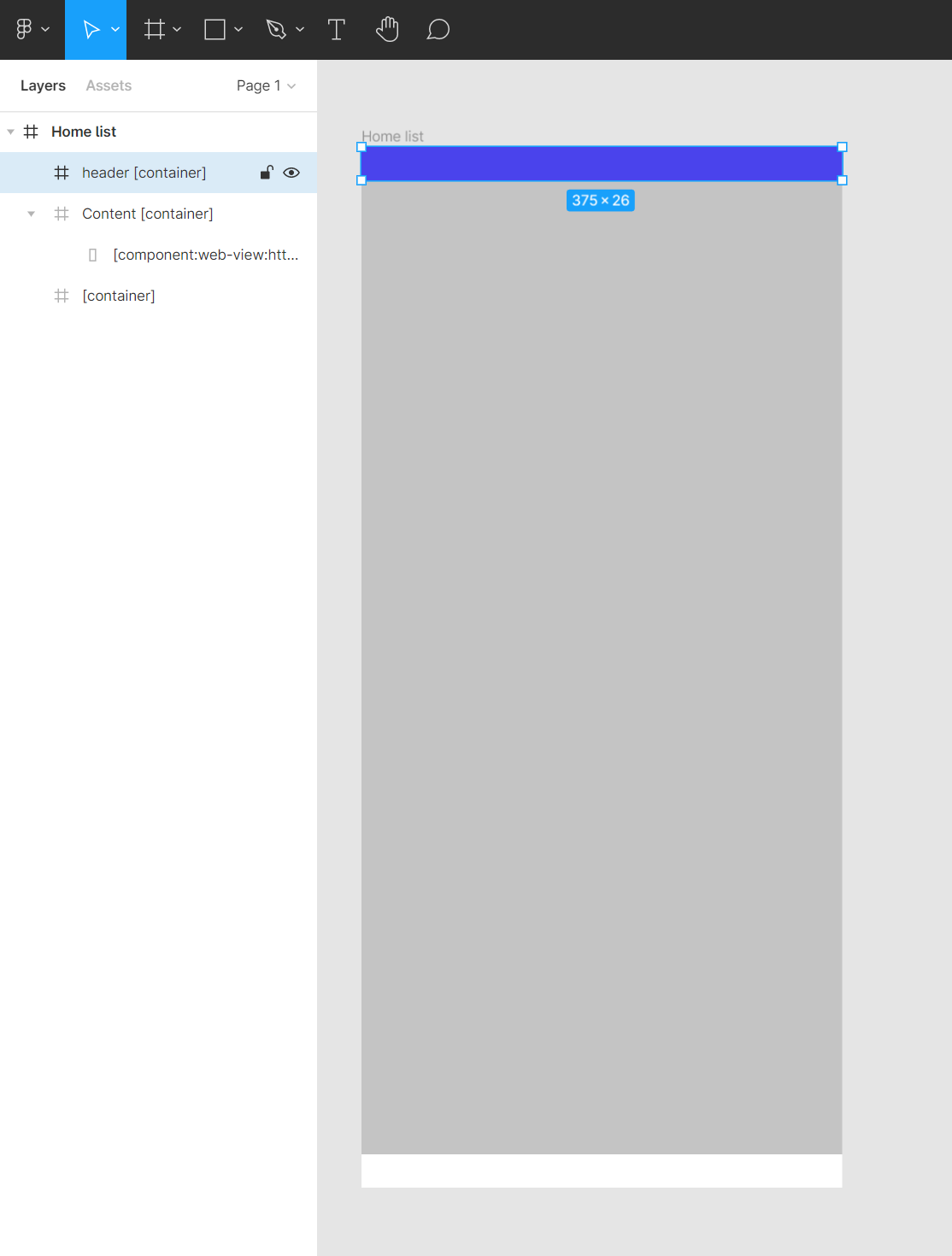
The only thing that is wired is that I have no icons at iOS top bar with the clock on the left side and, wifi, battery etc. on the right.
See screenshots.
Is this normal in Testflight or is it a bug / error from my side?
Thanks a lot!

4 replies
Wrote something in this thread and want it removed? Request removal
Still stuck?
Ask the community on Discord
This archive is read-only. New questions, office hours and product updates now happen in the Bravo Discord.
Join the Discord