Archived from the Bravo community forum (2021–2026). Some answers may refer to older versions of Bravo.
Hi my Bravo friends,
I am new here and I am trying get into Bravo. I couldn’t find answer to my question in other posts, so I am apologize if I ask again.
My issue is simple:
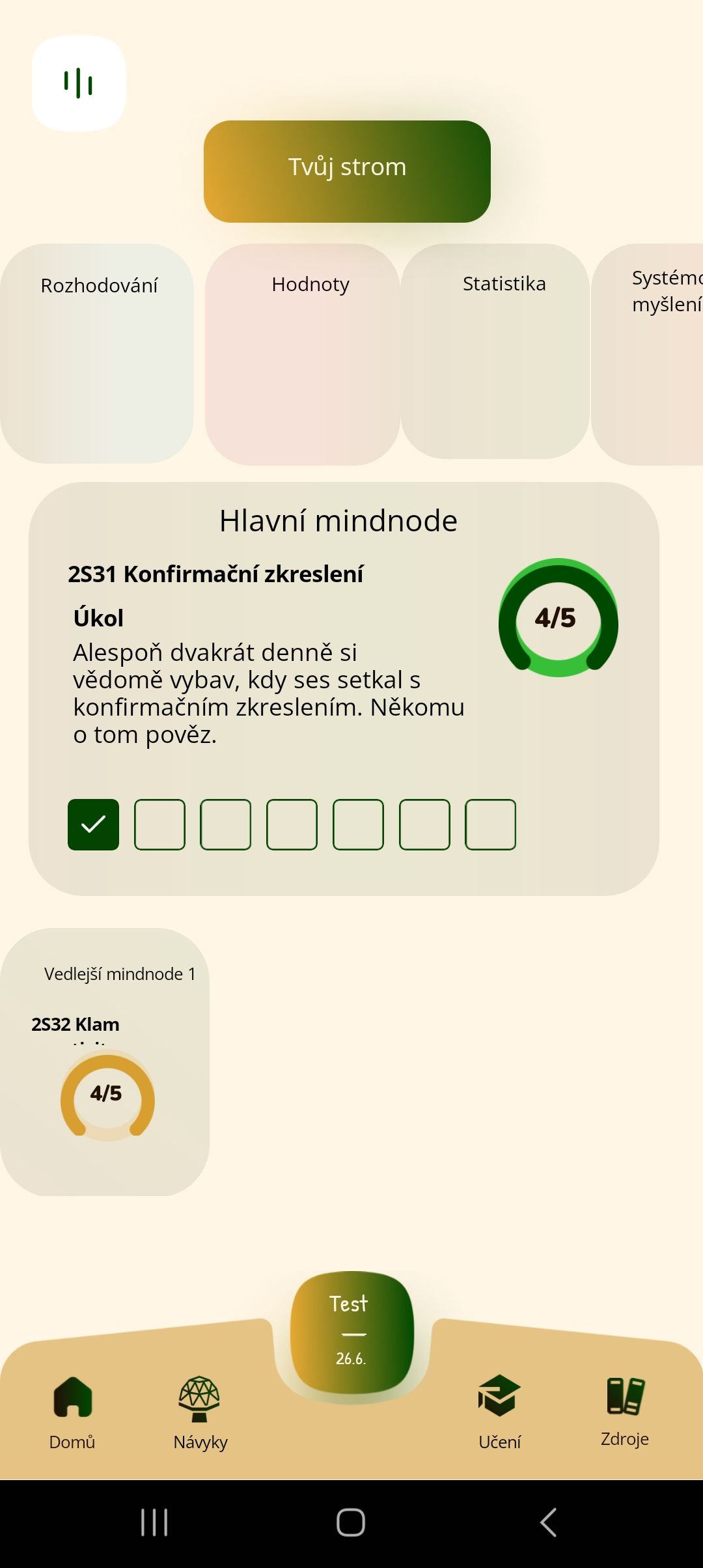
In Figma, I have screen devided to containers - everything here looks good. In Bravo studio it looks same but in Bravo Vision edges of screens are cut and my progress bar is scattered.
Incorrect in Bravo Vision:

Correct in Figma:
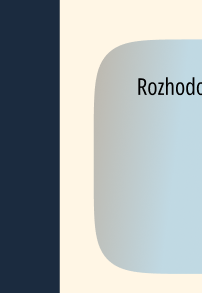
Incorrect in Bravo Vision:

Correct in Figma:
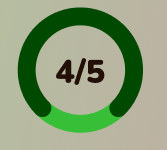
Something probably missing me. I have frames with containers due to the instructions - I tried Sample App (Your first App) and there were no mistake like in my app.
Can you help me?
Thank you so much,
Robert
3 replies
Wrote something in this thread and want it removed? Request removal
Ask the community on Discord
This archive is read-only. New questions, office hours and product updates now happen in the Bravo Discord.
Join the Discord