Archived from the Bravo community forum (2021–2026). Some answers may refer to older versions of Bravo.
Hello,
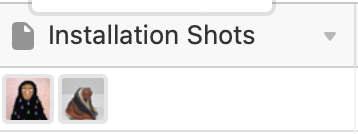
I currently have a form that accepts image attachments. Once the form is submitted, the images go to Airtable as such (see installation shots attached). However, when I go to test the app with Bravo studio app, only one image shows. For all images to show I have to create a "list" (see image, slide 1 and slide 2 attached) Is there a way to have "Installation shots" automatically populate the carousel slider without having to manually move the images to its own section as shown in the "image, slide 1 and slide 2 " screenshot?
Thank you for your help.

2 replies
Wrote something in this thread and want it removed? Request removal
Ask the community on Discord
This archive is read-only. New questions, office hours and product updates now happen in the Bravo Discord.
Join the Discord