← Design & Bravo Tags
Design & Bravo Tags May 16, 2022 · 1 reply

Looking for help with [menu:tabs] bravo tag.

Archived from the Bravo community forum (2021–2026). Some answers may refer to older versions of Bravo.

I seem to be having an issue with this tag.

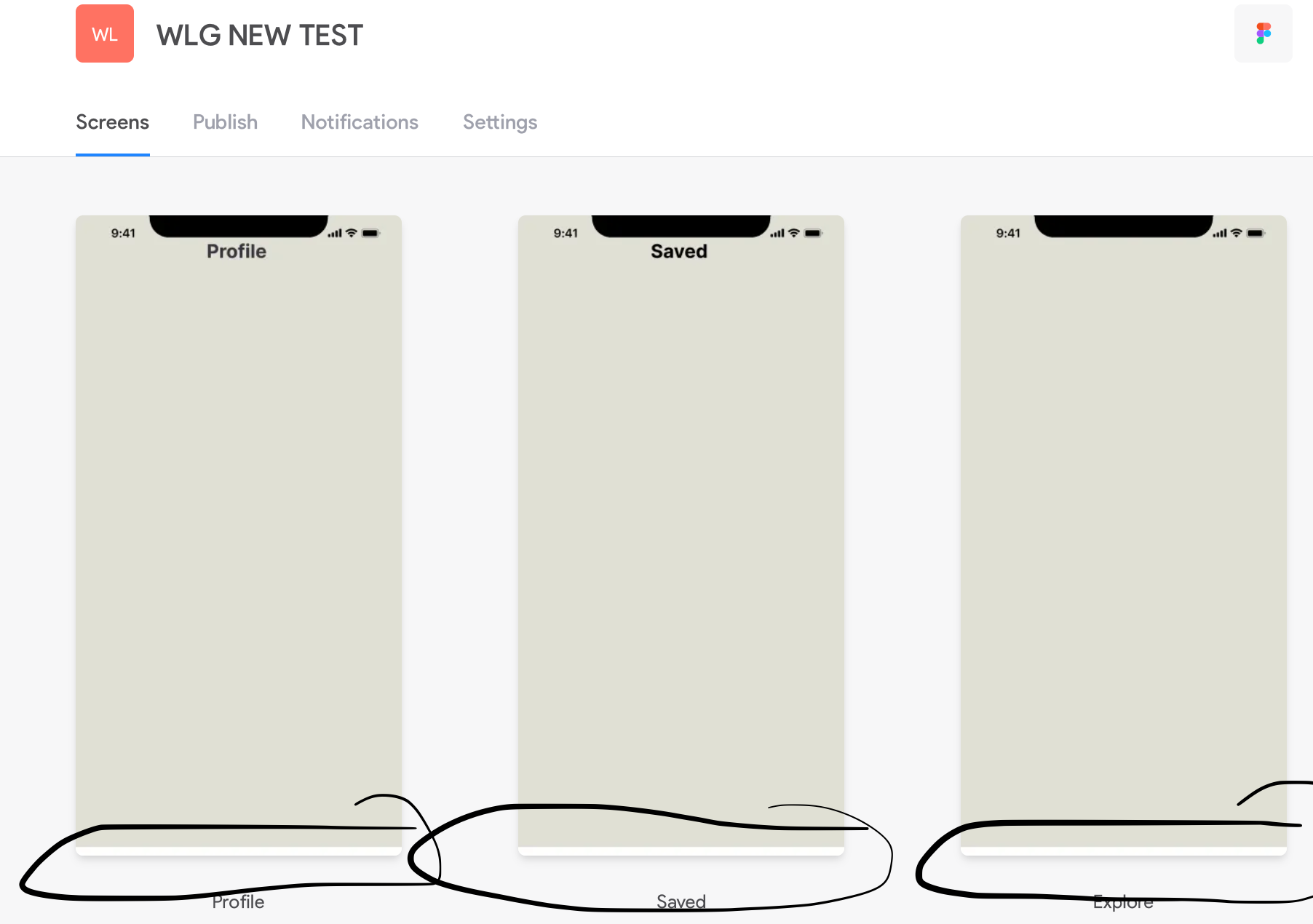
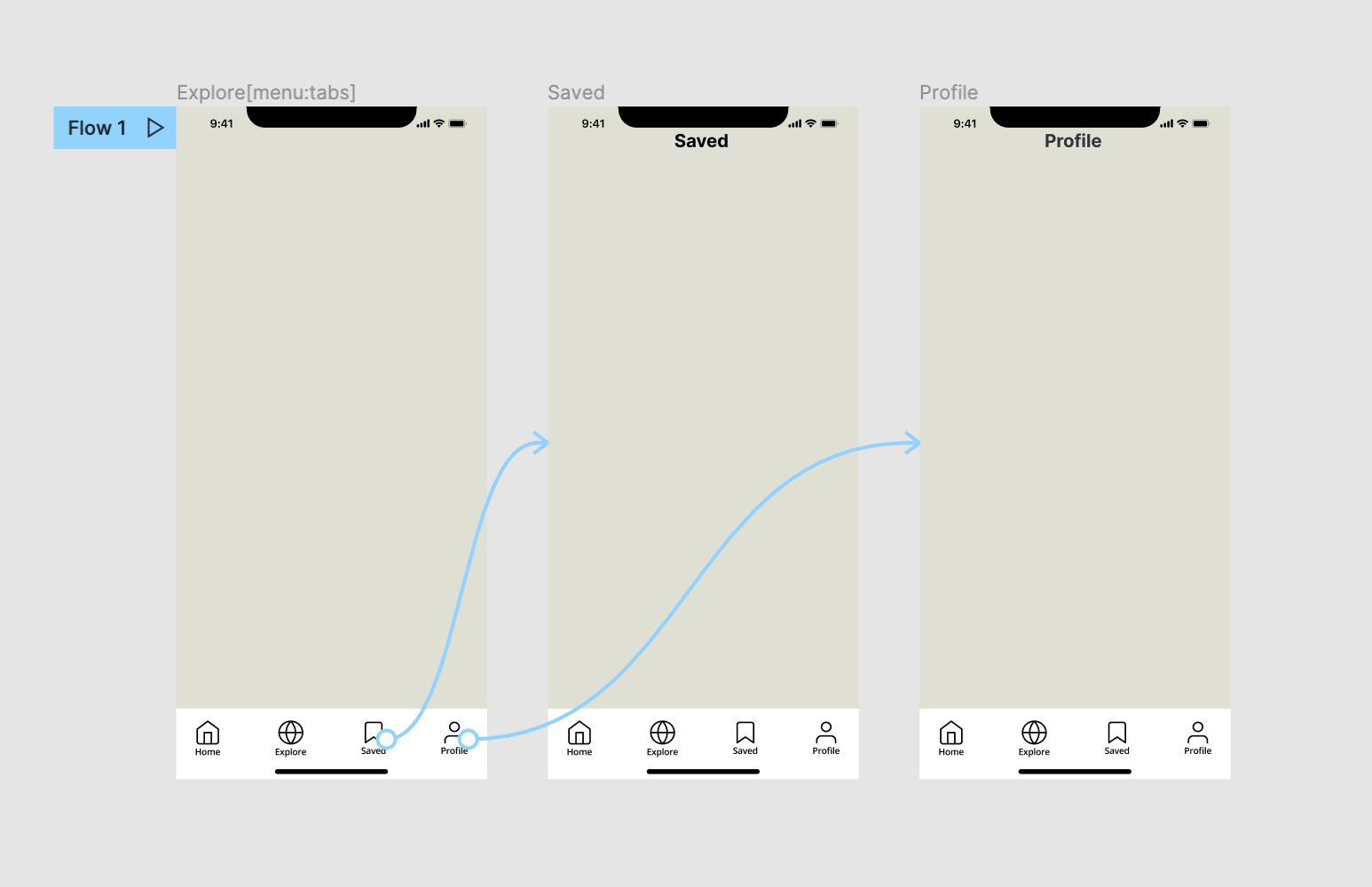
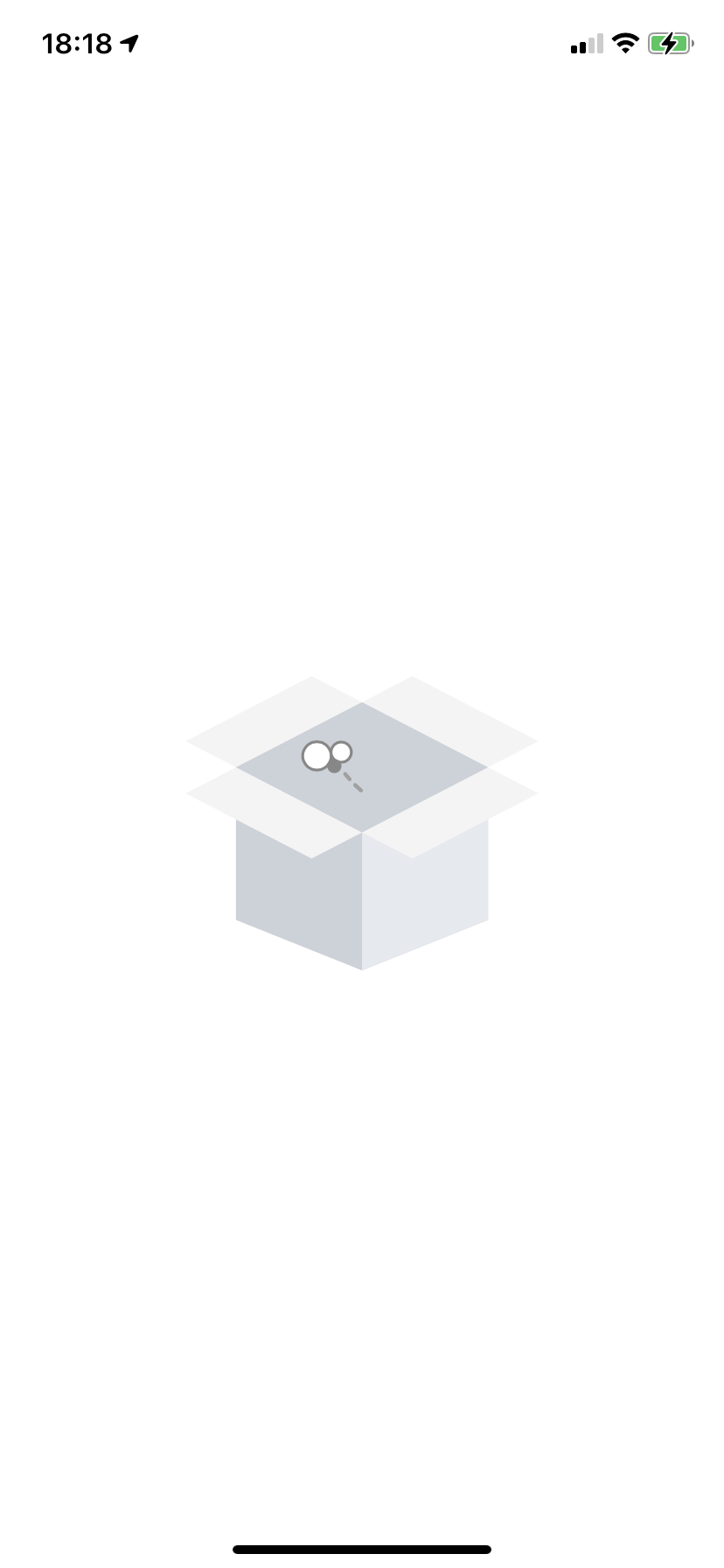
  1. For some reason, whenever I use it, everything is fine in the Figma Prototyping, but I get an error in Bravo Vision. It actually displays a fly buzzing out a box. Now, when I remove the tag in Figma, in Bravo Vision it now shows me the intended screen, however, as expected, now the navigation bar that was meant for the bottom is now attached to my list container (whatever is above it). I'm trying to view it on an iPhone 11 Pro and I also have it linked to atleast 2 other frames in Figma.

  2. In Bravo Vision, I can also never see the bottom navigation bar on the general preview section. Is that normal?

hope to hear from some soon!
IMG_0453.PNG

Screenshot 2022-05-16 at 18.21.48.png

Screenshot 2022-05-16 at 18.22.42.png

1 reply

Alejandro Gutiérrez Bravo team May 20, 2022

Hi ,

Can you make sure the app menu is correctly setup in its own frame and all menu items inside its own container.
(If the notch mockup is in the same container it might be the reason its not working)

Then menu should point to at least 2 screens (seems like that is fine from your picture), but I see that screens have the menu on them at that is interfering.

If you really want them to be there for your design process (notch and menu) thats fine but then tag those frames with [skip] tag so they don't interfer in the bravorizing process.

Check you have follow all steps in the guide sometimes we just miss a small bit that is the key
This template showing how to hide the menu will also be helpful.
Also this video is really helpful to avoid having most common issues when starting with bravo.

Let me know how it goes?

Wrote something in this thread and want it removed? Request removal

Still stuck?

Ask the community on Discord

This archive is read-only. New questions, office hours and product updates now happen in the Bravo Discord.

Join the Discord