Archived from the Bravo community forum (2021–2026). Some answers may refer to older versions of Bravo.
Hi everyone, im trying to do something and failing miserably.. Tbh i dont know if its even possible so before i give up and change the design please could someone help in anyway possible... I am attaching screen shots so you can understand better.
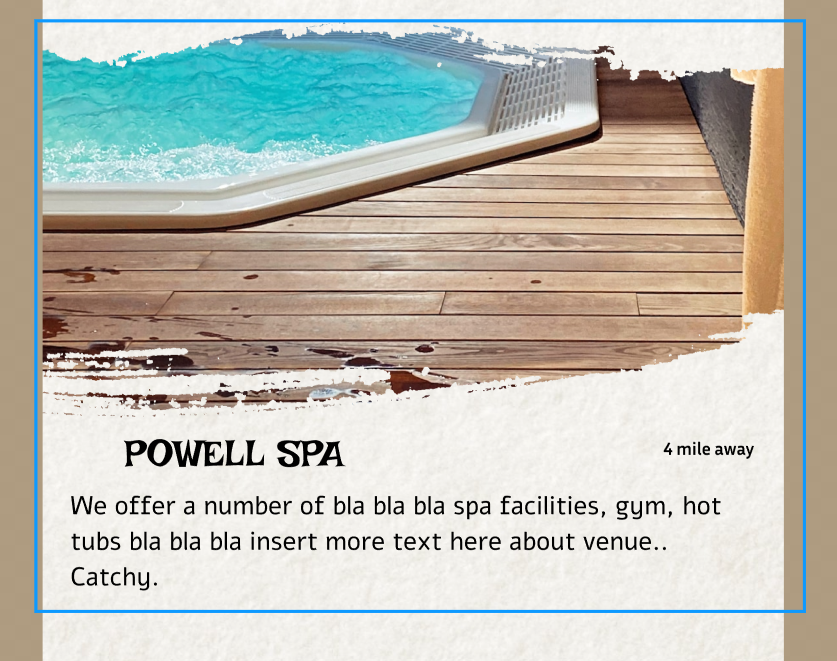
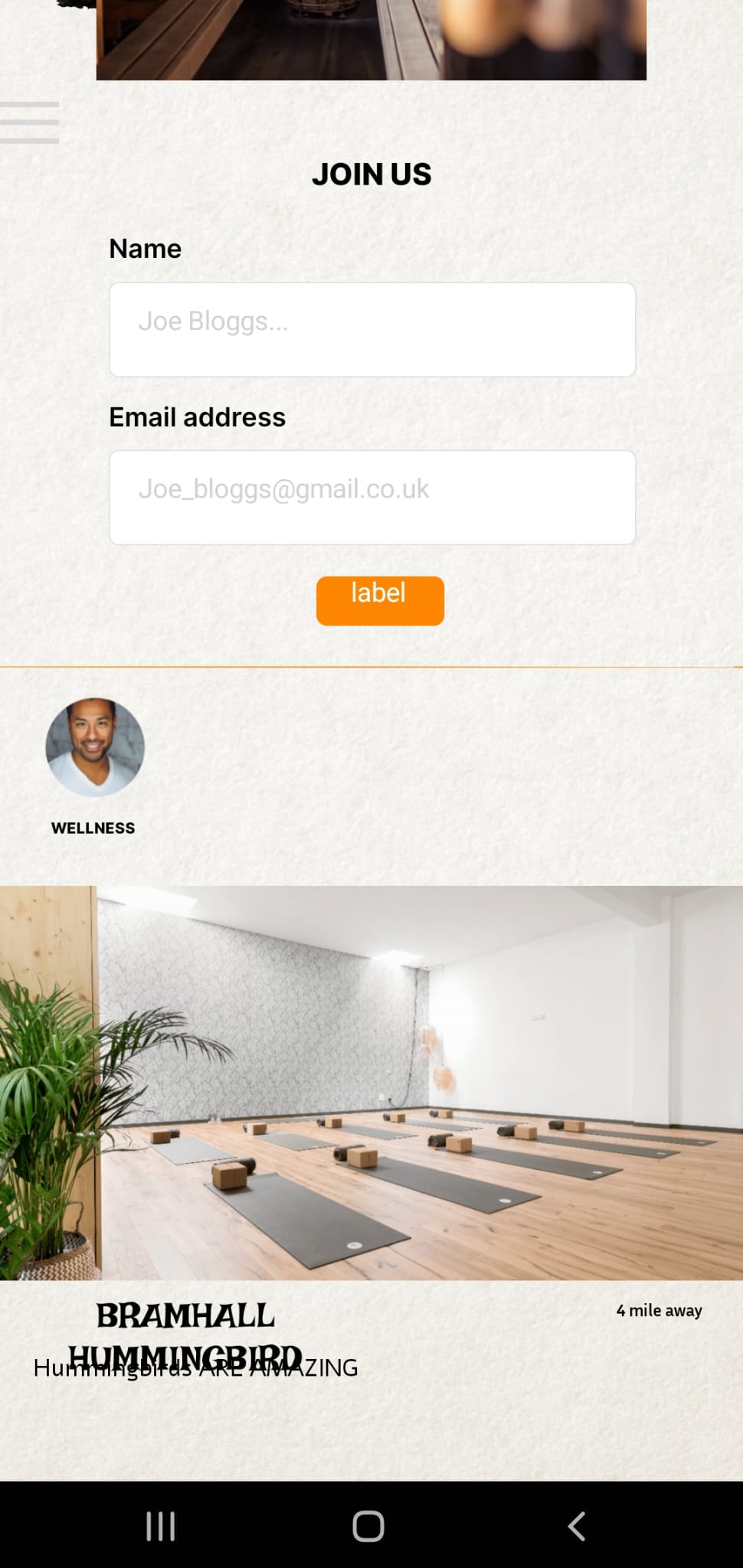
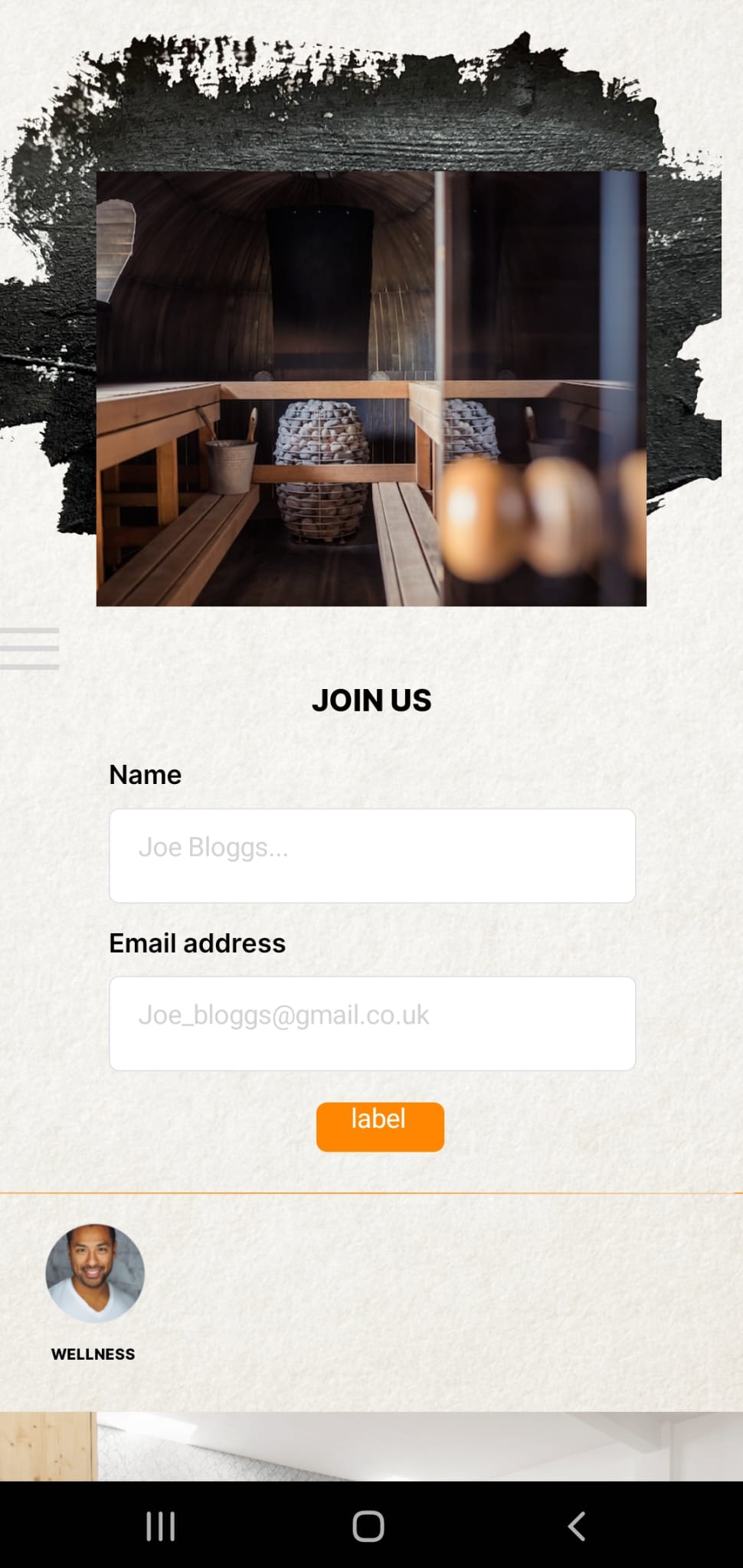
I want to display a list connected to air table. The images of each venue i would like to look nice.. rather than the standard rectangle image holder ive attached a picture thats a png of brush strokes.. i attempted to mask shape so the image is inside the brush image however its not working and instead places the image as a standard rectangle when viewing the app through the bravo viewer. Am i doing it wrong or is this not possible yet? Please add this as a feature if not...
P.s the 2nd image where the picture of the spa is seen ontop of the brush strokes image is seen like that on bravo viewer, however in figma it is fully masked.
Thanks so much in advance 😃
2 replies
Wrote something in this thread and want it removed? Request removal
Ask the community on Discord
This archive is read-only. New questions, office hours and product updates now happen in the Bravo Discord.
Join the Discord