← Design & Bravo Tags
Design & Bravo Tags December 18, 2023 · 13 replies

menu tabs issue

Archived from the Bravo community forum (2021–2026). Some answers may refer to older versions of Bravo.

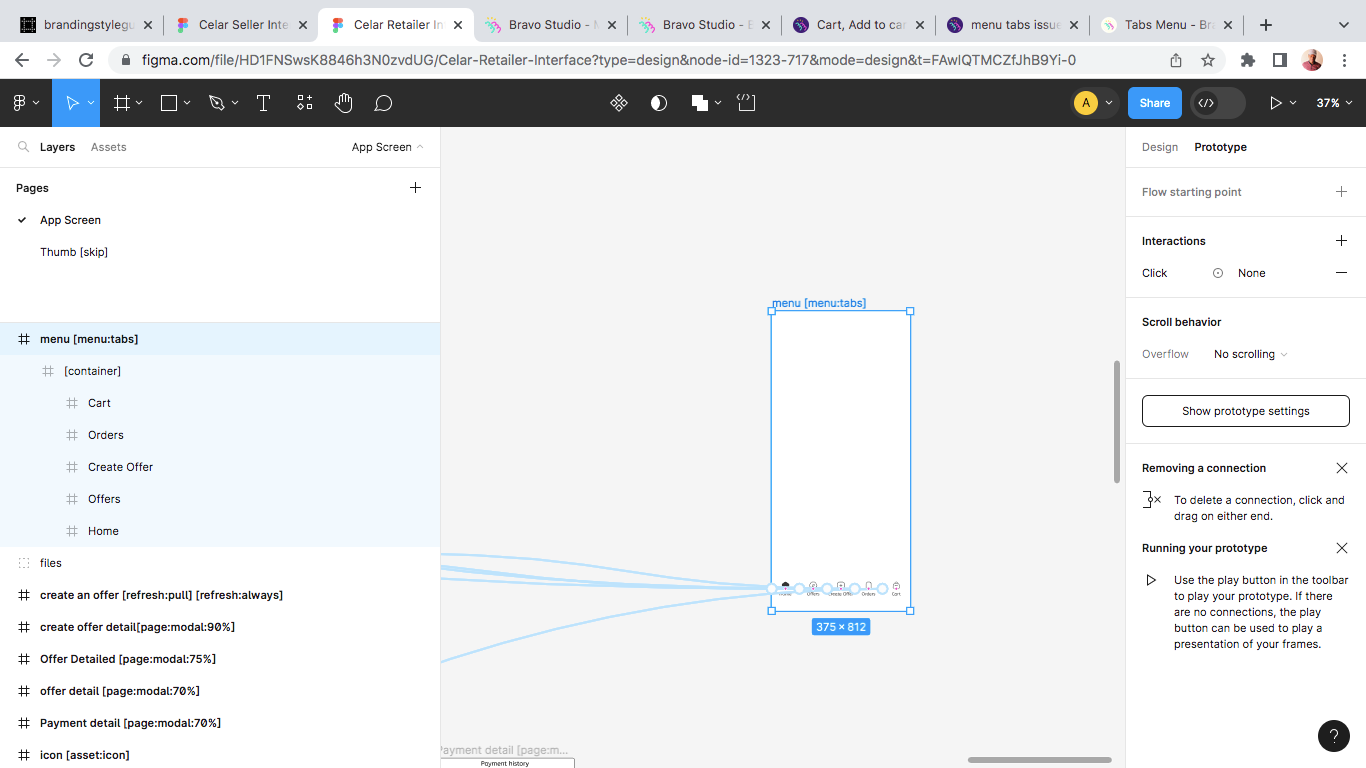
menu tabs is not showing. I have a menu tabs page that I have linked and added tags. However it still does not show. When I Sync my app after login in bravo vision, it appears. But if I change the page, it disappears again

13 replies
Marielle Ibias Bravo team January 4, 2024

@Abu Sabitu, I’d suggest to detach the Figma component “Bottom navigation” and make sure that you’ve set a flow starting point to your Home page.

Abu January 4, 2024

@Marielle Ibias Hi, i have updated the figma file and detach the bottom navigation component. however, its still not visible in the app via bravo vision. I have already set the starting flow to my home page.

Marielle Ibias Bravo team January 10, 2024

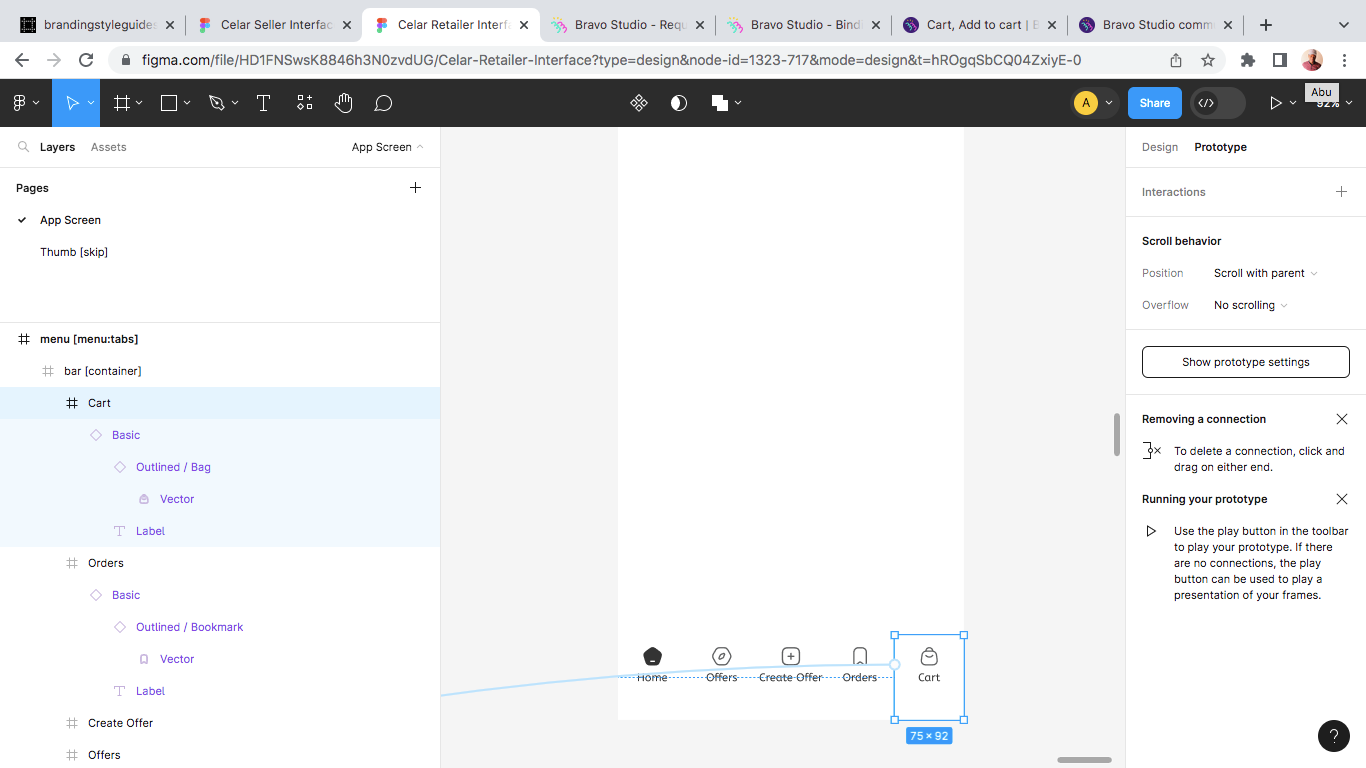
@Abu Sabitu is there any other component inside the frames? I’d also review if the icons are connected to a specific page, only one connection per icon.

Abu January 10, 2024

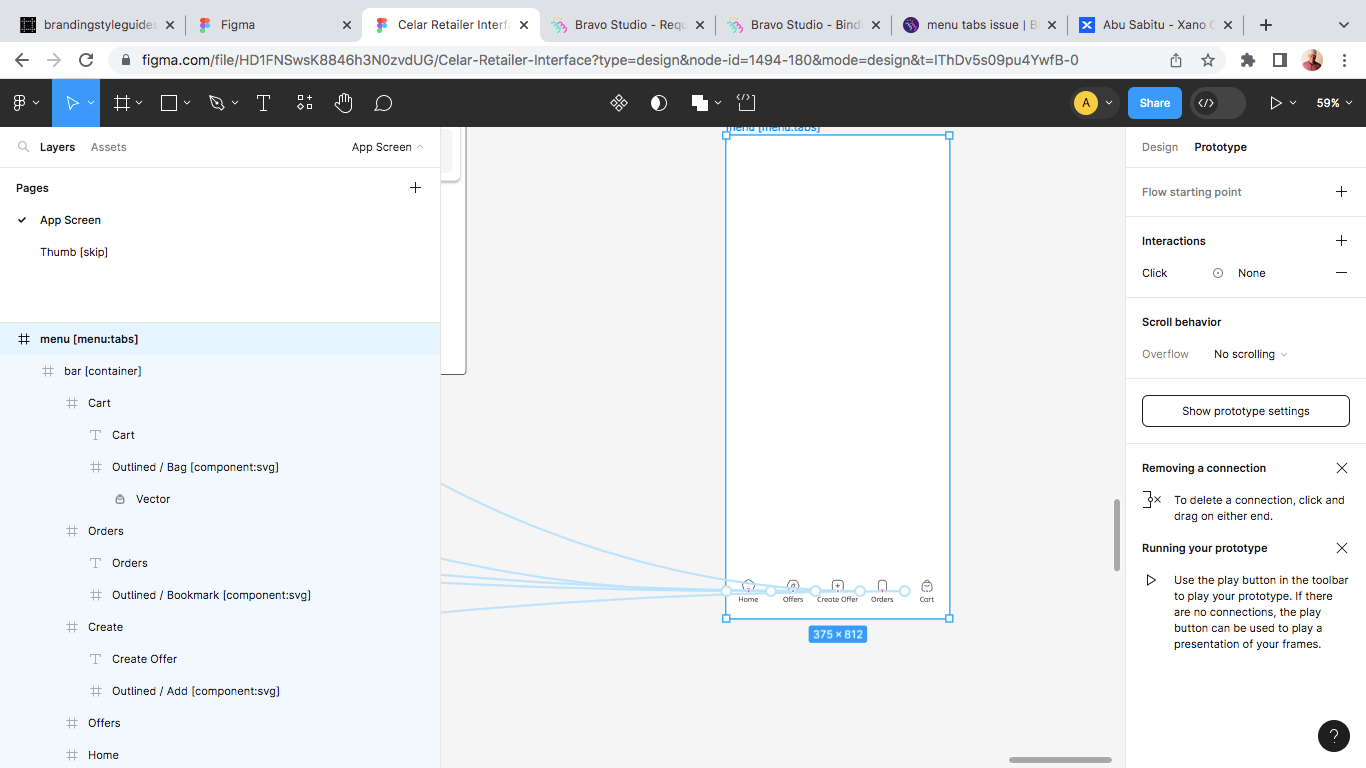
@Marielle Ibias as seen attached, there are components with the frames in each of tabs. this mainly consist of the design and instances. Each tab frame has a single connection

Abu January 10, 2024

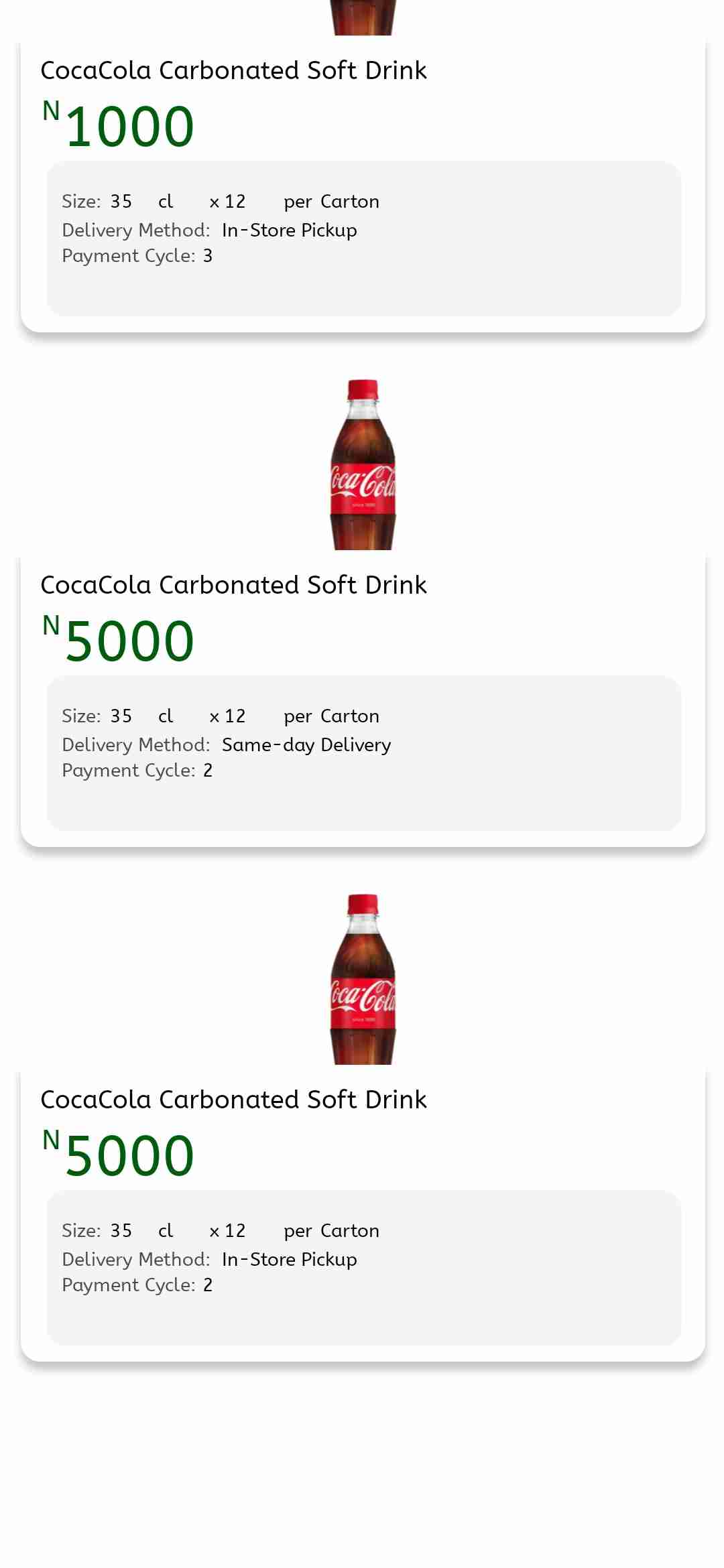
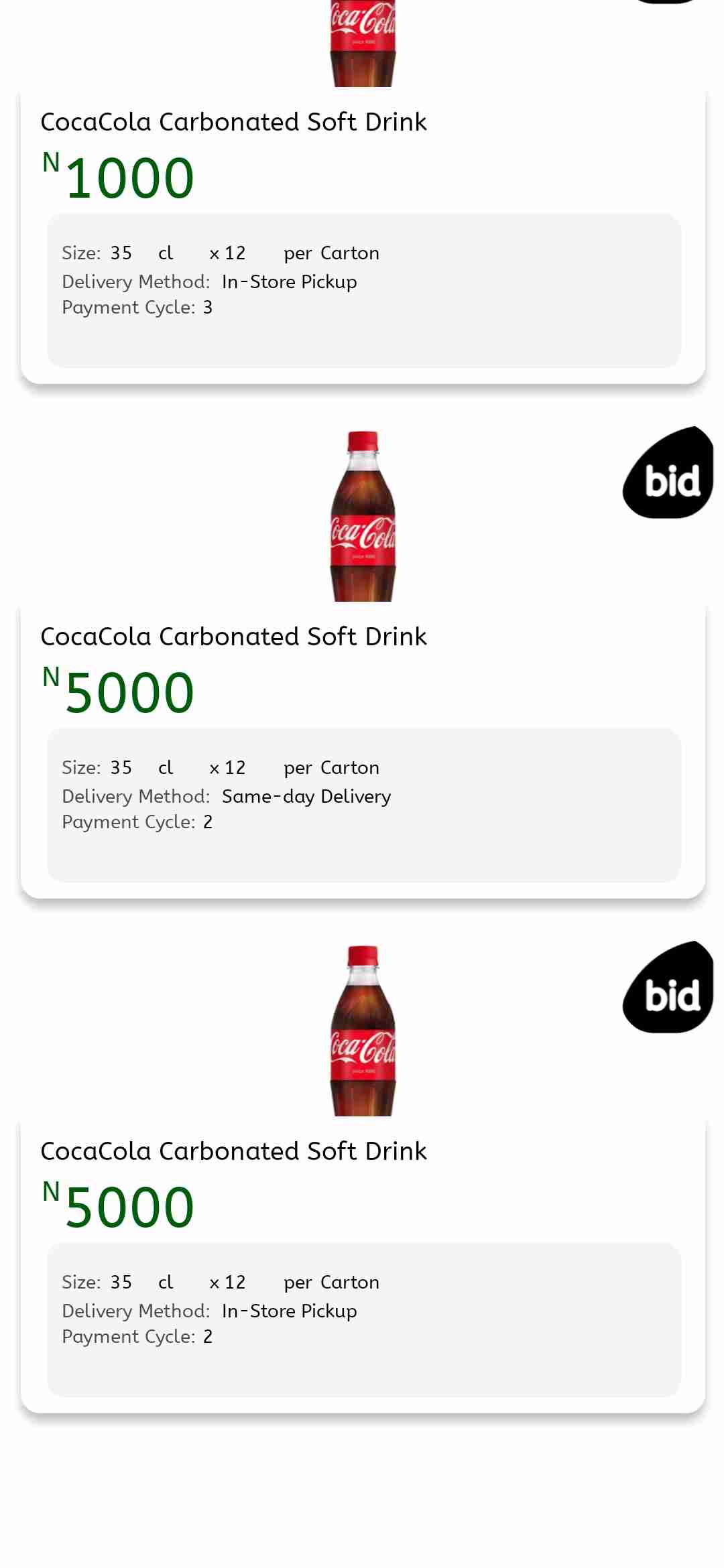
I also noticed that app shows the space for the menu tabs, but the content is not visible. as seen attached.

Marielle Ibias Bravo team January 11, 2024

Hey @Abu Sabitu,

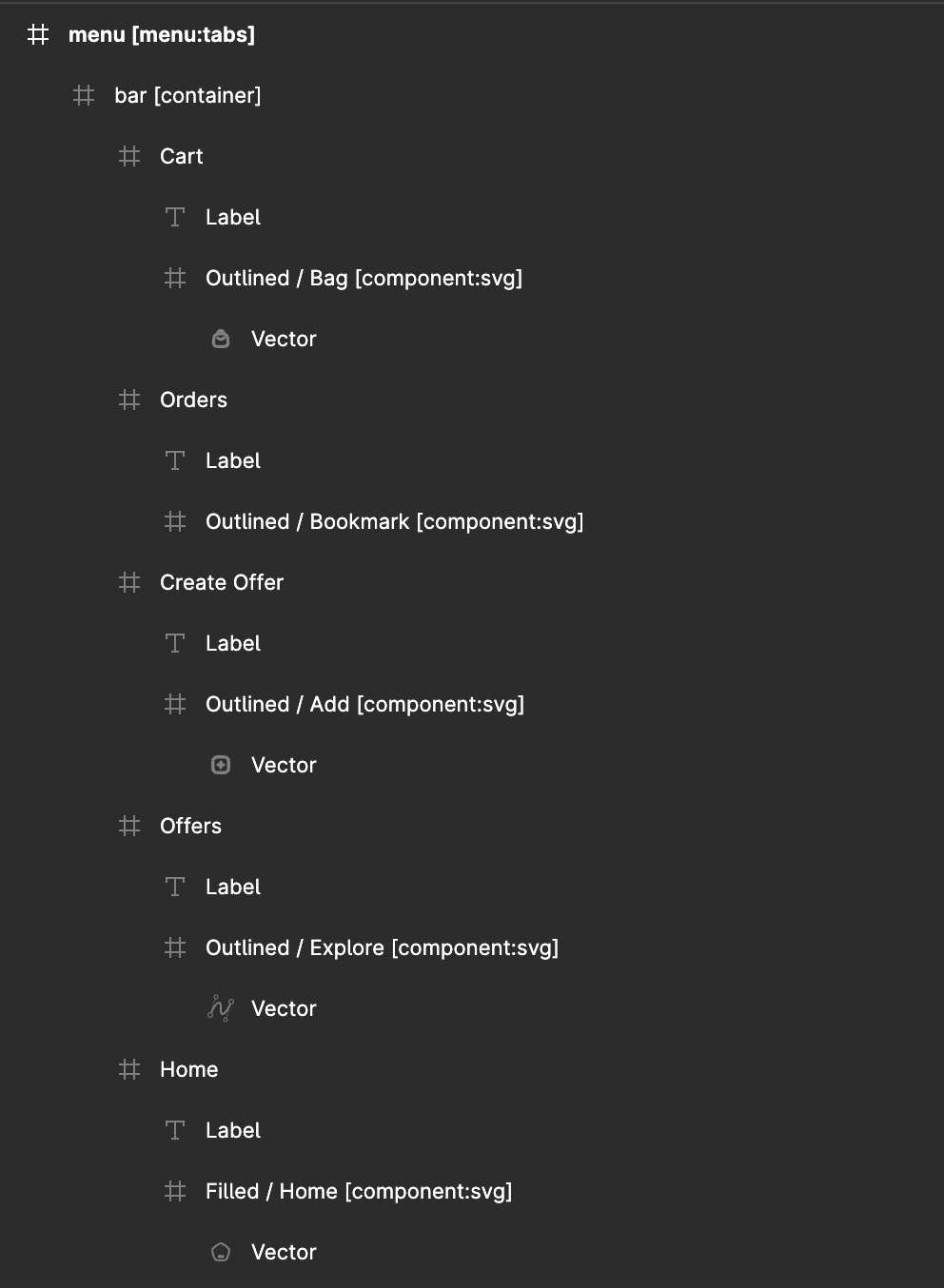
I’ve done some tests, and it seems that the “basic” group component isn’t needed. I’d suggest to detach the instances of the Figma components and structure it as below:

You can also add the [component:svg] to render the vectors as it looks in Figma.

Abu January 12, 2024

@Marielle Ibias I have updated my Figma design and detached all instances. I have connected the frames to a page. the menu tab is still not showing.

Jessica March 23, 2024

Hi Abu Sabitu! Did you ever find a solution to this? I’m now having the same issue, everything is set up correctly (and a few months ago when I tested the app it was showing fine) but the menu tab is not showing…

Abu April 27, 2024

@Jessica Hornsey with all the assistance I got. i couldn't really get it to work. I used a Sticky layer before I get to fix the menu tab issue later (hopefully)

Wrote something in this thread and want it removed? Request removal

Still stuck?

Ask the community on Discord

This archive is read-only. New questions, office hours and product updates now happen in the Bravo Discord.

Join the Discord