← Design & Bravo Tags
Design & Bravo Tags January 26, 2024 · 5 replies

menu tabs not showing

Archived from the Bravo community forum (2021–2026). Some answers may refer to older versions of Bravo.

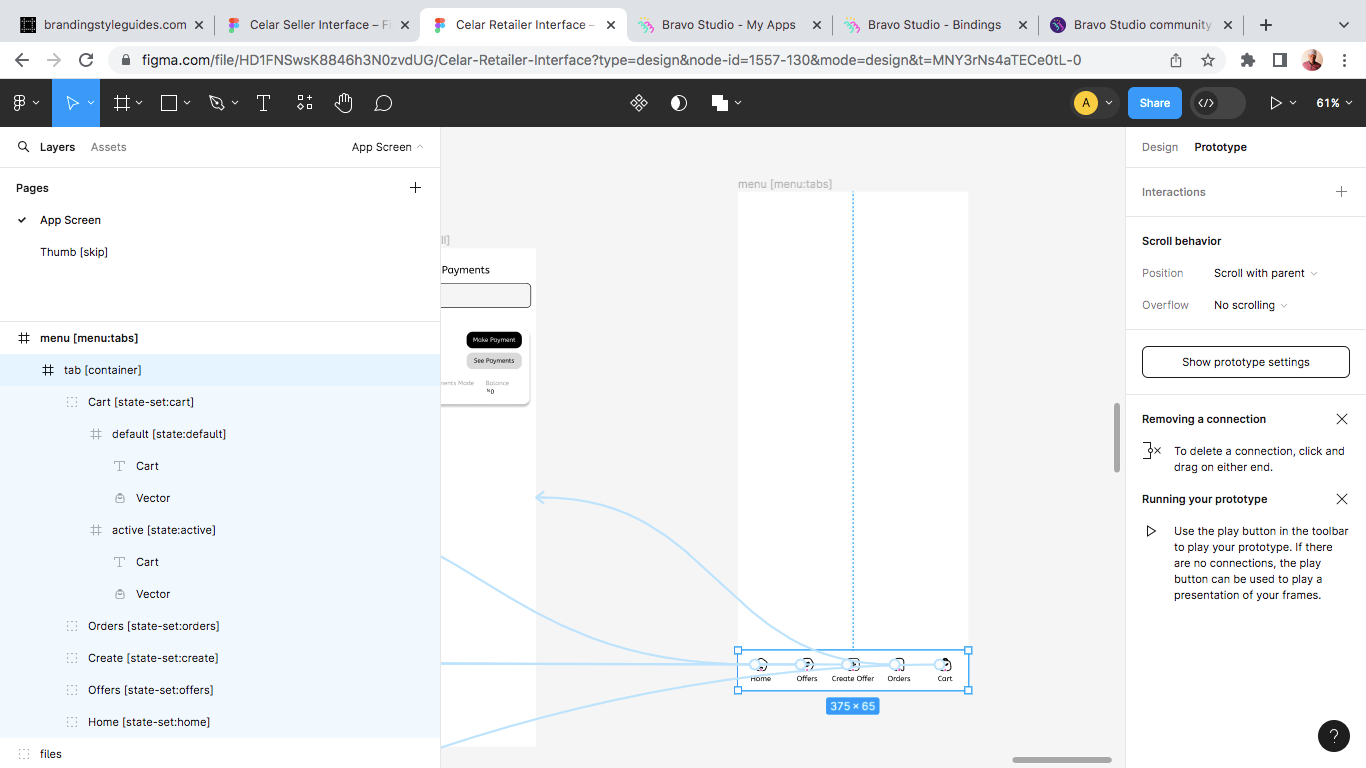
I have set up my menu tabs page over and over again to no avail. can someone please tell me what i am missing here? please! i use xano backend.

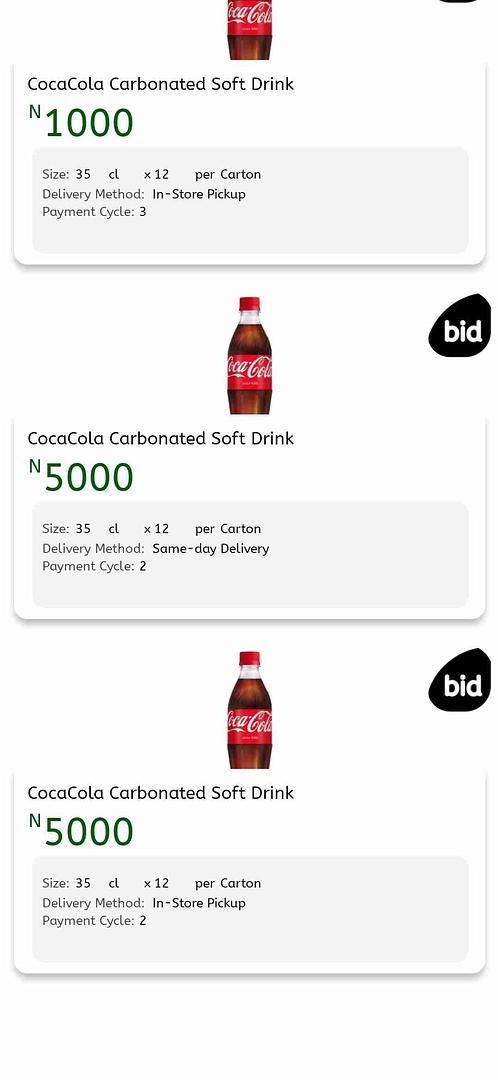
In bravo vision, the space for the menutabs could visibly be seen. however the content does not show.
5 replies
Stéphan January 27, 2024

Hello Abu,
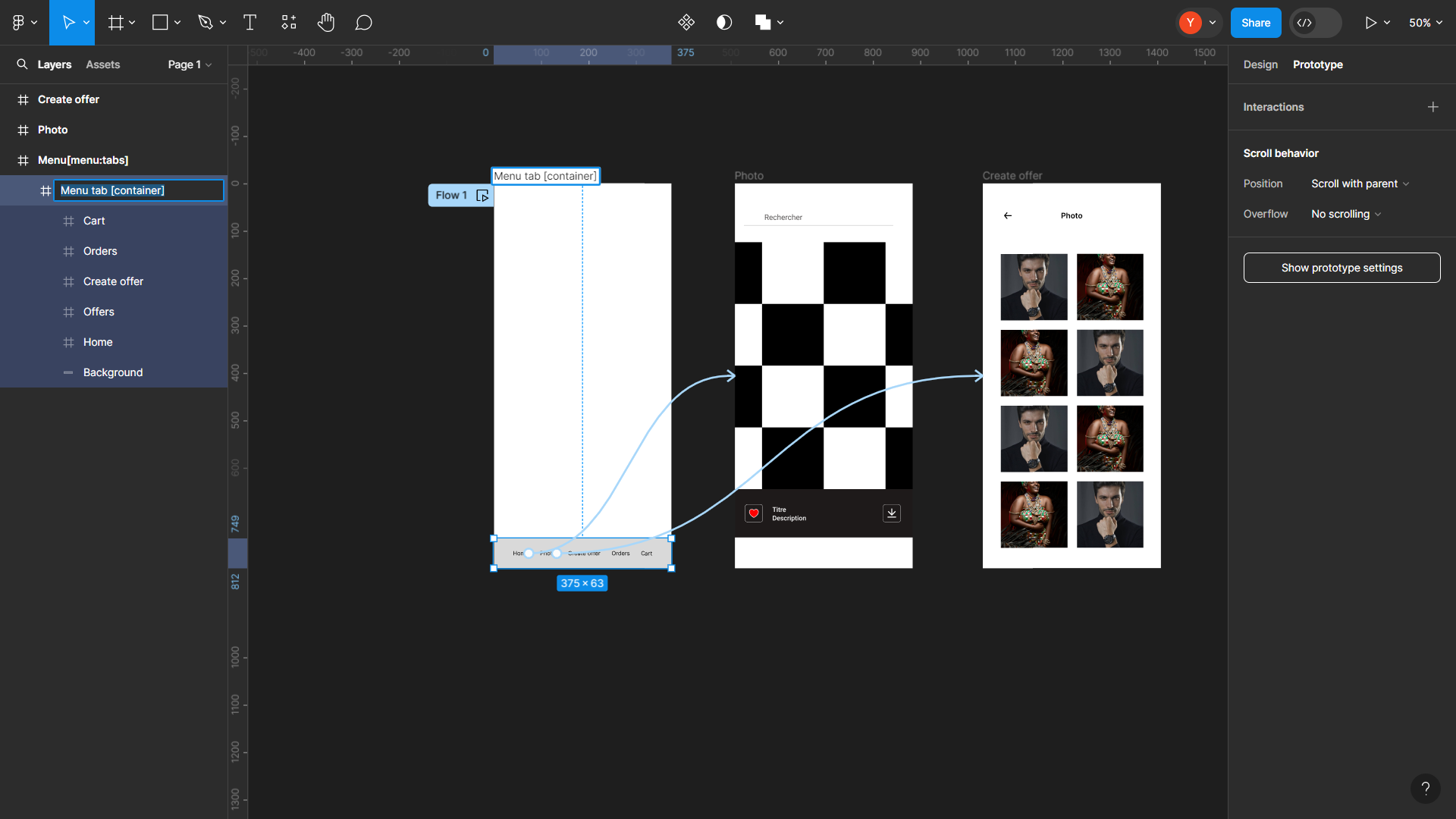
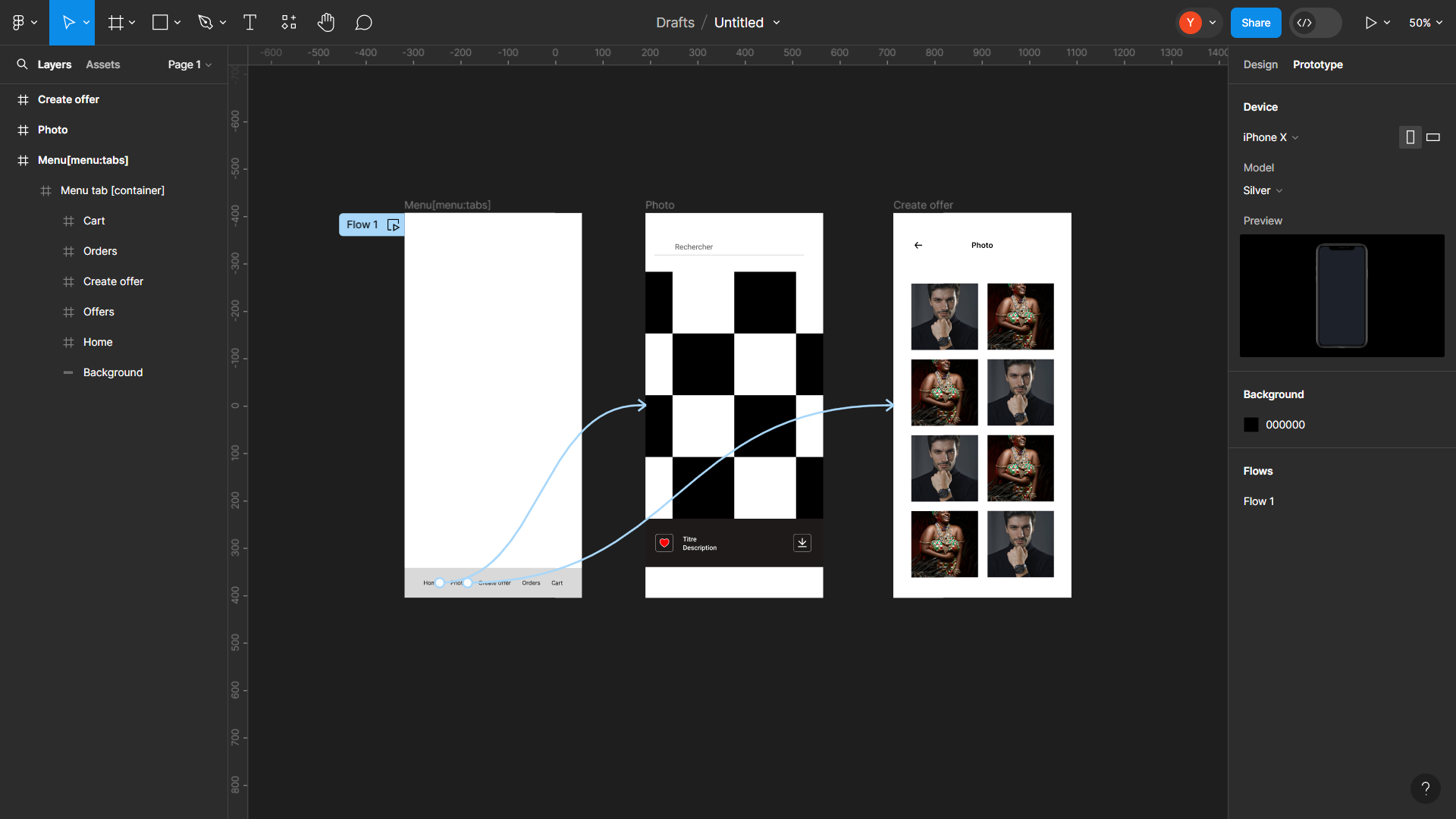
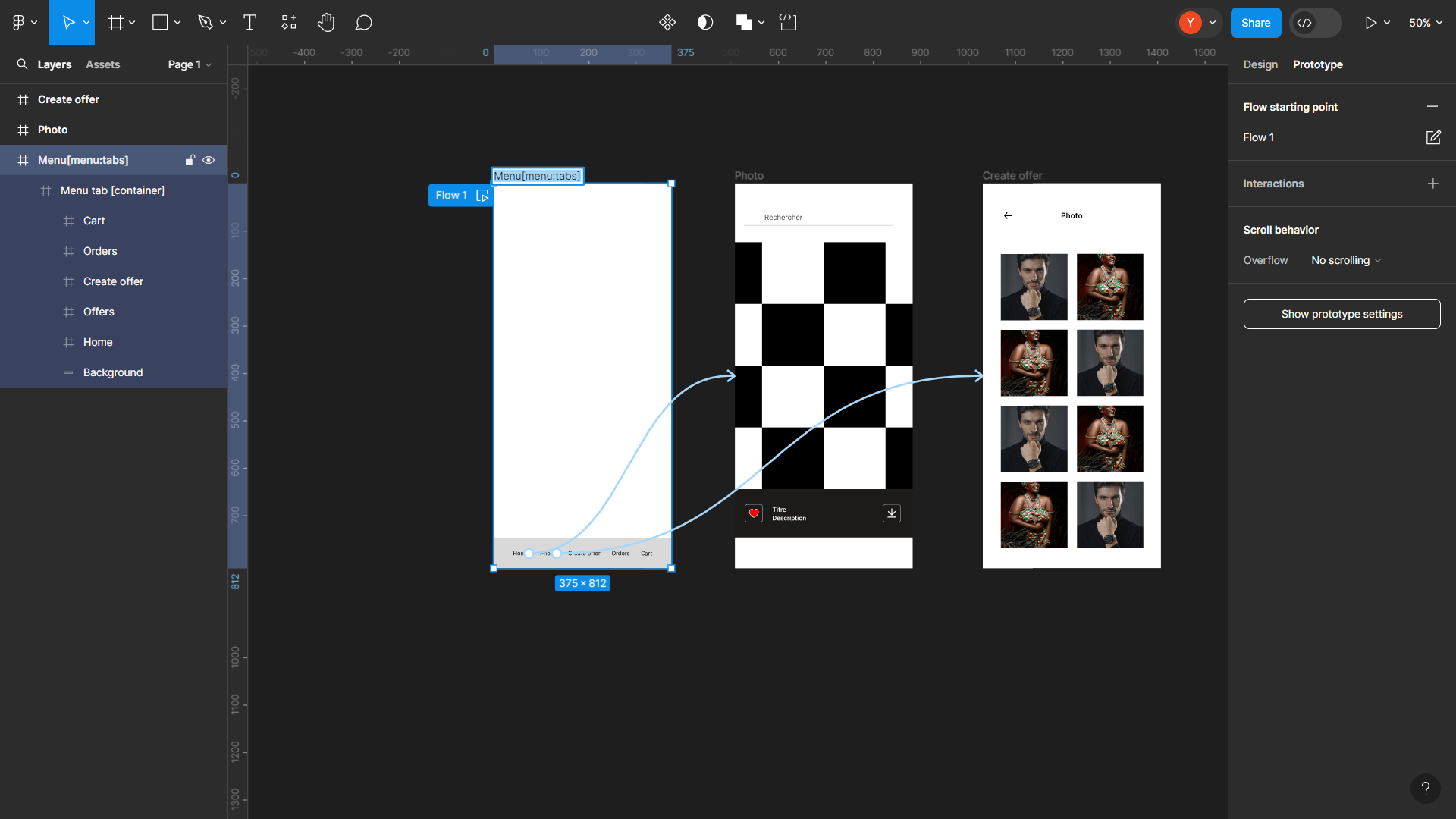
Firstly, create a frame based on the mobile screen with the tag: Menu[menu:tabs].
1.

Inside this frame, create your menu within a container using the tag: [container].
2.

For each menu button you create, make sure to create its respective screen or frame. Link each menu button to its corresponding screen or frame.
3.

Finally, check the result in Bravo Vision to ensure the consistency and proper functioning of your design.

20240127201326.mp4

Abu January 28, 2024

@Stéphan N'GUISSAN Hi, I appreciate the response. I have tried with this exact format earlier, but it also fails to display. however I will try it over again.

Abu January 28, 2024

@Karla Fernandes | design & no-code Hi, thanks I will give it a watch !

Wrote something in this thread and want it removed? Request removal

Still stuck?

Ask the community on Discord

This archive is read-only. New questions, office hours and product updates now happen in the Bravo Discord.

Join the Discord