Archived from the Bravo community forum (2021–2026). Some answers may refer to older versions of Bravo.
Hi,
I list a few articles in my app. I want to offer the user the ability to share the detail page of the article he is currently reading.
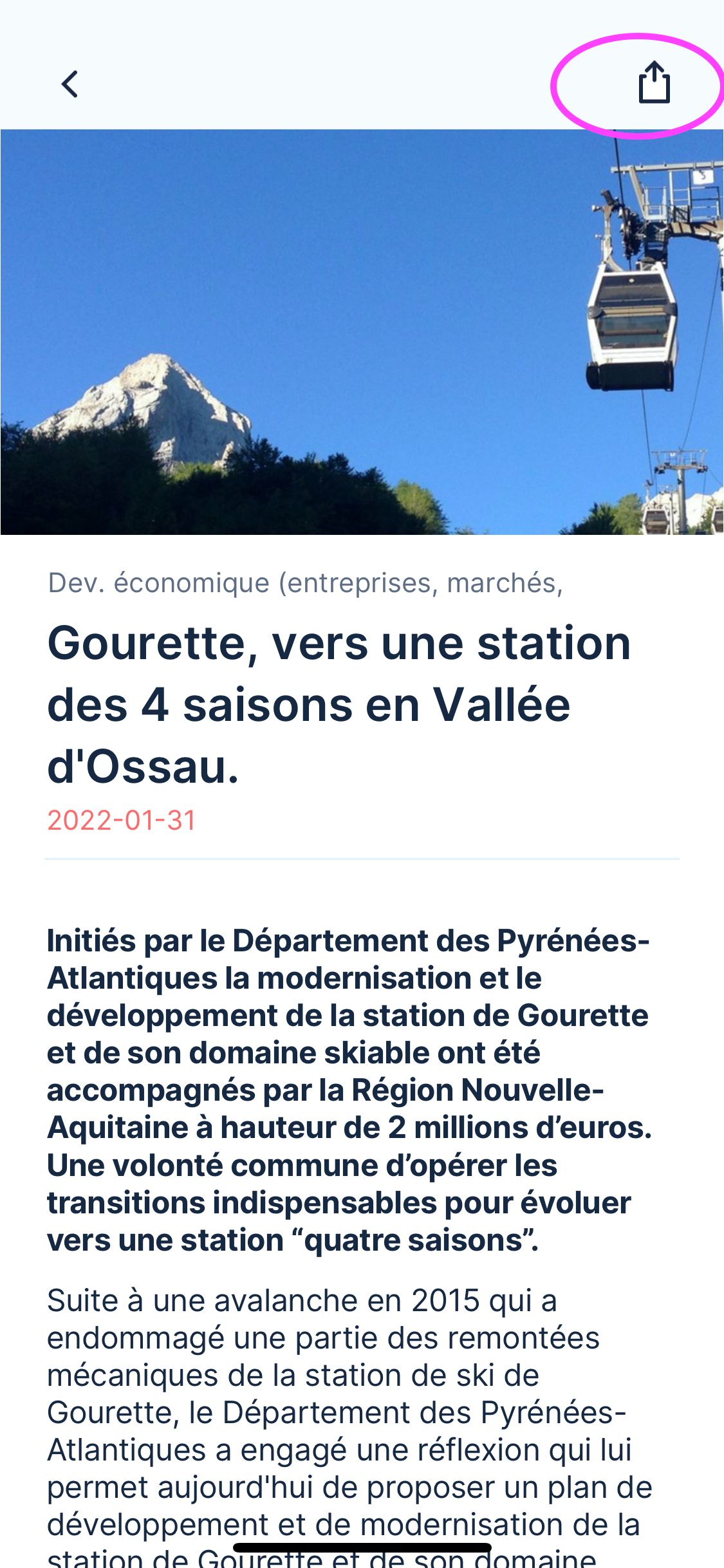
I originaly did like mentioned in the video here (10min15sec) by just adding the tag [action:share] to my button. In bravovision and in testflight, it opens the native share feature - but the message I send is empty. That's my problem.
I thought i did it wrong, and maybe I must insert the page url?
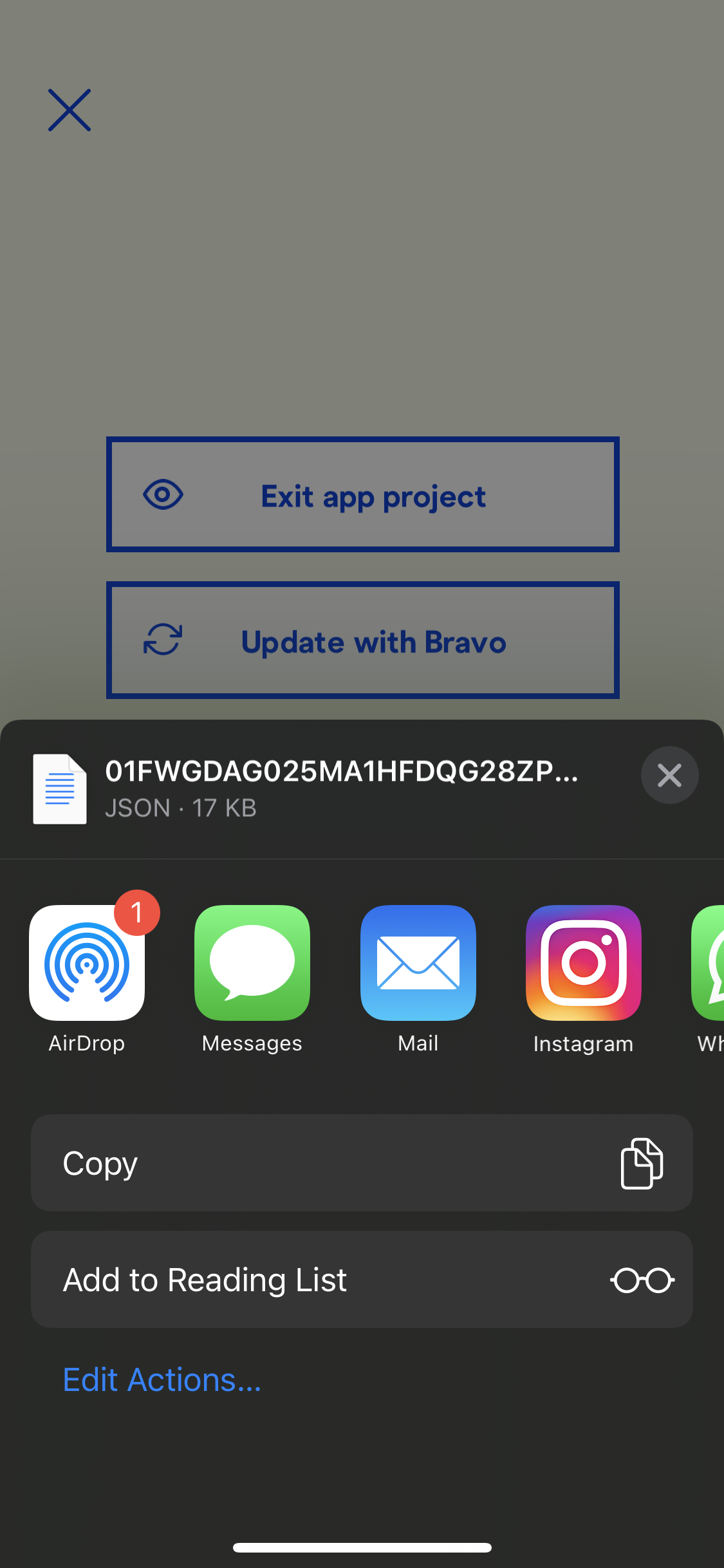
It collects a JSON file.
At the end of the JSON file, I found a shareUrl link like this one.
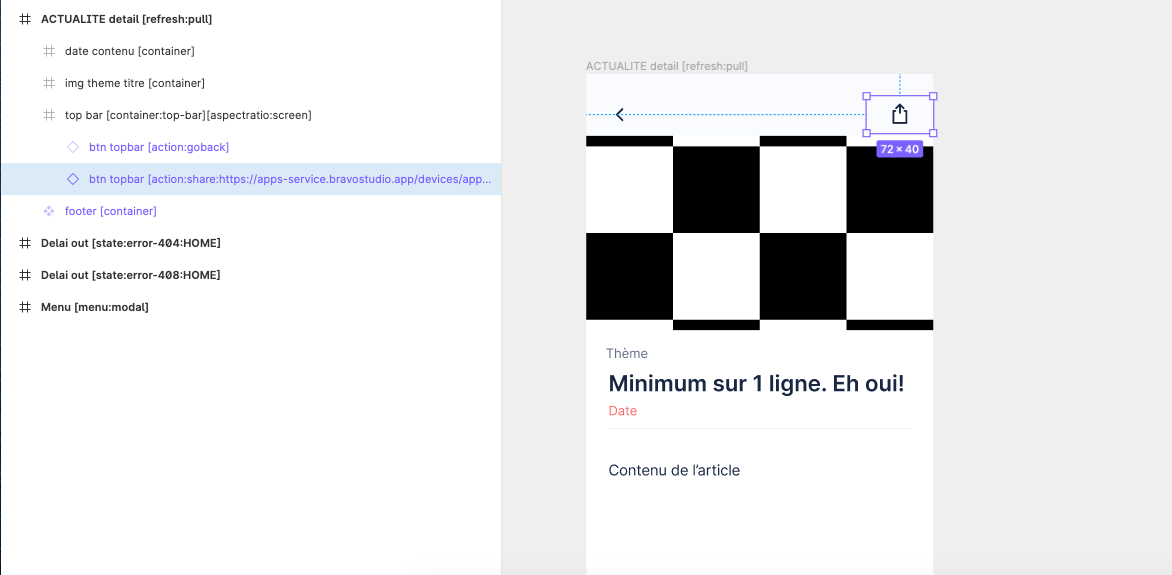
I copy pasted it into my figma files, like this and refresh everything.
Now even the share feature isn't opening anymore.
Do you have any input to share with me please?
Thank you for that one.
2 replies
Wrote something in this thread and want it removed? Request removal
Ask the community on Discord
This archive is read-only. New questions, office hours and product updates now happen in the Bravo Discord.
Join the Discord