← Design & Bravo Tags
Design & Bravo Tags September 29, 2021 · 21 replies

Setting a background for your app...

Archived from the Bravo community forum (2021–2026). Some answers may refer to older versions of Bravo.

I realise this sounds like the most obvious thing in the world, and to be honest, I just dived into Figma and got working away...

But when I preview on the Bravo Vision app, my background isn't a background.  It either disappears, or it appears as an image at the top of the screen.  

I've probably missed something really obvious, so feel free to tell me what I've done wrong, and how stupid I'm being...

😀

21 replies
LIU September 29, 2021

Do you have any screen shot for your app? Maybe You can check out your background " container"to see whether it is well placed ? Do you have many containers in one page?

Paul September 29, 2021

I'm just trying to get it working on page page, and then move from there.  I've got 3 containers plus the background.  Header, Log In Container and a Bottom container.  Those three are stacked.  No matter what I do with the background image (in a frame, out of a frame, etc) it looks great in Figma and in the Bravo program, but in the app, it becomes the first picture, or doesn't display at all.

LIU September 29, 2021

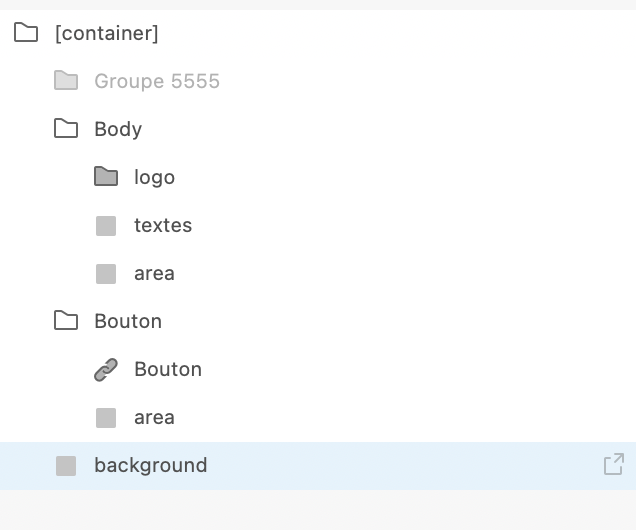
Ok, maybe you can try this : make all the containers and your background iamge (Header, log in container and a bottom) in one groupe, and add the tag "container"at one groupe, make sure you have a transparent "area"in each group like header, log in and bottom.

Capture d’écran 2021-09-29 à 15.24.47.png

LIU September 29, 2021

I'm not sure whether you use Adobe XD or Figma? If you juse Figma, You don’t have to add "area" I think, just follow the tag list

Paul September 29, 2021

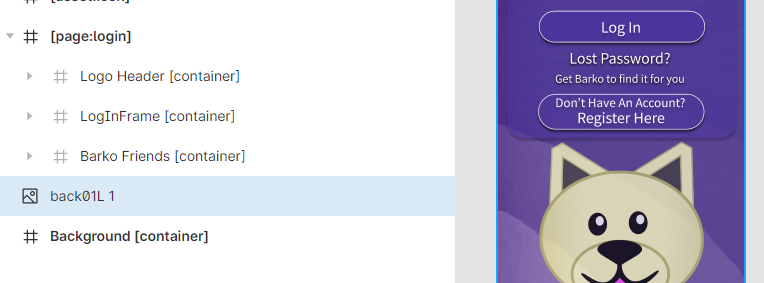
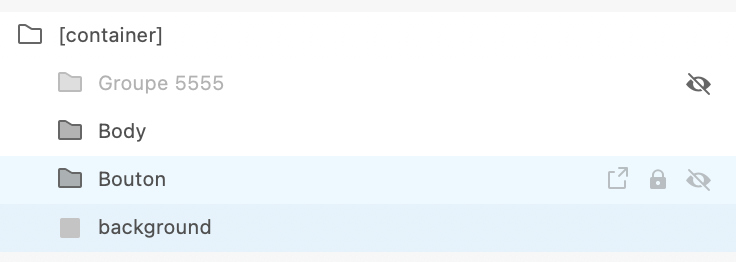
I'm using Figma. :)  This is my list - I've collapsed it for the sake of tidiness!

image.png

Paul September 29, 2021

I've tried it in a frame, with the container tag, without it, as it's own layer...

LIU September 29, 2021

Like I said,  group all your containers including your topbar, login,background in one group [container]

Paul September 29, 2021

I either get this: 

01.jpg

Or this:

02.jpg

Where if you scroll down, you get the menu as it appears in the first picture.  I've tried every permutation, but I imagine it's something I did wrong right at the beginning of designing, because I just dived into Figma and started tinkering to make designs.  So I may not have set it as background properly, or something fundamental.

The full name quoting is weird, I feel like I'm in trouble.  😀

Karla September 29, 2021

I don’t know what you are really trying to do, would help to know what you want, what you get, and a link to your file to check.

Paul September 29, 2021

🙂

I think it may be I'm trying to do some stuff that's more complicated than can be easily achieved, perhaps, because I've been designing it how I would anything else with layers.

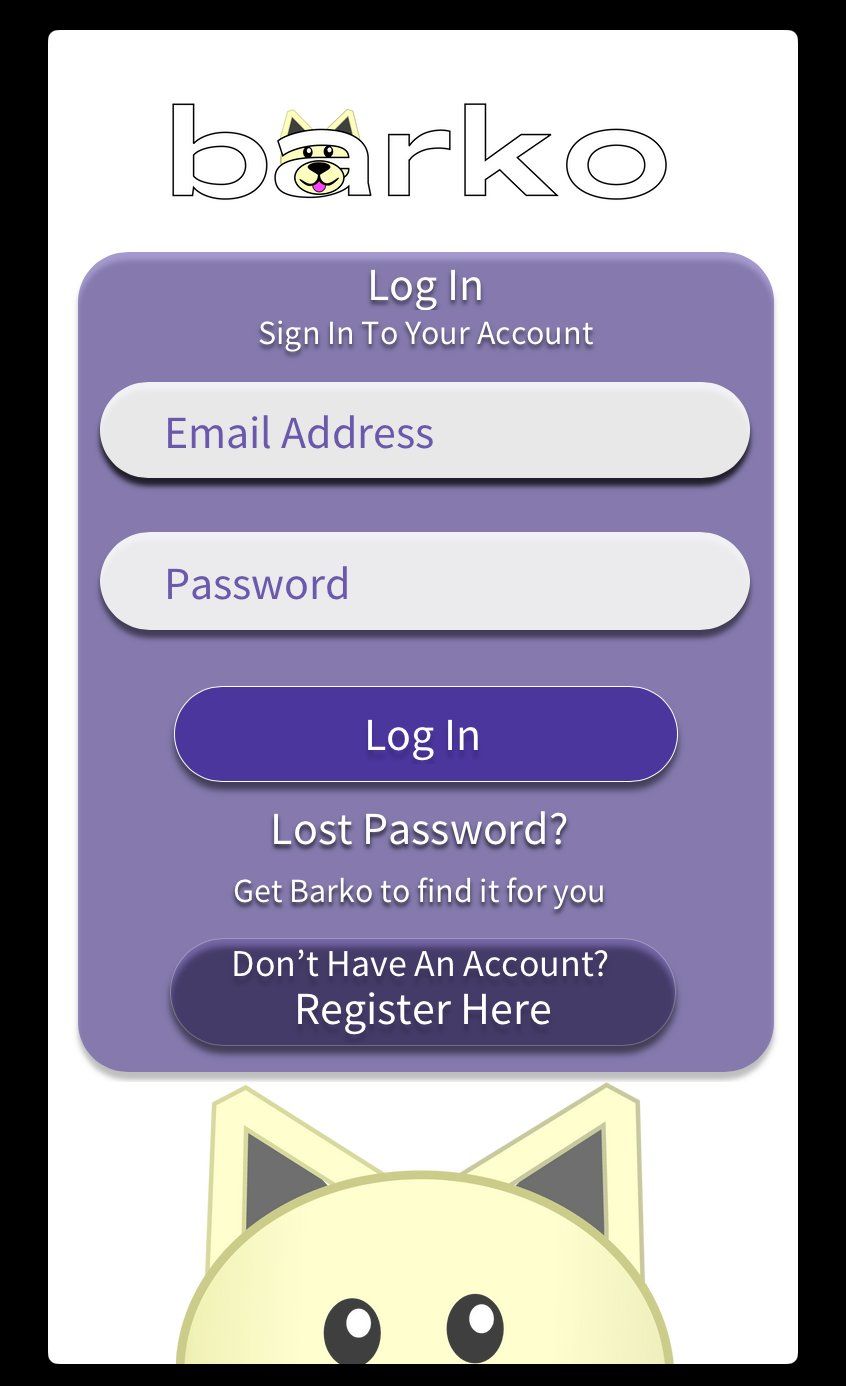
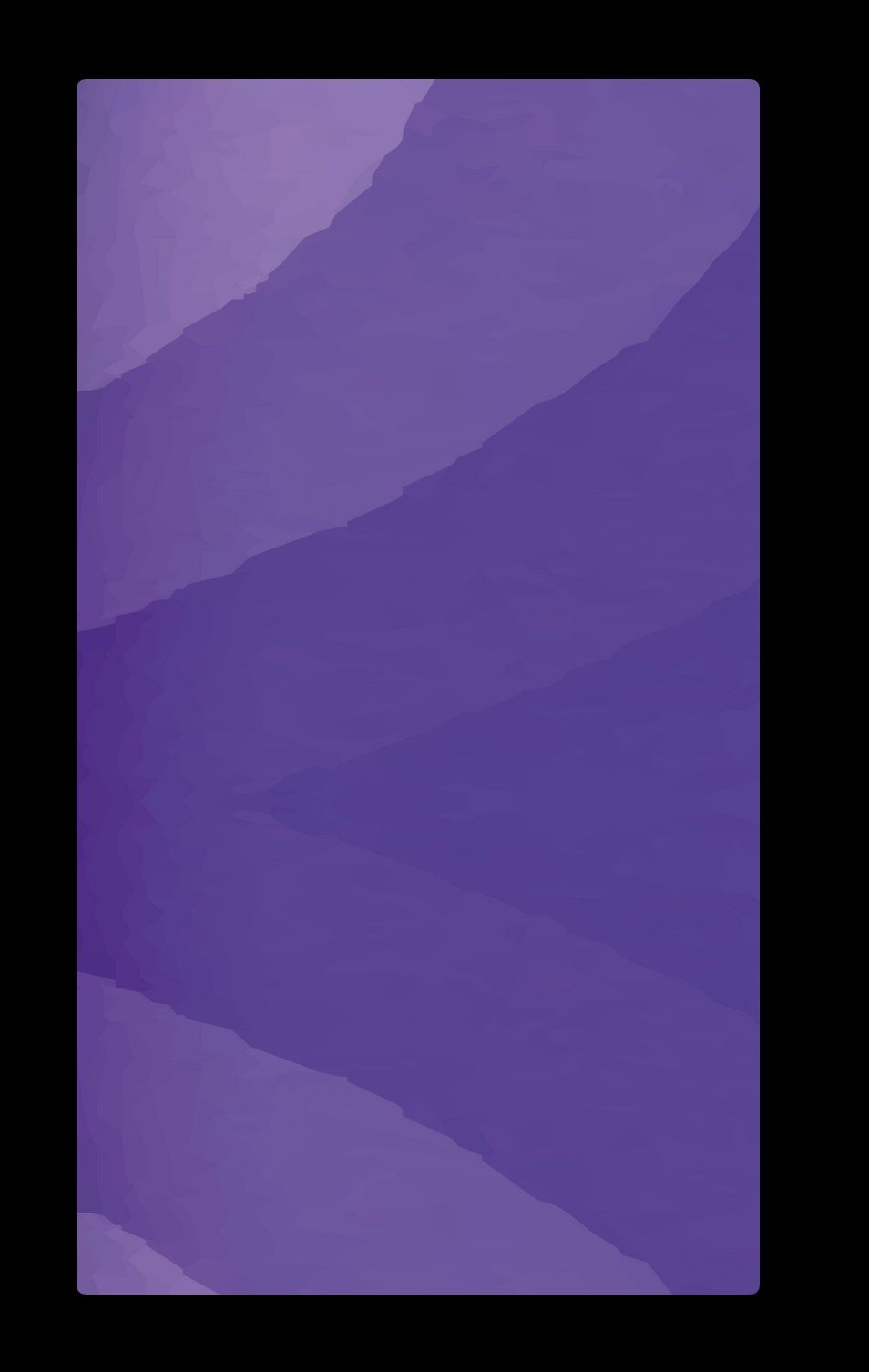
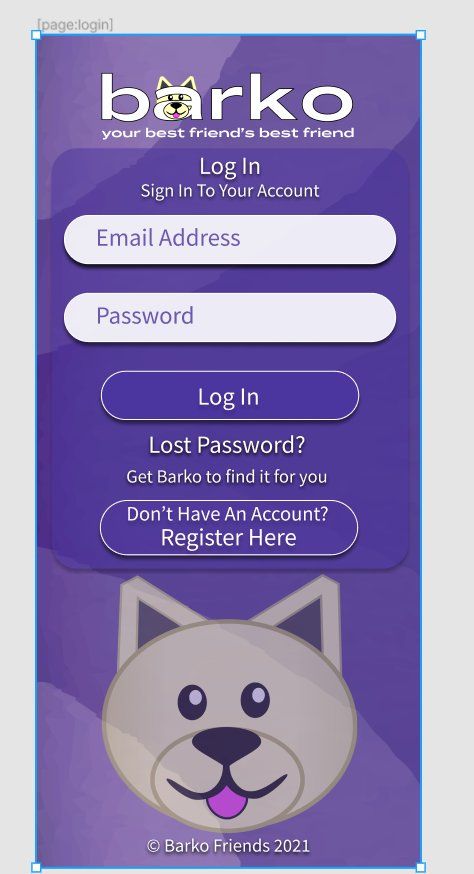
So I have the purple background with the pattern, then the Logo, drop shadow box and the dog picture, then the buttons and text.  Perhaps I'm using too many layers, and you can't have a full screen background behind it all.

This is what I'm aiming for - this is how it looks in Figma, and how it looks in the Bravo Studio program:

03.jpg

But in Bravo Vision, I either get this:

01.jpg

Or this, which scrolls down to the menu above:

02.jpg

:)

Karla September 30, 2021

- Backgrounds should never have a container.
- Backgrounds should be applied on the main frame the level 0.
- you can merge the dog into the main background and use that on layer 0.
Inside:
- you can add a container logo
- you can have a container login with the rest

Paul September 30, 2021

Okay, so I managed to get it working, but I think it's a solution that will only work with static pages, rather than ones where it will resize.  

What I did was add the background image to all three containers, but at the size of the entire screen.  That meant the design in all three sections match up and just look like one picture.

I know it's not ideal to have the same picture loading three times for one page, but it's a workaround for now, anyway.  🙂

Paul September 30, 2021

Thanks for that Karla, sorry I missed these replies when I posted!

How do I sent you a link to my layers / file?  I know it might now be perfect, I've only been using Figma and Bravo for about a week.  🙂

Karla September 30, 2021

That’s wrong, you just need it once. That’s really a design practice and you may review it, but again, without accessing your file, hard to grasp it all.

Paul September 30, 2021

Like I say I'm new to it, and tend to dive right in to experiment. 😃

Wrote something in this thread and want it removed? Request removal

Still stuck?

Ask the community on Discord

This archive is read-only. New questions, office hours and product updates now happen in the Bravo Discord.

Join the Discord