← Design & Bravo Tags
Design & Bravo Tags November 8, 2022 · 4 replies

Problem on tab bar

Archived from the Bravo community forum (2021–2026). Some answers may refer to older versions of Bravo.
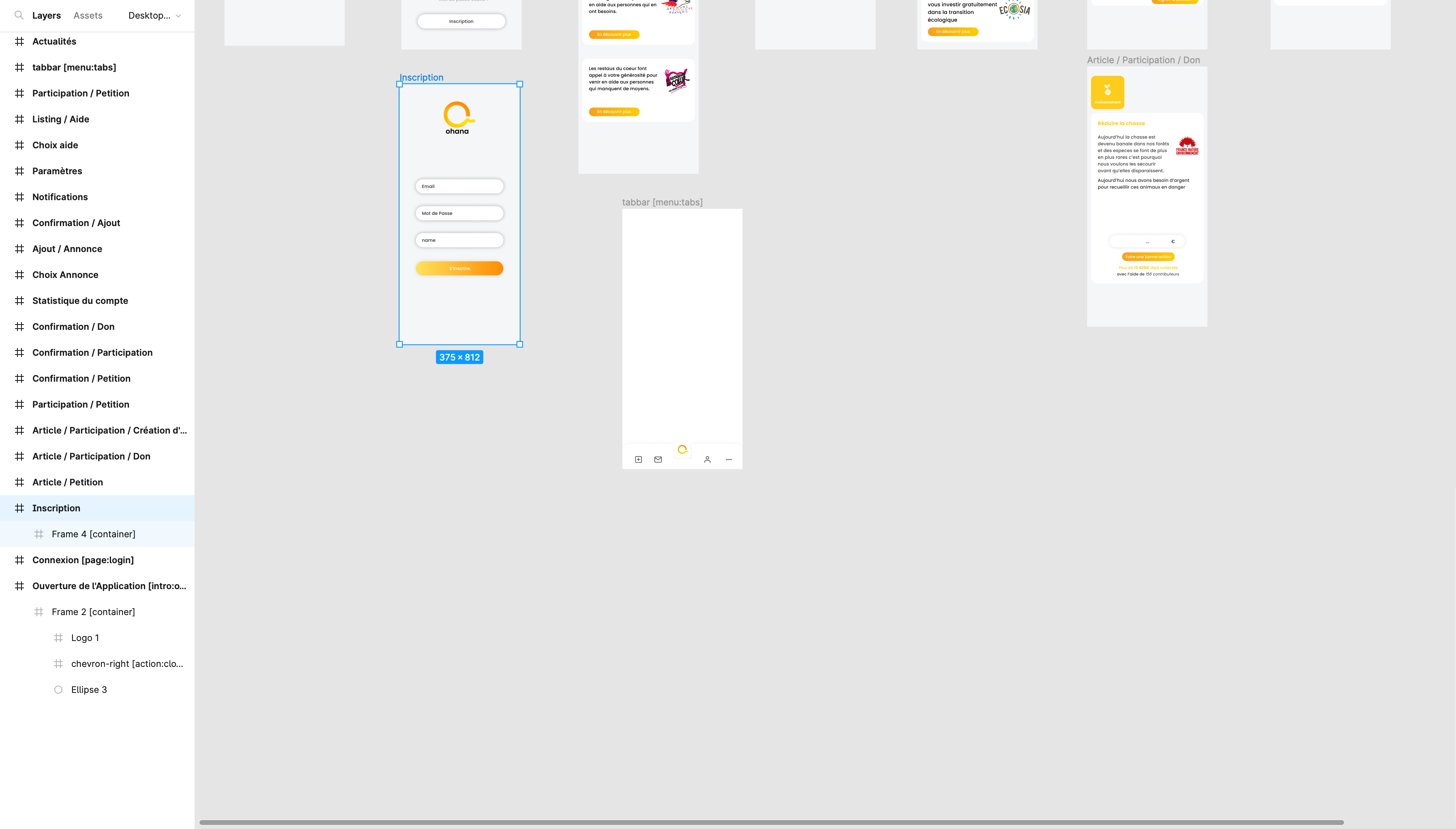
Capture d’écran 2022-11-08 à 10.15.30.png

I have put a tab bar but I don't show his on my bravo, it's empty on the frame and I don't see too on the preview
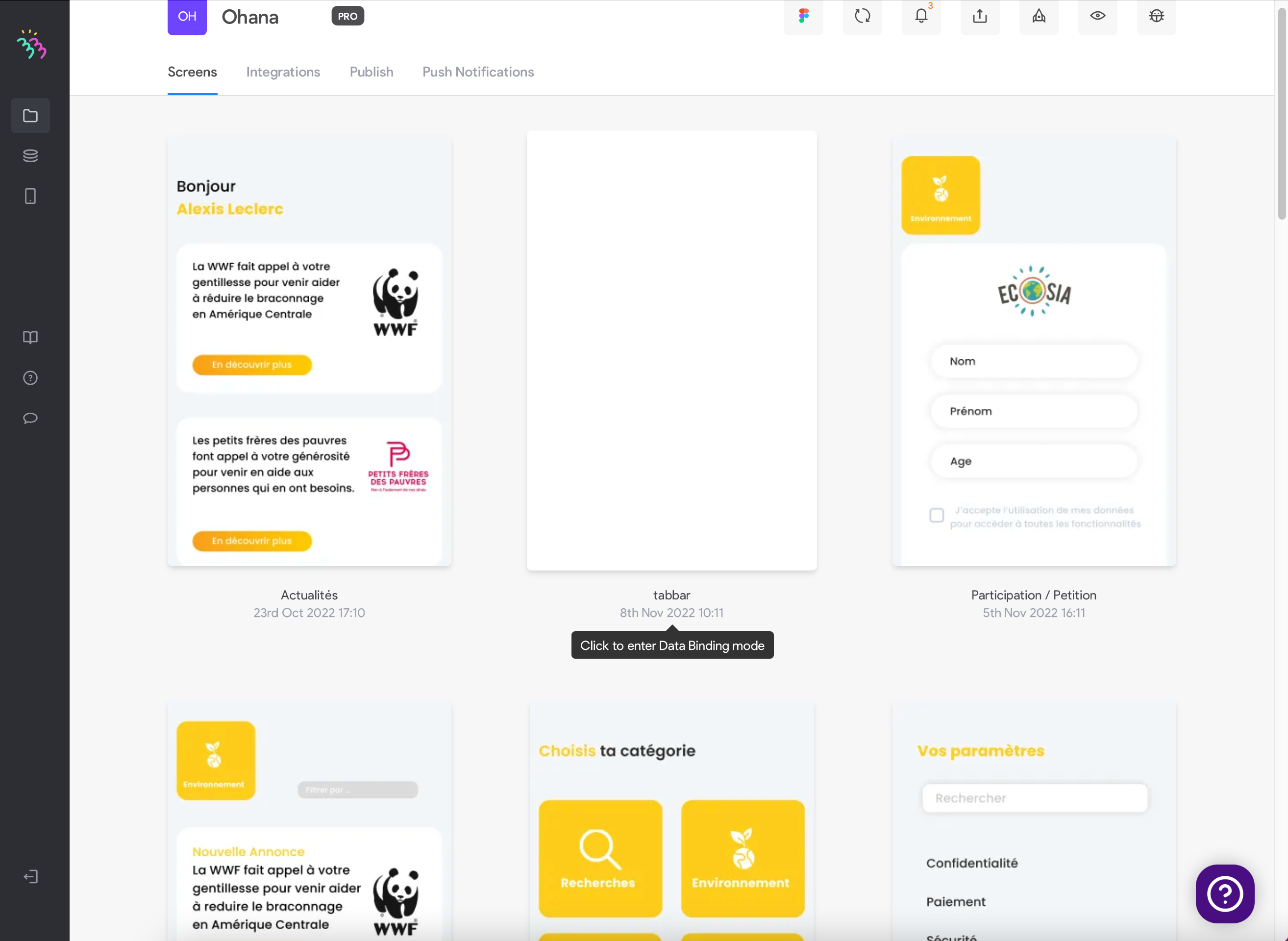
Capture d’écran 2022-11-08 à 10.23.40.png

Can you help me to resolve this problem

4 replies

Bastos November 8, 2022

First, don't rely on the preview in Bravo web app. Check it on Bravo Vision mobile app.
Then, if not working on the BV app either, share the figma file so we can see if there's an issue with the bravorizing.

Jaron November 8, 2022

From your second screenshot I can see that there are 3 notifications on your Bravo app, which implies there are bugs with your Figma file.

Also check if your elements for the tab bar menu in [menu:tabs] is in a [container]. Often it doesn't show up because it was not allocated in a [container].

Wrote something in this thread and want it removed? Request removal

Still stuck?

Ask the community on Discord

This archive is read-only. New questions, office hours and product updates now happen in the Bravo Discord.

Join the Discord