← Design & Bravo Tags
Design & Bravo Tags Solved November 6, 2021 · 5 replies

Responsiveness issue

Archived from the Bravo community forum (2021–2026). Some answers may refer to older versions of Bravo.

Hi! I've tested my app in iPhone 5 and there are some responsiveness issues like button in almost out of screen and text paddings are gone (See screenshots). The original design in Figma is made for iPhone 11. Any way to fix it with Bravo? Thank you:)
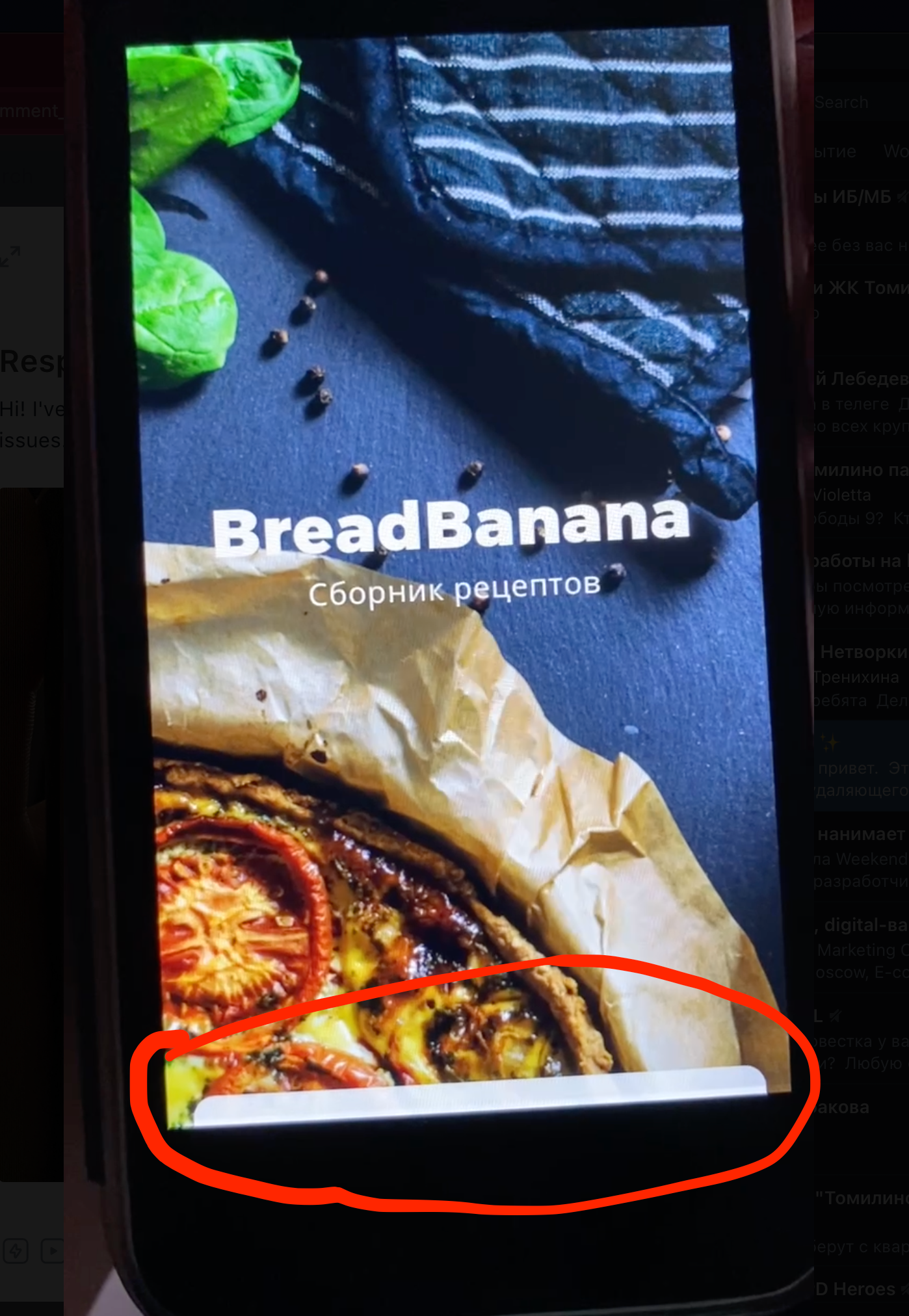

Screenshot 2021-11-06 at 14.44.29.png

photo_2021-11-06 14.43.45.jpeg

5 replies

Karla November 6, 2021

The responsive on bravo won’t make the heigh smaller, but adaptive. So, if in your case you want that button to be above, design so it is above that area :) does that make sense

Vladimir November 6, 2021

Thanks for prompt reply! So, I mean that the button looks Ok on iPhone 11 (see screenshot) and on its place. But on iPhone 5 it is out of screen🤷🏻‍♂️

59787416-2CEF-4FDD-B78A-A5F9C750AD78.png

Valter November 6, 2021

Do you have the button inside a second level container with the tag [aspectratio:screen]?

Karla November 6, 2021

exactly the point I said then. This height is different on iPhone 5, and you should have in mind that. Resize, does mean anywhere to have it in the same space it means have it proportional

Wrote something in this thread and want it removed? Request removal

Still stuck?

Ask the community on Discord

This archive is read-only. New questions, office hours and product updates now happen in the Bravo Discord.

Join the Discord