← Design & Bravo Tags
Design & Bravo Tags September 22, 2021 · 13 replies

Search Bar (Adobe XD)

Archived from the Bravo community forum (2021–2026). Some answers may refer to older versions of Bravo.

Hi there,

I'm having trouble in my search bar..

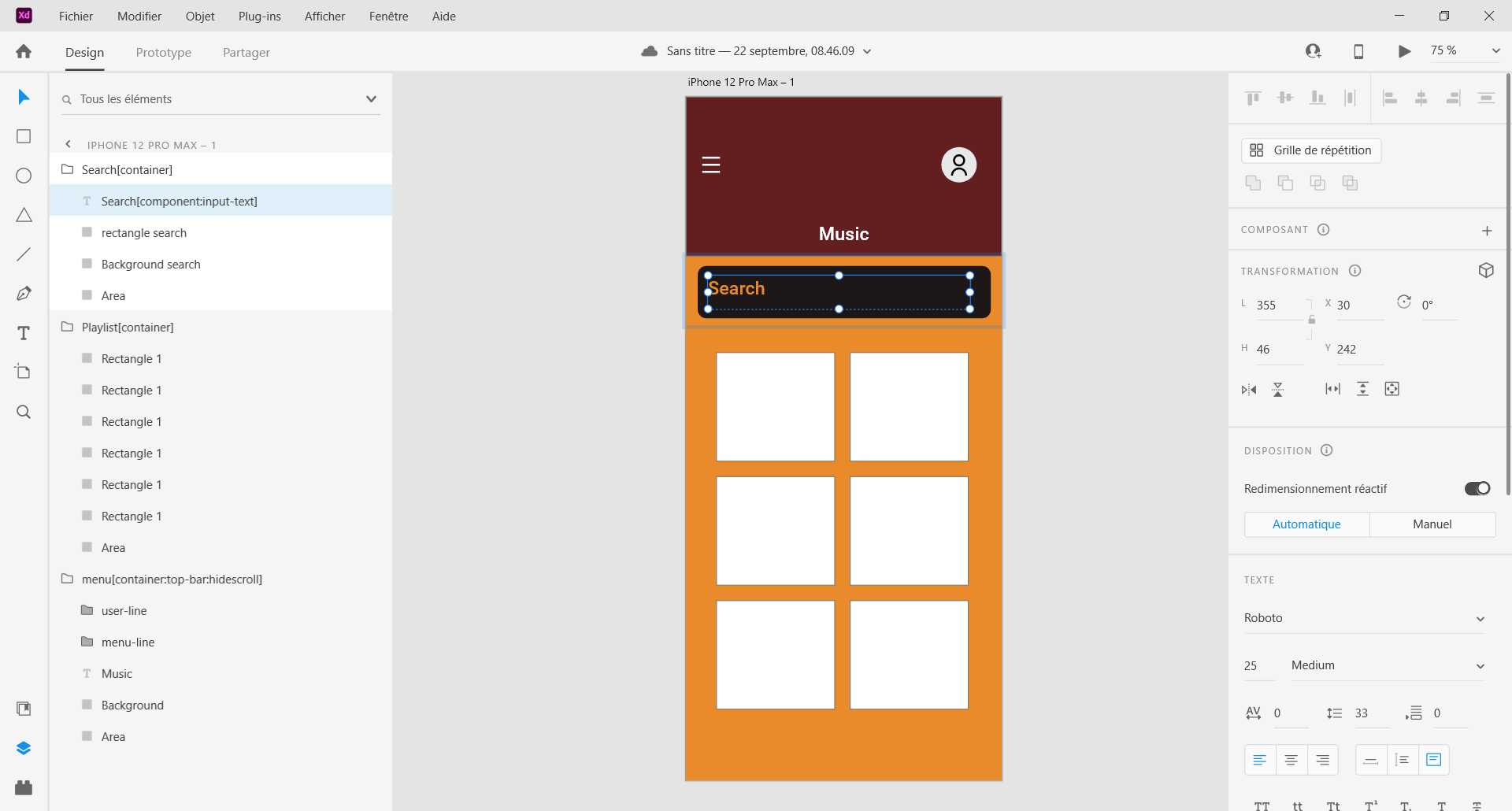
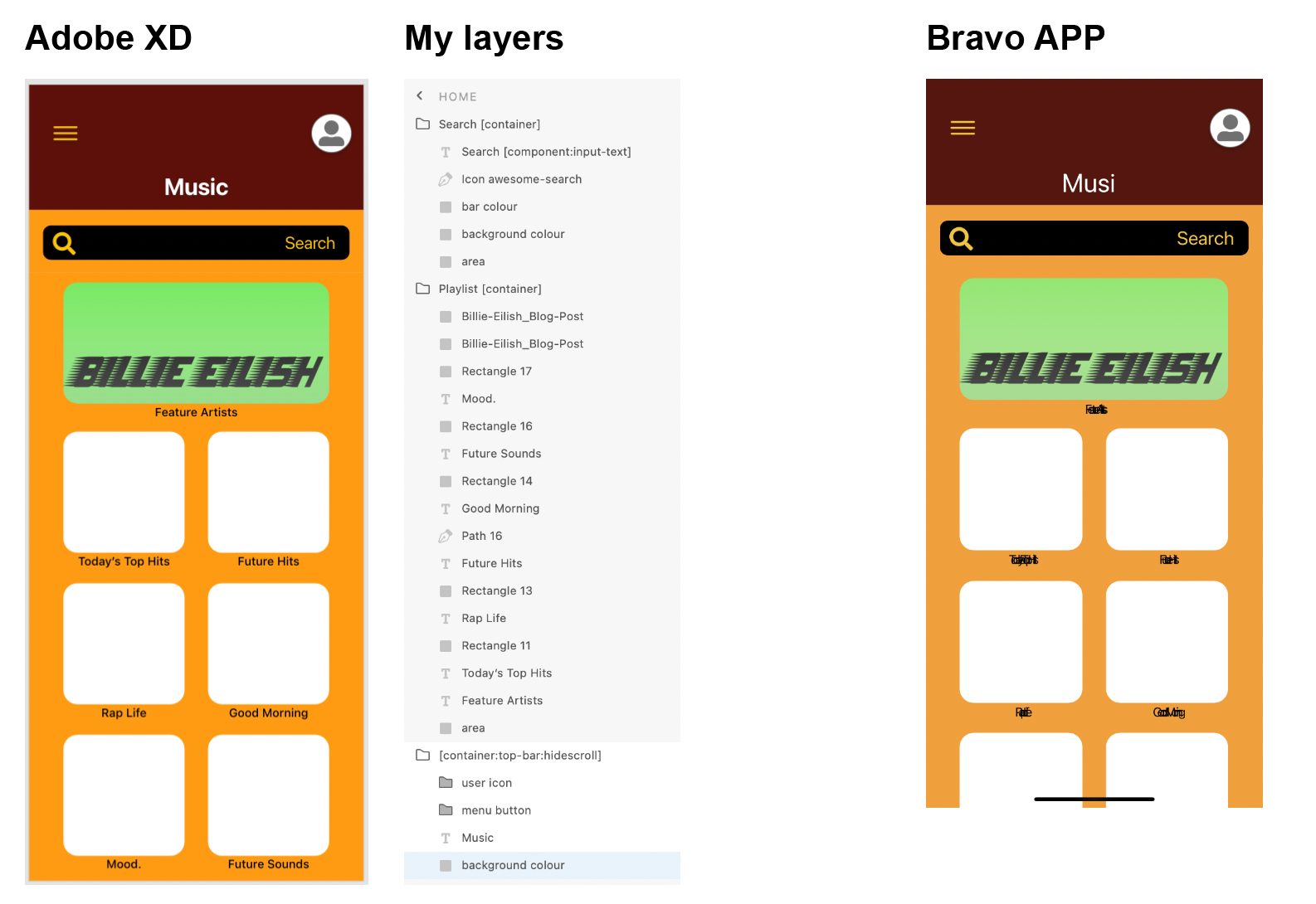
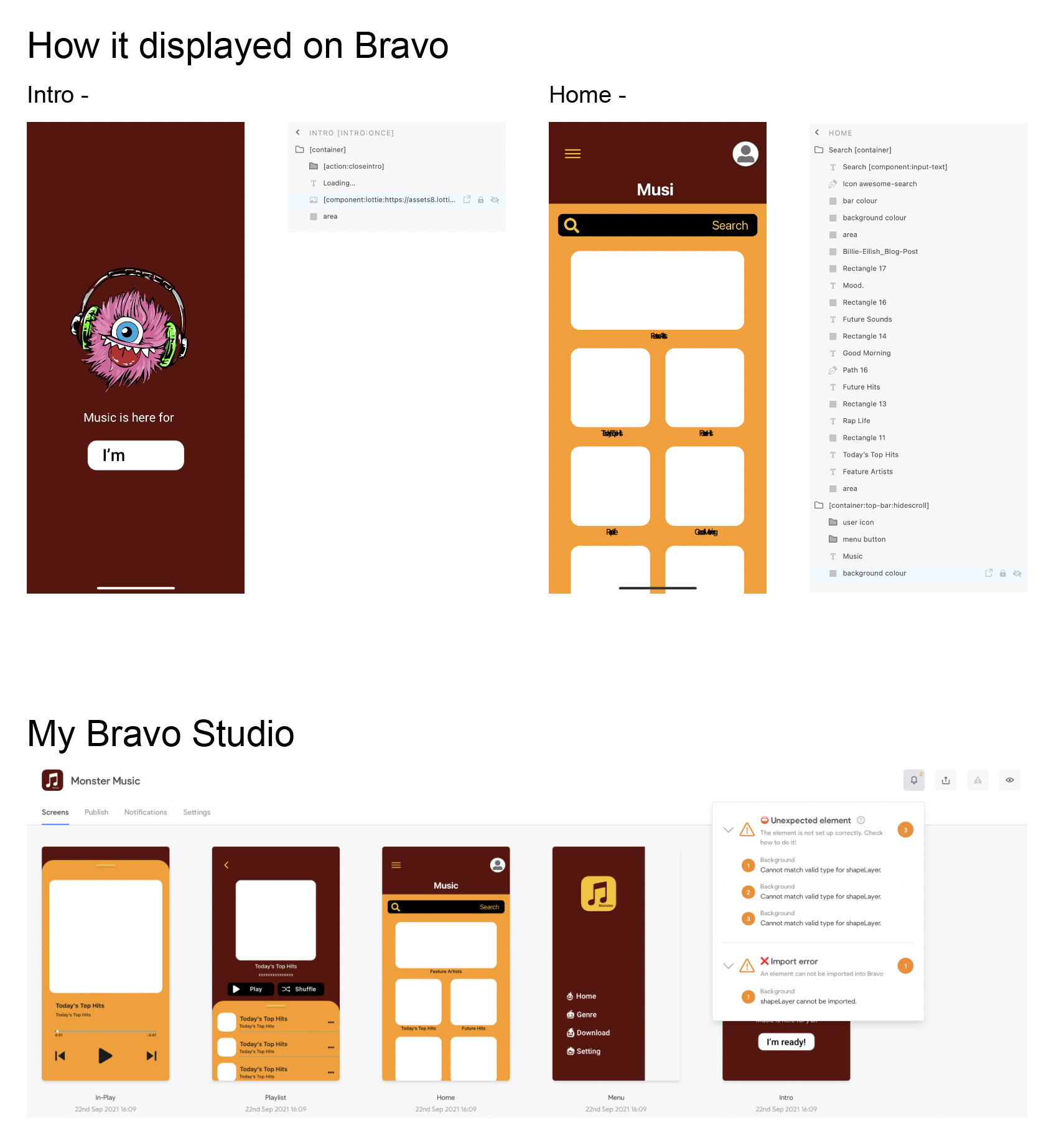
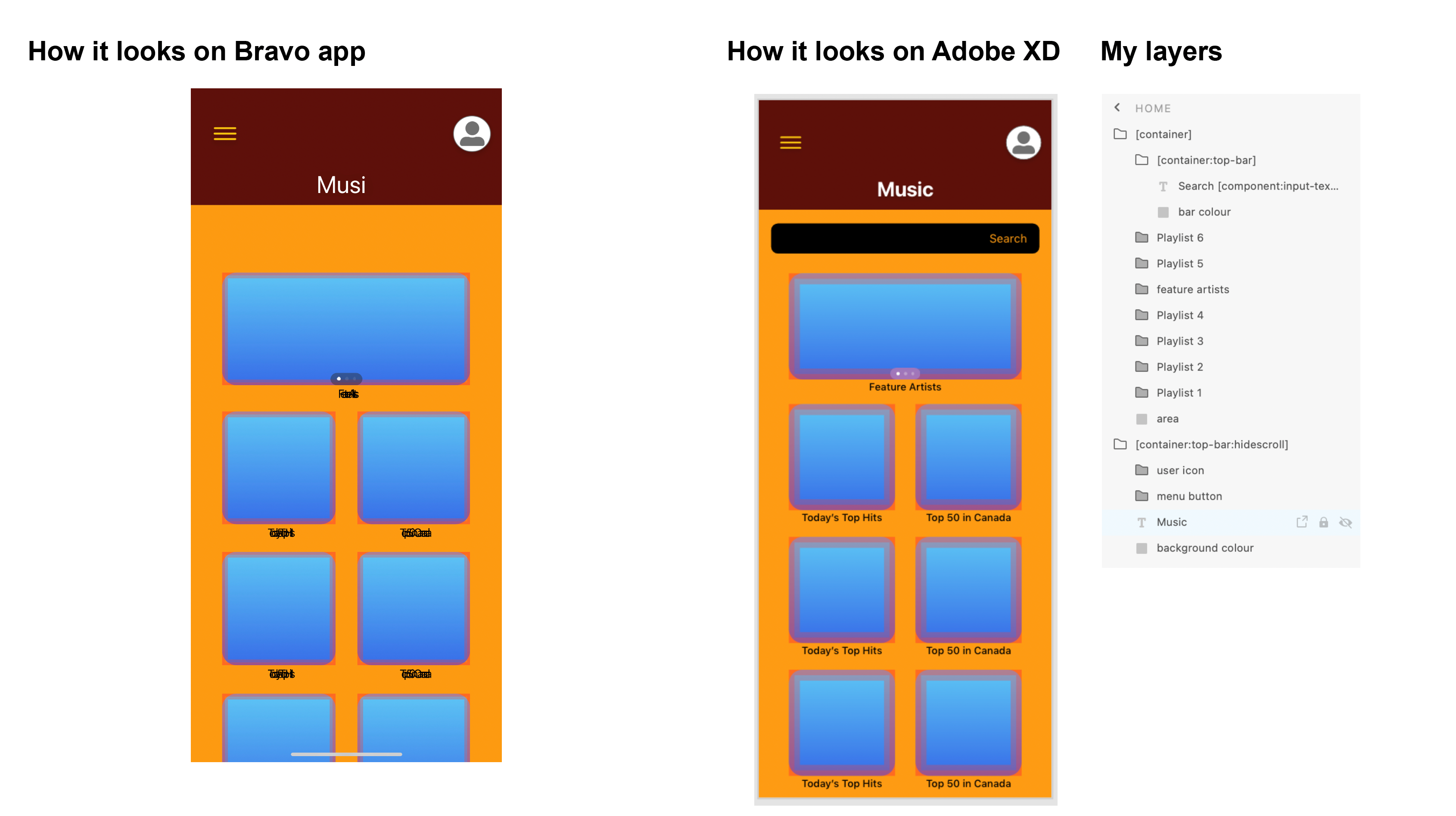
So for some reasons, it's not showing properly on my Bravo app when I do the testing.. And below is my layers and how it looks like on Adobe XD, please suggest if anyone knows how to solve this issue. Much appreciate! 🙌
Screen Shot 2021-09-21 at 6.40.32 PM.png

13 replies

Karla September 22, 2021

I recommend you to check Bravo Videos on YouTube and see all of them that are also related to XD, and read and check the documentation files. You have already a container:top you can’t have too. Here, this is simply a container and it will keep the order from your file.

Lillian September 22, 2021

mm.. okay, i will check out those videos then. thanks for your reply.

Karla September 22, 2021

so, you can’t have two container:top, rename that to container and it will work. This was confused on the other message as too* replaced by keyword instead of TWO.

Stéphan September 22, 2021

Hello, try to rearrange the layers as well as the area.
Here is an example:

Adobe XD 22_09_2021 13_41_20.png

remove the [action: filter] filter if you are not yet linked to a database. Works in bravo vision

I hope I understood the question

Lillian September 22, 2021

WOW, thank you for taking your time making the sample here. I will try to remove the action filter & rearrange the layers properly. I really do appreciate your time and explanation. Thank you.

Lillian September 22, 2021

Yes! One good news, my search bar finally working properly! (After I removed action filter it works! Thanks again.☺️) But, still my fonts aren't showing right.. Is because Bravo only support certain fonts in XD?

Screen Shot 2021-09-22 at 1.48.11 PM.png

Stéphan September 22, 2021

Bravo does not support some fonts to my knowledge, they will have to be integrated into bravo studio

Karla September 23, 2021

and You can add the font files to bravo studio and the fonts will show perfectly.

Lillian September 23, 2021

Thank you for checking back. 🙂
I did add the font files to my bravo studio but the issue still occurred

Screen Shot 2021-09-22 at 10.21.29 PM.png

.

Karla September 23, 2021

I recommend you to try to find a similar font on google fonts, I believe all of those work.

Wrote something in this thread and want it removed? Request removal

Still stuck?

Ask the community on Discord

This archive is read-only. New questions, office hours and product updates now happen in the Bravo Discord.

Join the Discord