← Design & Bravo Tags
Design & Bravo Tags January 14, 2022 · 1 reply

Sort & Filter Data

Archived from the Bravo community forum (2021–2026). Some answers may refer to older versions of Bravo.

Hello,

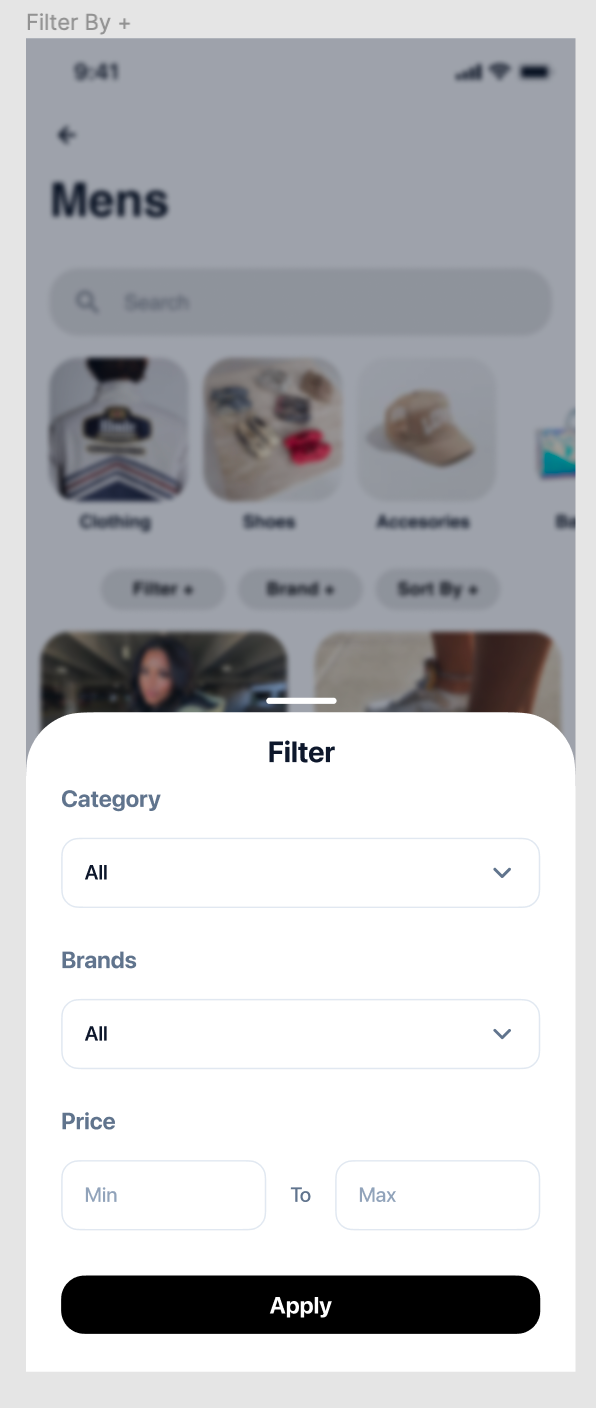
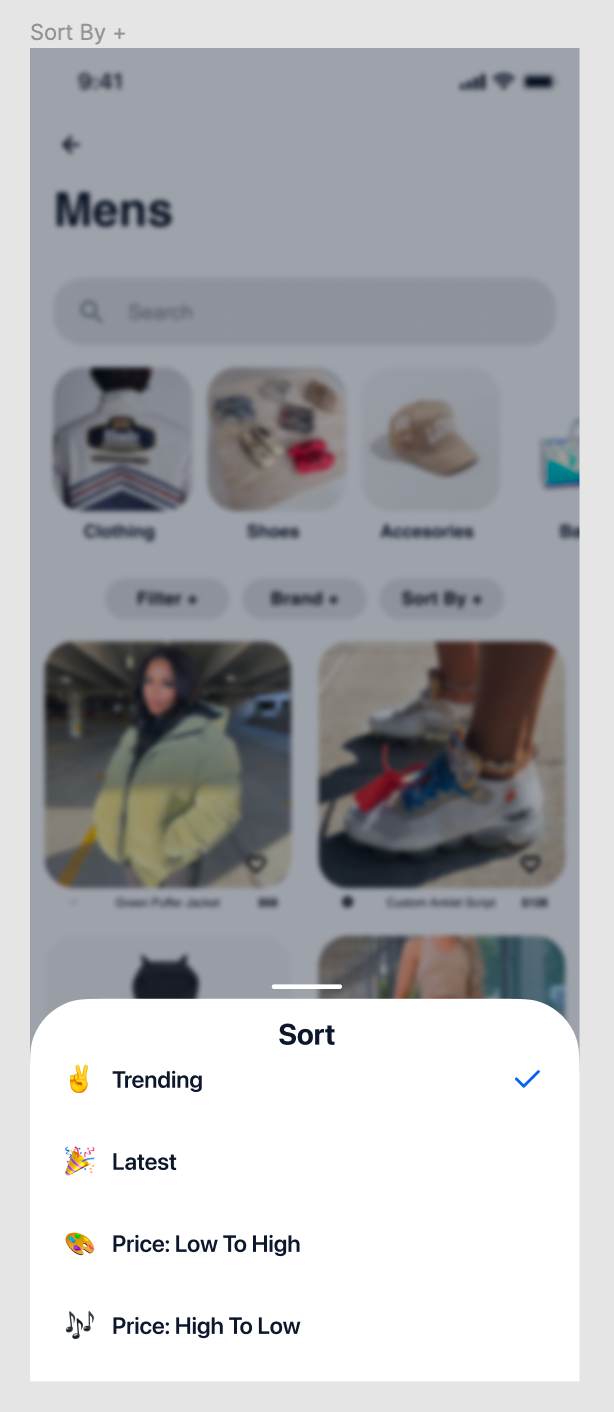
I am looking for the best way to implement a sort and filter for my data.

Looking to sort the data based on data like trending, creation date, price value.

And how can I filter the data, such as category (which would be a field on airtable with single select), brands (list of brands from record), price (range if possible, if not it is removable).

What would be the best way to design this into bravo studio? Thanks
Screen Shot 2022-01-14 at 2.42.27 PM.png

Screen Shot 2022-01-14 at 2.42.46 PM.png

1 reply

Javier Felipe Bravo team January 17, 2022

Hi !

To do some static filtering (like A-Z, trending and so on), you could create different detail screens, each of them bound to a request returning the items in the desired order. In Airtable, for instance, you can create different views based on that, and add filtering as well (that's someting all backend tools support).

In case you want do do more dynamic filtering (including a category and a range of price, for instance), you can create a form and implement some filters (this will be different depending on the backend tool you use). To pass the variables in Bravo, you can apply the logic shown in this video by to implement a backend search: https://www.youtube.com/watch?v=dXSgk1cyB70&t=1s

Hope this was useful, let us know in case you have questions :)

Wrote something in this thread and want it removed? Request removal

Still stuck?

Ask the community on Discord

This archive is read-only. New questions, office hours and product updates now happen in the Bravo Discord.

Join the Discord