← Design & Bravo Tags
Design & Bravo Tags Solved November 15, 2022 · 7 replies

Suddenly design files are not shown on Bravo Studio

Archived from the Bravo community forum (2021–2026). Some answers may refer to older versions of Bravo.

Hi there,

I have successfully imported the files from Figma and started working on Bravo Studio.

Everything was fine with my Figma files and Bravo Tags

However, the next day the design files seem to be broken on Bravo Studio.
I have deleted the project and recreated it, nothing works.

As you can see in the screenshot files.
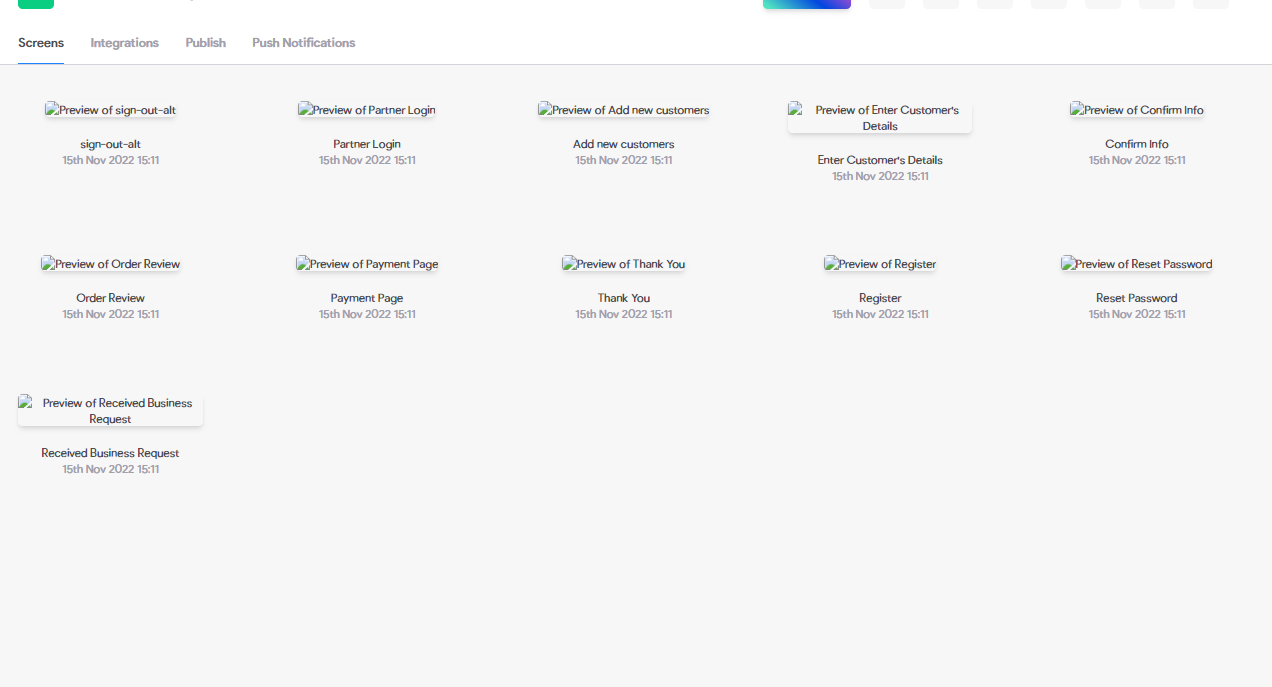
Brvo-figma-files-problem.png

If anybody knows how to fix this, please let me know.
Thank you :)

7 replies

Javier Felipe Bravo team November 15, 2022

Hi , this is an issue with the screen previews that we're investigating. You should be able to access the screen binding section by clicking on the screens. Sorry for the inconveniences.

Morten November 15, 2022

Same here 😣 This is really affecting the workflow. Not ideal when you sit every day in the tool.

Jaturont November 16, 2022

No, it's still the same.
And to double check, I've cleared my computer cache then checked again.

The problem is still there.

Jaturont November 16, 2022

OK, so you have to delete the project, and import the files from Figma again to make the files appear normally.

Now it works.

Wrote something in this thread and want it removed? Request removal

Still stuck?

Ask the community on Discord

This archive is read-only. New questions, office hours and product updates now happen in the Bravo Discord.

Join the Discord