Archived from the Bravo community forum (2021–2026). Some answers may refer to older versions of Bravo.
I'm using [menu:tabs], and when I first load my app I can scroll far enough down the page to see all my content. However, after I navigate through my app for a bit, long pages can no longer be scrolled all the way, so some content remains hidden behind the menu.
This is the bottom of my home screen on first load
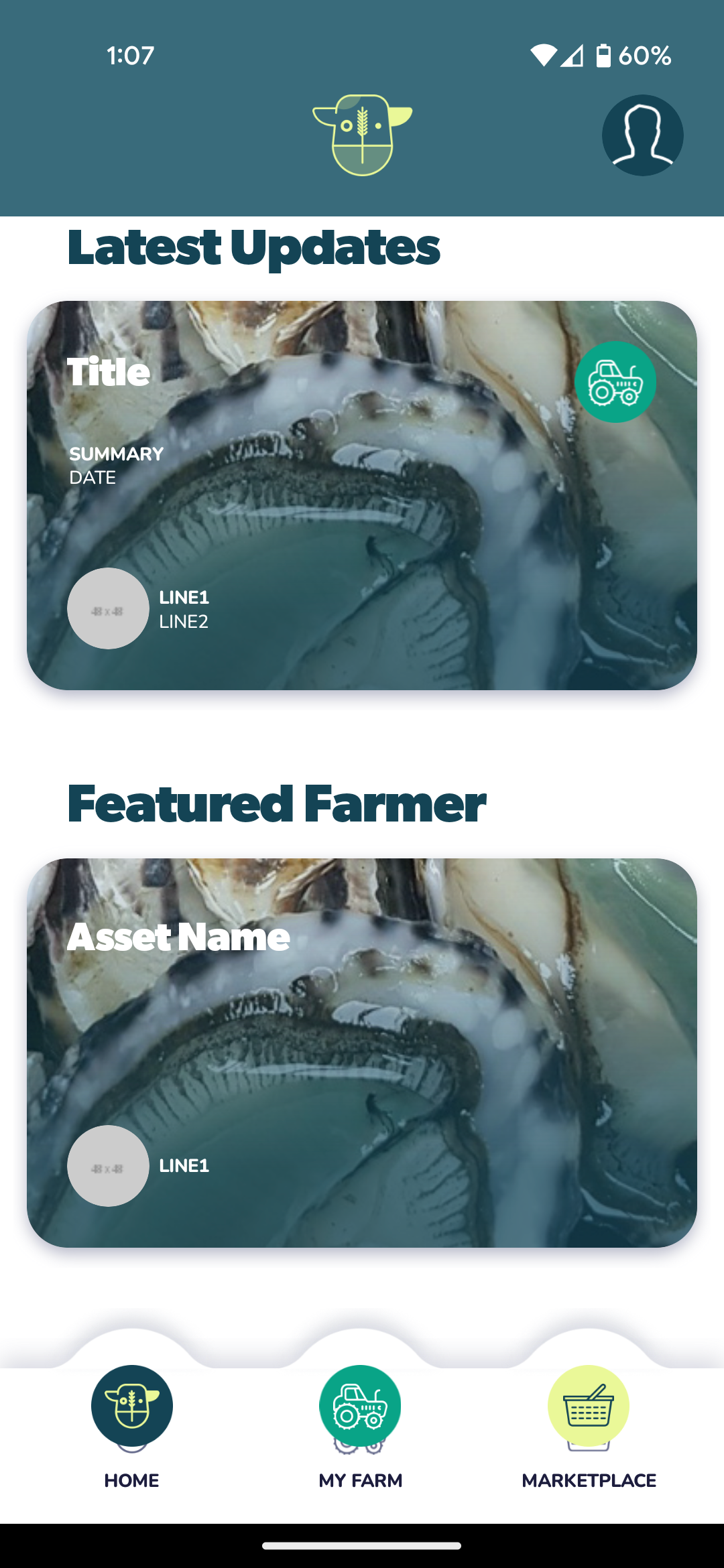
And this is as far down as I can scroll after navigating to some other pages
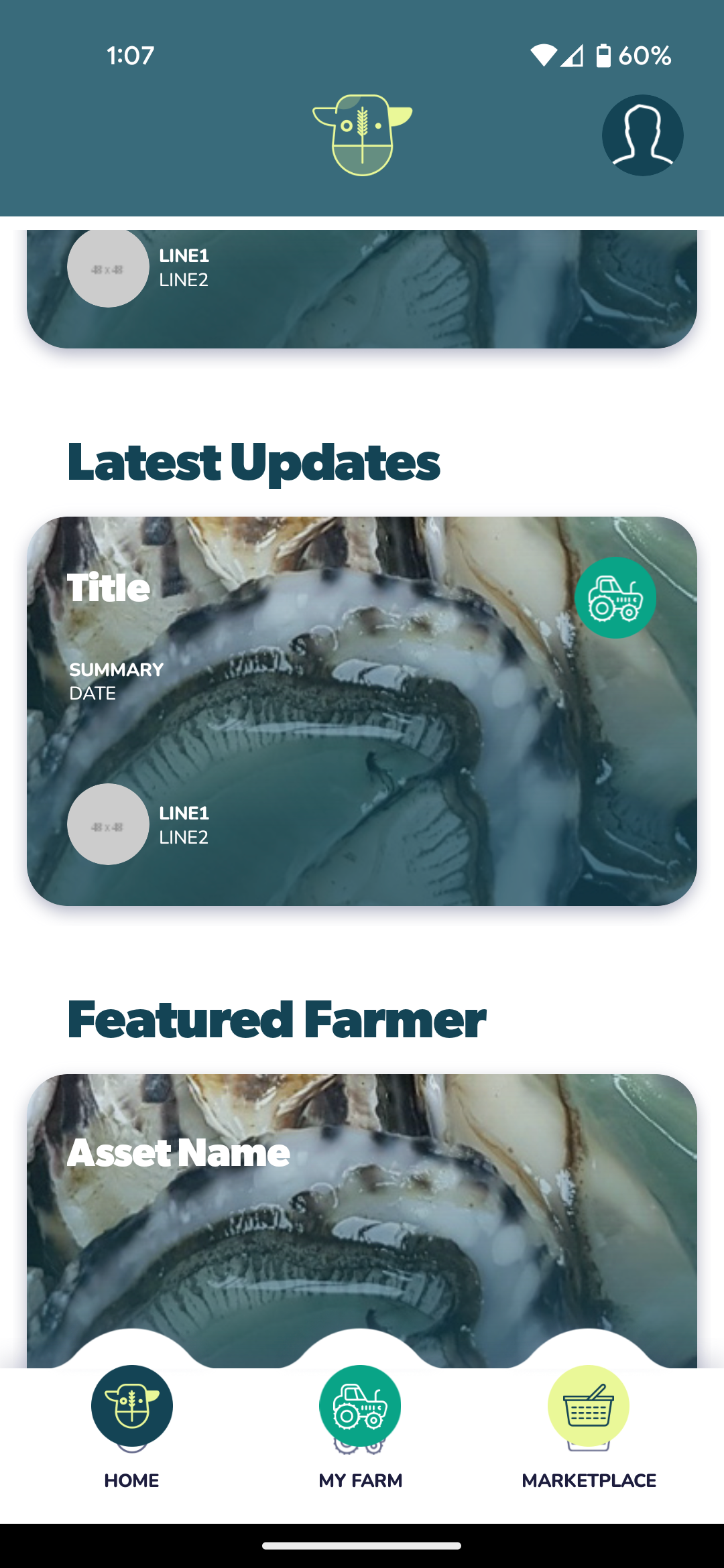
I think this is only happening on Android.
1 reply
Wrote something in this thread and want it removed? Request removal
Still stuck?
Ask the community on Discord
This archive is read-only. New questions, office hours and product updates now happen in the Bravo Discord.
Join the Discord