← Design & Bravo Tags
Design & Bravo Tags July 28, 2022 · 2 replies

We have a list of icons a user can select from as the icon for a specific repeating data…

Archived from the Bravo community forum (2021–2026). Some answers may refer to older versions of Bravo.

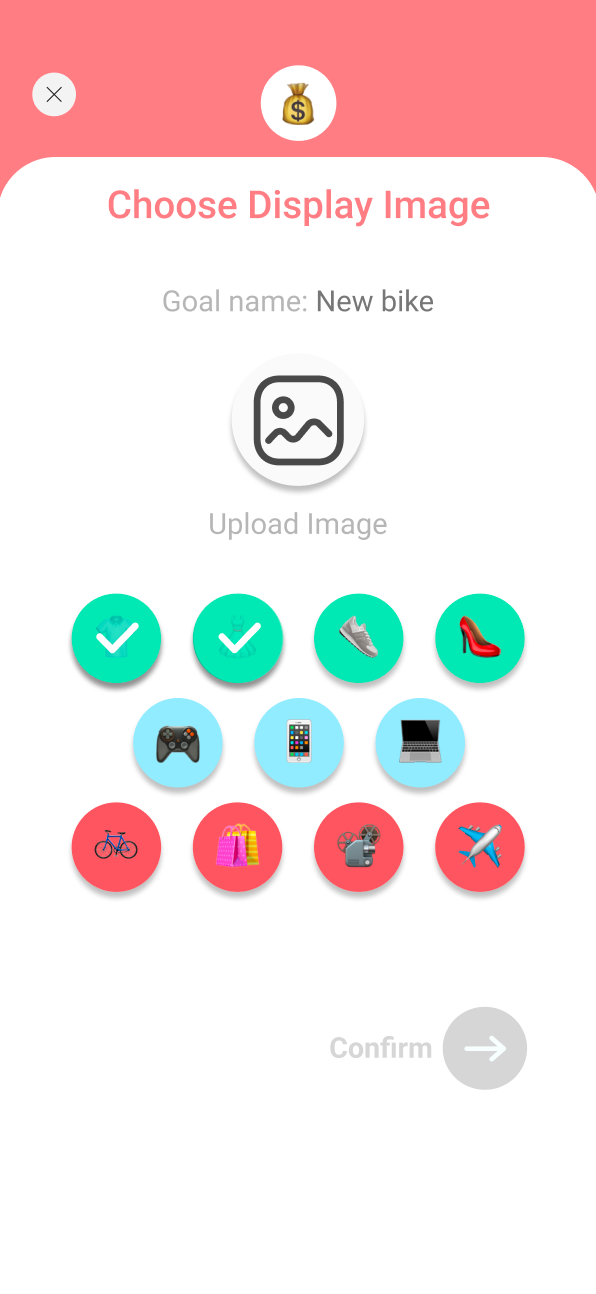
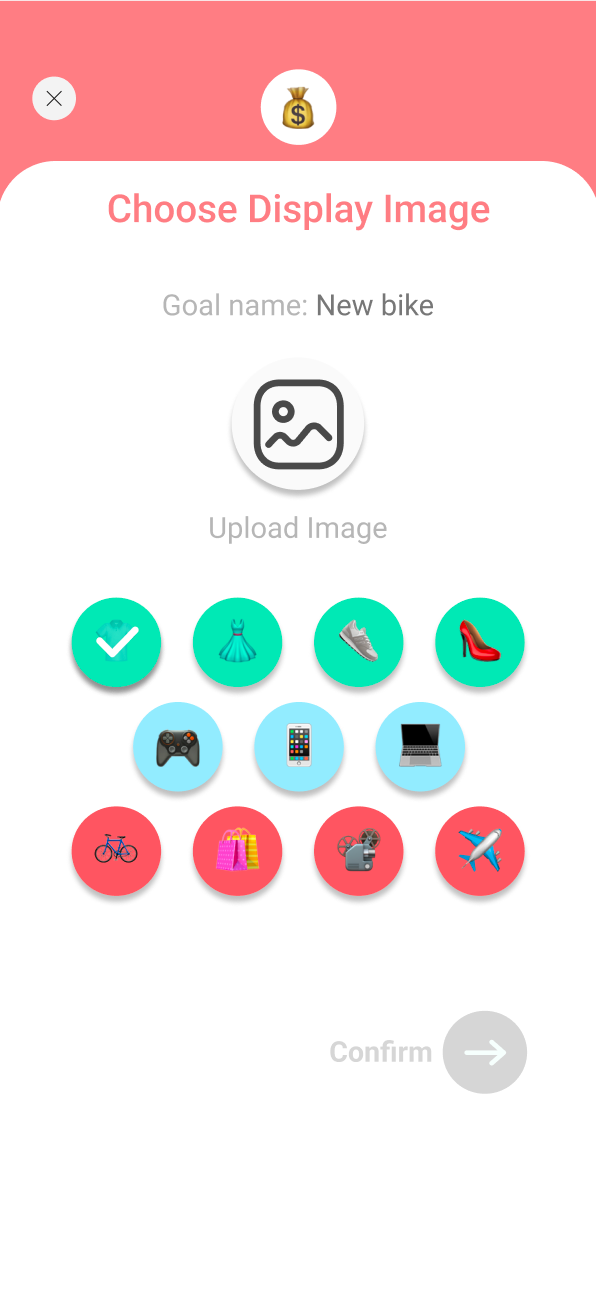
We have a list of icons a user can select from as the icon for a specific repeating data list item. We would like to show users a different state of the icon once the user has selected their desired icon. The problem is, every icon has a state and thus every icon can be selected. How do we stop users from being able to select more than one icon at a time?
Screenshot 2022-07-28 at 15.13.28.png

What awe don't want to happen?

Screenshot 2022-07-28 at 15.16.27.png

2 replies

Divyansh July 28, 2022

Interesting and I think the solution is simple, just do what we do with button, add a conformation popup instead of a confirmation button you placed, this way whenever any one icon is clicked the state is changed first and a popup is opened for confirmation, but as soon as we close the popup the state comes back to default, 
same working of a simple state changing button.
via this your both tasks will be accomplished, of showing tick state and also not allowing users to select multiple icons.

Casey September 2, 2022

Are there any instructions anywhere on how to get this functionality to work,  without the states, (or with the states) I'm just trying to give people the option to choose from an existing bank of photos or upload their own,  not finding any documenation on how to pull that off? 

I'm using Xano.

Thanks!

Wrote something in this thread and want it removed? Request removal

Still stuck?

Ask the community on Discord

This archive is read-only. New questions, office hours and product updates now happen in the Bravo Discord.

Join the Discord