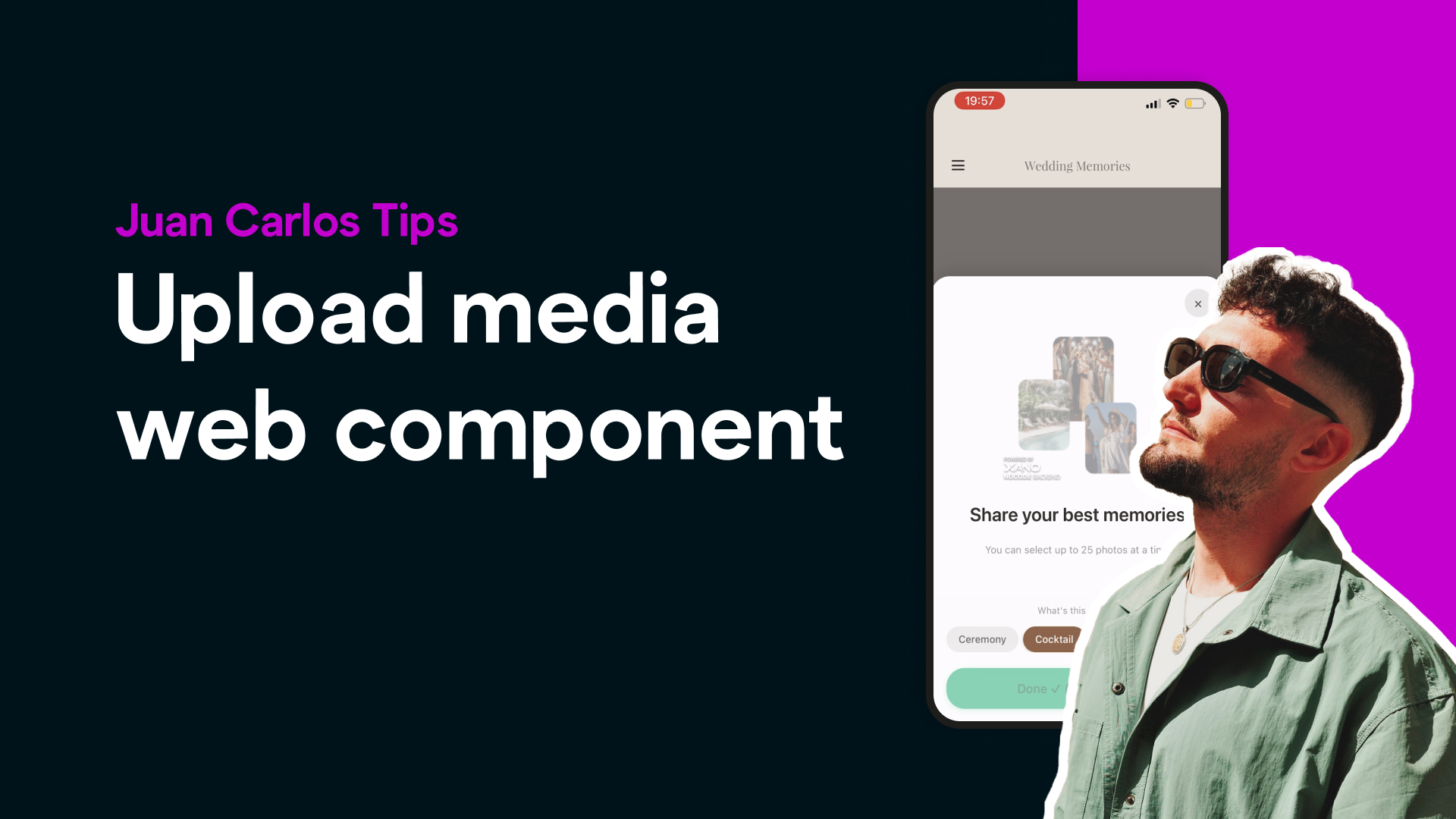
Creating a shared photo and video space inside an app is one of the most requested features today, especially for event apps like weddings, conferences, and private communities. In this tutorial, Bravo Studio expert Juan Carlos shows how he built a clean, intuitive “guest upload” experience that looks fully native inside the app.
The goal was simple:A single place where guests can upload photos and videos, and users can easily browse everything like a shared album.
Step 1: Designing the Experience in Figma
Juan Carlos began by designing the actual screen where the media component would live. This included the uploader, gallery preview, and full-screen media viewer. Figma became the visual blueprint for the feature.
Step 2: Bringing the Screen Into Bravo Studio
Once the screen was designed, it was imported directly into Bravo.He built the page normally, just like any other Bravo screen.Then he added a single Web Component — the container where the full media upload experience would run.
Because the component takes almost the full screen, the feature feels like part of the app rather than an embedded iframe or external add-on.
Step 3: Creating the HTML Component
Before writing a line of code, Juan Carlos designed how the uploader and gallery should look.This design became the reference for the HTML structure.
The HTML component handles:
File uploads
Photo and video rendering
Responsive gallery grid
Full-screen viewing
Basic navigation
Clean transitions
Everything is fully integrated while still maintaining Bravo’s native app feel.
Step 4: Building the Backend With Channel
To manage the data, Juan Carlos used Xano, setting up three simple endpoints:
One for uploading media
One for fetching media
One for serving the HTML component to the app
It’s a lightweight but powerful structure that keeps the experience fast and reliable.
Final Result
The result is a polished, delightful media upload feature that blends into the app seamlessly.Design in Figma → build in Bravo → interactions via HTML/JS → backend in Channel.A perfect example of what creators can achieve when combining Bravo Studio with custom components.
⭐ Want to work with Juan Carlos?
If you want help building advanced custom Bravo features or need expert guidance bringing your app idea to life, let us know.We’ll connect you directly with Juan Carlos https://juancarlostoledanosantosdh0rzenj.contra.com/